
MOLOPLD - Minecraft Skins & Skin History
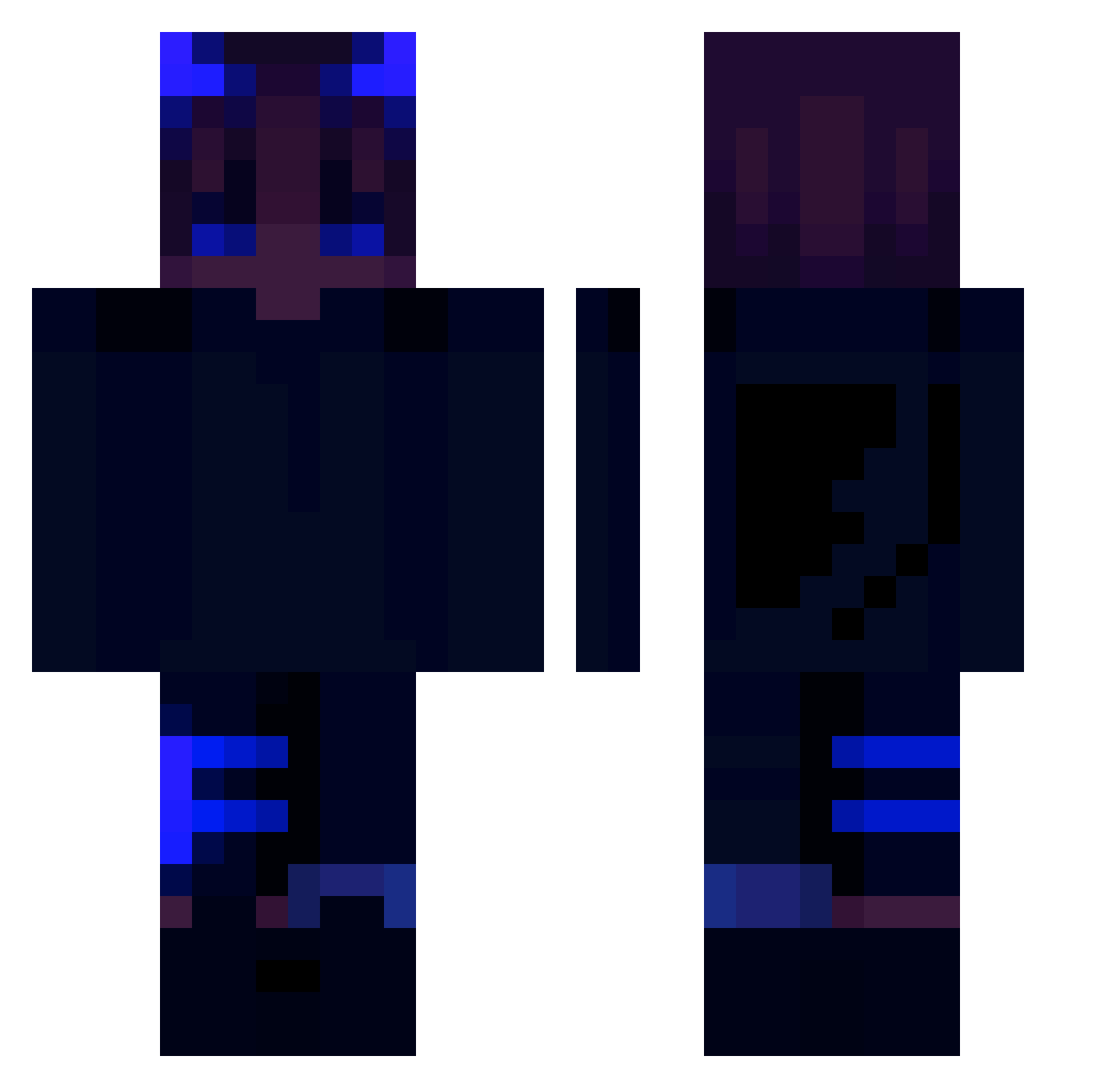
Current Minecraft skin of the player MOLOPLD, loaded from the official Mojang API. Rotate the 3D model with your mouse or finger, then download the skin as a PNG file and use it in Minecraft: Bedrock Edition or Java Edition for free. When MOLOPLD changes their skin, this page updates automatically and the old skin stays in the history below.
Other players with this skin (262)
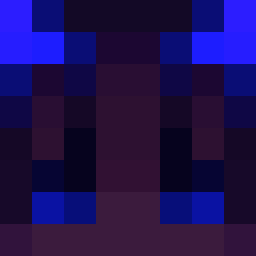
MOLOPLD was the 212th player we have seen with this skin, first spotted on 01.11.2026. The same skin was seen on these players. Open a nickname to see their current skin and skin history.
 NoseDeaf xRvard o12NaRynku ASDFGAR sd22644365bot SuperLev2015 Sparks_16 Schwan1 DaaSeeker Gialby01 Miloszzzzz Kokosek2186 Jikamii Elofrequenz Krelle112 YourExWasBest kljajo Eldodsite Pimer_ DiegoJohn sspiffy Tcrs Sklave_Taiby MrJackoozi MoxyFoxyWoxy suzu_kazu Fritte09 Biggjim Mrpjotterrr Siusiukiu Splashie TrueNibb DevAttack Takis3k Amin1235 ldolegend kiraxyz_ meteoriron DankOne289 xtrcs Xheont Plemag DaddyDavid92 Nevok277 kotyra34 MidnightLefty Chinesecex _Twitser_ Apexslayer19 Makronenbourg AhZebi Frqserr Dev_Jacob ZYYking123 zNiggels Very_Lost __Mads_ KingSavage503 Provigex Moritz0807
More Wings Minecraft skins
How to install the MOLOPLD skin
- Press the Download button above to save the skin as a PNG file.
- Minecraft: Bedrock Edition (PE): open the Dressing Room from the main menu (or tap your character → Edit Character), go to Classic Skins → Owned, press the + (new skin) button, choose the downloaded PNG and pick the Classic (Steve) model. Works on PC and mobile; consoles cannot import custom skins.
- Minecraft: Java Edition: open the Minecraft Launcher, go to the Skins tab, click New Skin, load the PNG, pick the Classic (Steve) model and press Save & Use. You can also upload it at minecraft.net → Profile → Change Skin.
The skin does not show up after import - what should I do?
Restart Minecraft and open the Dressing Room again - imported skins sometimes appear only after a restart. Also make sure you selected the imported skin and picked the Classic (Steve) model.
Which model should I choose, Classic or Slim?
This skin is designed for the Classic (Steve) model. If you pick the wrong model, the arms of the skin will look stretched or squeezed.
Is the skin of MOLOPLD free to download?
Yes. Press Download, save the PNG file and use it in Minecraft: Bedrock Edition or Java Edition - no payment or registration needed. The skin also works on multiplayer servers and Realms.
More skins
Looking for more? Go back to all Minecraft skins and check the top skins of the week, month and all time, or find any player's skin by nickname.