
MILCZUX - Minecraft Skins & Skin History
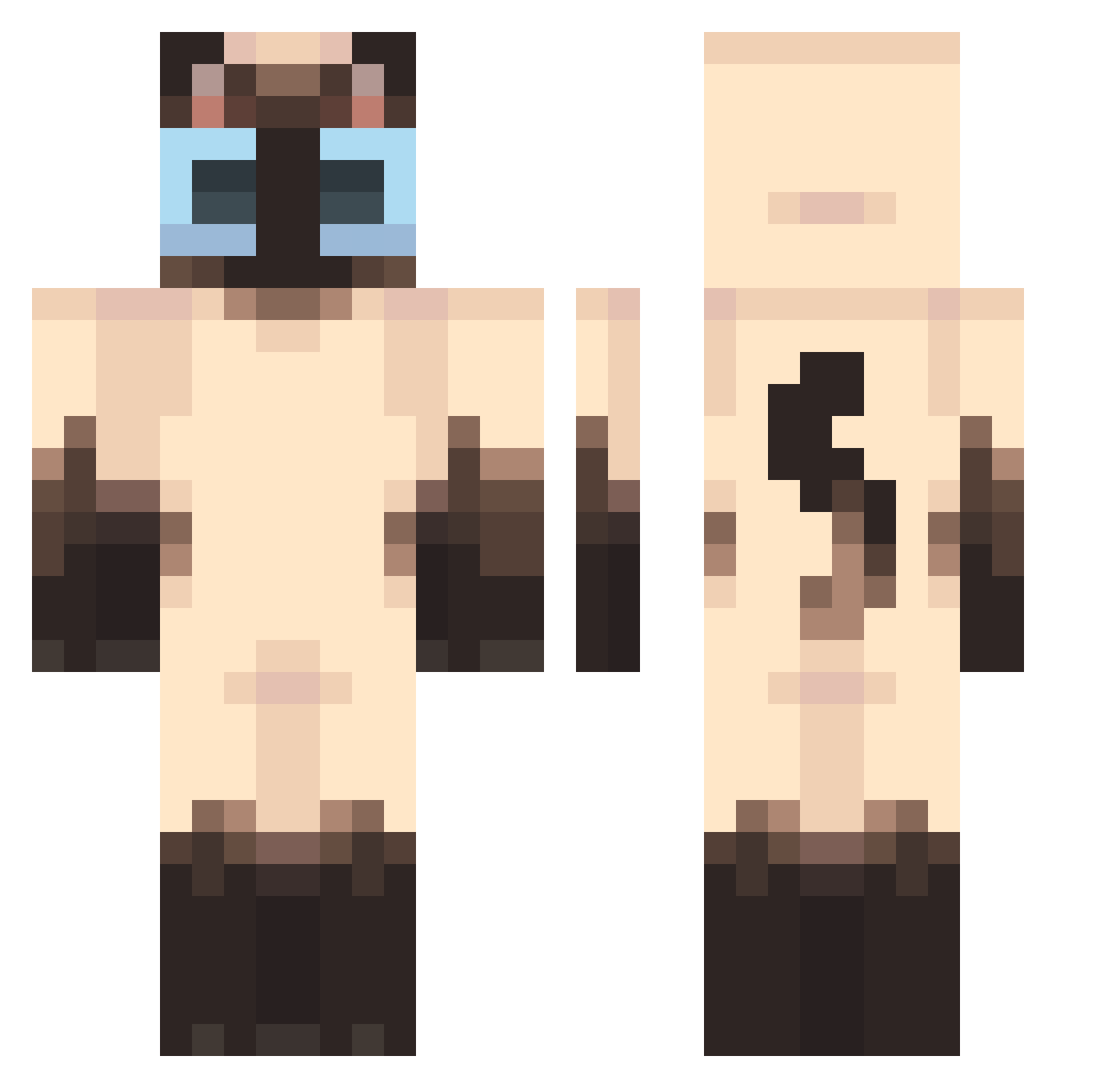
Current Minecraft skin of the player MILCZUX, loaded from the official Mojang API. Rotate the 3D model with your mouse or finger, then download the skin as a PNG file and use it in Minecraft: Bedrock Edition or Java Edition for free. When MILCZUX changes their skin, this page updates automatically and the old skin stays in the history below.
Other players with this skin (440)
MILCZUX was the 316th player we have seen with this skin, first spotted on 06.10.2026. The same skin was seen on these players. Open a nickname to see their current skin and skin history.
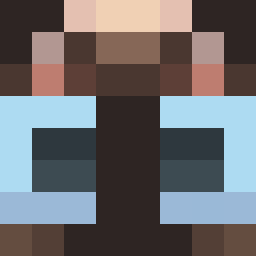 Nunyaku 9rok Yancheng10 seozz2 ZhuYeZi Vyxehn Nuarin1 emilio_mp3 XXLIP Stanley2k Qat__ elpepecumeador Kiciakocai Iscarlat aliceok V1kusya wabku67 cl0udyi Puncake1 GatoBirolo bey0nce420 xezziz yeesw2 Inriff Vivid_Wrath DiscoMatti IAmAT RicardoMilcAss b4ked0 DaroRL3 nekosan88182 imagoodkittymeow E7idence Crolita SpiderBea1 mogil0208 zoebaboe Jarlonfangus Space_Cat_PL Asr1th yipixsita 1Niyah11 EtoileUne PAYTOWIN_1160 Spoconymarek4206 emmamam FriedShrimp3833 Chips712 Inqdaniel CrazyLifers saaerans rahdezz Sardine2626 juumin SevenSheep27 Rufusto litlaklifurmus nelenzip43215 Mewtzs AlmaRenata
More Siamese Cat Minecraft skins
How to install the MILCZUX skin
- Press the Download button above to save the skin as a PNG file.
- Minecraft: Bedrock Edition (PE): open the Dressing Room from the main menu (or tap your character → Edit Character), go to Classic Skins → Owned, press the + (new skin) button, choose the downloaded PNG and pick the Classic (Steve) model. Works on PC and mobile; consoles cannot import custom skins.
- Minecraft: Java Edition: open the Minecraft Launcher, go to the Skins tab, click New Skin, load the PNG, pick the Classic (Steve) model and press Save & Use. You can also upload it at minecraft.net → Profile → Change Skin.
The skin does not show up after import - what should I do?
Restart Minecraft and open the Dressing Room again - imported skins sometimes appear only after a restart. Also make sure you selected the imported skin and picked the Classic (Steve) model.
Which model should I choose, Classic or Slim?
This skin is designed for the Classic (Steve) model. If you pick the wrong model, the arms of the skin will look stretched or squeezed.
Is the skin of MILCZUX free to download?
Yes. Press Download, save the PNG file and use it in Minecraft: Bedrock Edition or Java Edition - no payment or registration needed. The skin also works on multiplayer servers and Realms.
More skins
Looking for more? Go back to all Minecraft skins and check the top skins of the week, month and all time, or find any player's skin by nickname.