
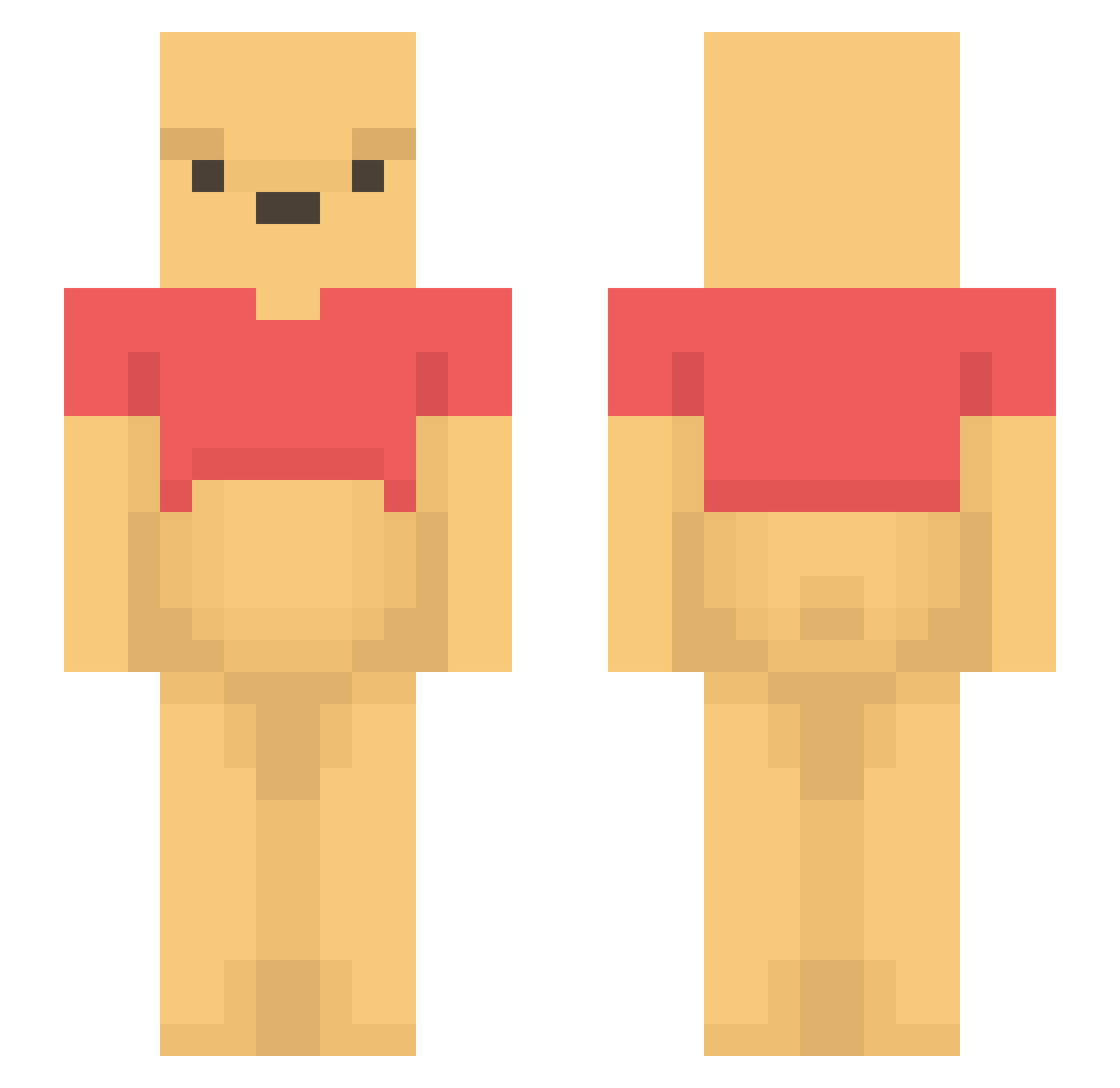
Current Minecraft skin of the player ME76, loaded from the official Mojang API. Rotate the 3D model with your mouse or finger, then download the skin as a PNG file and use it in Minecraft: Bedrock Edition or Java Edition for free. When ME76 changes their skin, this page updates automatically and the old skin stays in the history below.
Other players with this skin (1101)
ME76 was the 793rd player we have seen with this skin, first spotted on 27.09.2026. The same skin was seen on these players. Open a nickname to see their current skin and skin history.
 horunge21 ProBoy8 Smelliott2808 DankQueen1 KodiakM KANGJIMIN328 Geosaff Moloun DuelRequest ExtendedDueDate AyoWagwaan Eddamon Jeong_woohya OboroYRM Winter1590 aglusr yubu_18 niwa0927 GR8YT Cuautemoc jin1125 JorisD12 Michelle2704 DaddyDarrin GigaDongMan Jendylatr smileboy_ getrektnoobz Tari_zone DIRECTIONRRRRR bolo2426 Dorther StinkyGreeneBean a2cy_ molnarimi wolfxgaming12 iluvsara4 TheRealBCN hyaroy Lil3ggHead yaddooo BadeTobi sjyoon12 IamOline jollyrancherhoe Dag_JR iDeathxyz_ meow97__ cool_kimnse FadedNugget Heggi2006 ScottAgent P_san1 er_jok Jt2ton aliator121 Numbum735 Lay441 XUZHONGXUN Xi4back
More Winnie The Pooh Minecraft skins
See all 292 Winnie The Pooh skins
How to install the ME76 skin
- Press the Download button above to save the skin as a PNG file.
- Minecraft: Bedrock Edition (PE): open the Dressing Room from the main menu (or tap your character → Edit Character), go to Classic Skins → Owned, press the + (new skin) button, choose the downloaded PNG and pick the Slim (Alex) model. Works on PC and mobile; consoles cannot import custom skins.
- Minecraft: Java Edition: open the Minecraft Launcher, go to the Skins tab, click New Skin, load the PNG, pick the Slim (Alex) model and press Save & Use. You can also upload it at minecraft.net → Profile → Change Skin.
The skin does not show up after import - what should I do?
Restart Minecraft and open the Dressing Room again - imported skins sometimes appear only after a restart. Also make sure you selected the imported skin and picked the Slim (Alex) model.
Which model should I choose, Classic or Slim?
This skin is designed for the Slim (Alex) model. If you pick the wrong model, the arms of the skin will look stretched or squeezed.
Is the skin of ME76 free to download?
Yes. Press Download, save the PNG file and use it in Minecraft: Bedrock Edition or Java Edition - no payment or registration needed. The skin also works on multiplayer servers and Realms.
More skins
Looking for more? Go back to all Minecraft skins and check the top skins of the week, month and all time, or find any player's skin by nickname.