
MCgrind6 - Minecraft Skins & Skin History
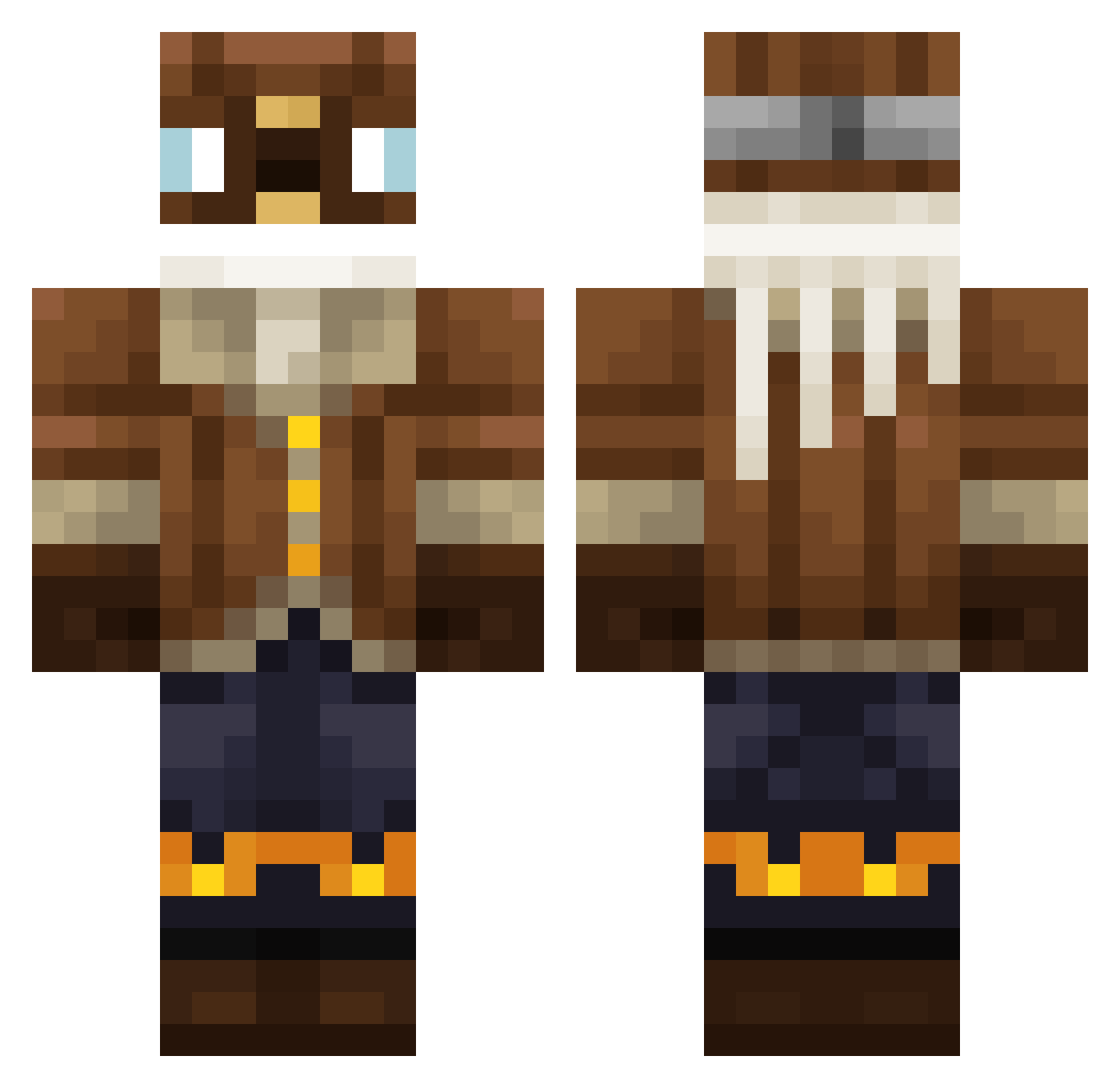
Current Minecraft skin of the player MCgrind6, loaded from the official Mojang API. Rotate the 3D model with your mouse or finger, then download the skin as a PNG file and use it in Minecraft: Bedrock Edition or Java Edition for free. When MCgrind6 changes their skin, this page updates automatically and the old skin stays in the history below.
Other players with this skin (301)
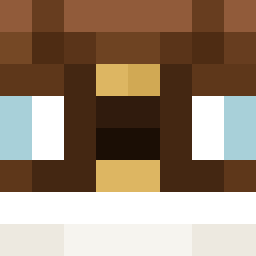
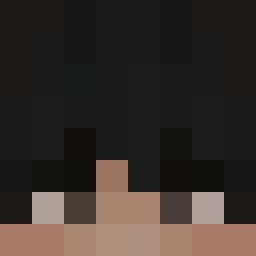
MCgrind6 was the 90th player we have seen with this skin, first spotted on 20.08.2026. The same skin was seen on these players. Open a nickname to see their current skin and skin history.
 jusderedbull
 TanSieuNhan YanKee47
 runnerka Gluey08 icheatpvpclub StargazerMartin MichelRoss MarcLow
 iLg4bB8 bob171717bbbb DragonGreg2201 SirKallax Alepatopato
 Franciscooooo04 RimuSan BoBtheebaddie yakkutsk
 WillyNordwrench yooooohan AntonDR CheeezyPuff Avunalp Yummy_Yummers quba1221 ElochiFighter Koalaboi305 SaxYang nMarkell MasterRoket Glycernin Kuzan_R6 Florcy LittleJao13
 LaySideR p1nkp0nyc1ub Bitte_Kein_Ban chonbix Thexzo CharlieDrawwws PotatoBenda GomboCombo Casslar
 Wuschel110 Pykalson halayluya Umbr3onGx Ruslanbek IDFFIGHTER123 Makarron94 ZhyrrMC __Good__Boy _MattTM_ Cast_lawyer ITZZKI Zenghost111 iamyoutuber12956 BoredJunkie
 Marchielo Harmyooo
More Aviator Minecraft skins
How to install the MCgrind6 skin
- Press the Download button above to save the skin as a PNG file.
- Minecraft: Bedrock Edition (PE): open the Dressing Room from the main menu (or tap your character → Edit Character), go to Classic Skins → Owned, press the + (new skin) button, choose the downloaded PNG and pick the Classic (Steve) model. Works on PC and mobile; consoles cannot import custom skins.
- Minecraft: Java Edition: open the Minecraft Launcher, go to the Skins tab, click New Skin, load the PNG, pick the Classic (Steve) model and press Save & Use. You can also upload it at minecraft.net → Profile → Change Skin.
The skin does not show up after import - what should I do?
Restart Minecraft and open the Dressing Room again - imported skins sometimes appear only after a restart. Also make sure you selected the imported skin and picked the Classic (Steve) model.
Which model should I choose, Classic or Slim?
This skin is designed for the Classic (Steve) model. If you pick the wrong model, the arms of the skin will look stretched or squeezed.
Is the skin of MCgrind6 free to download?
Yes. Press Download, save the PNG file and use it in Minecraft: Bedrock Edition or Java Edition - no payment or registration needed. The skin also works on multiplayer servers and Realms.
More skins
Looking for more? Go back to all Minecraft skins and check the top skins of the week, month and all time, or find any player's skin by nickname.