
MC6NETTE - Minecraft Skins & Skin History
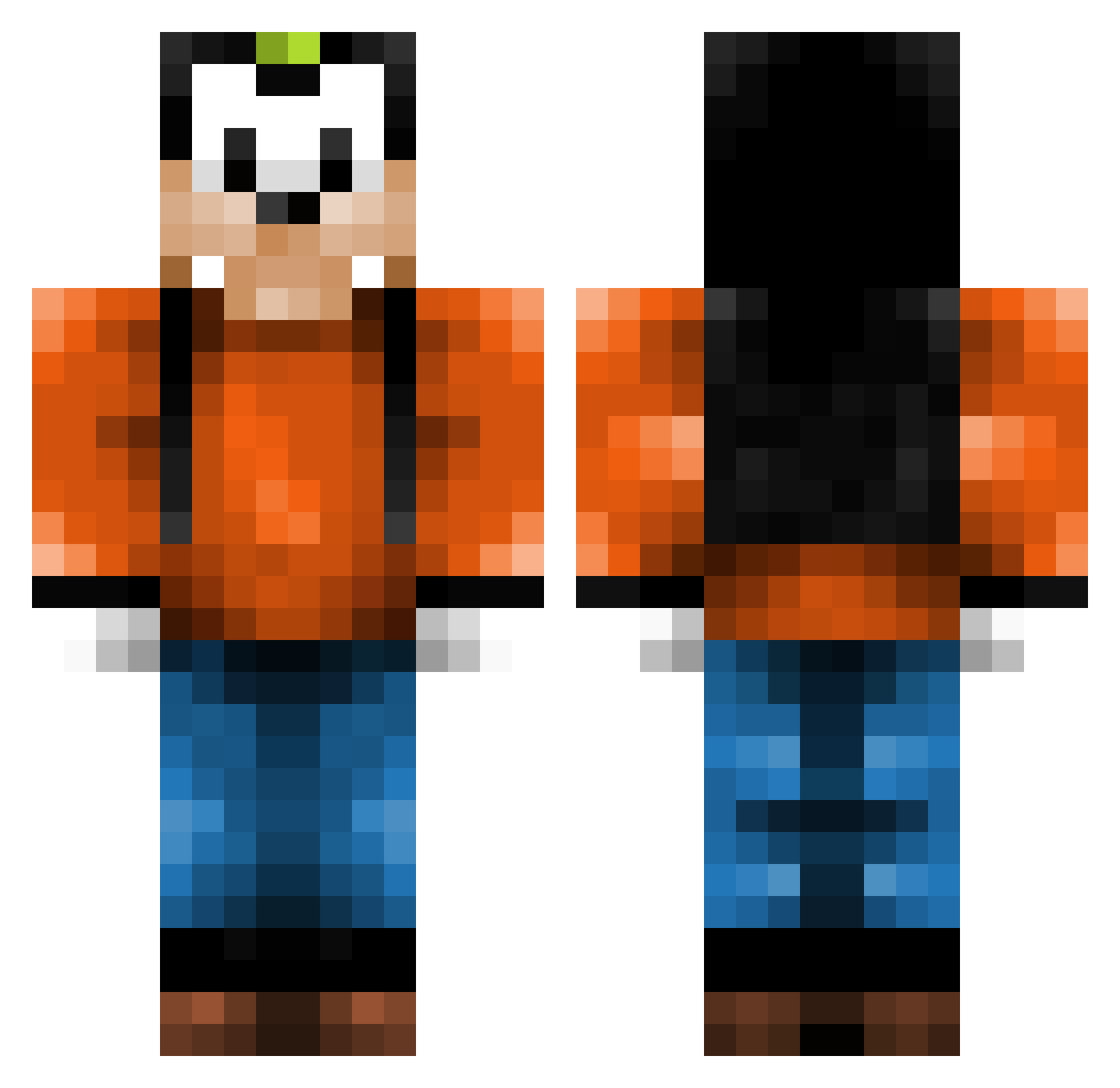
Current Minecraft skin of the player MC6NETTE, loaded from the official Mojang API. Rotate the 3D model with your mouse or finger, then download the skin as a PNG file and use it in Minecraft: Bedrock Edition or Java Edition for free. When MC6NETTE changes their skin, this page updates automatically and the old skin stays in the history below.
Other players with this skin (142)
MC6NETTE was the 135th player we have seen with this skin, first spotted on 16.10.2026. The same skin was seen on these players. Open a nickname to see their current skin and skin history.
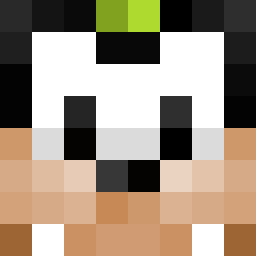 Oxydoz Legendchan0765 Jeffrie125 XxPippoBaudoxX fired0gz wernar1509 Fruit__Snacks mrvn999 SONICso3 schenne Emily0v0 cheezballzz Stikine Drakefanboy312 xaybae orzelki Stagorm ojg2006 Mickeygirl04 DippyDawg1938 jonassson Sigmund24 Shanoonihan Crimley Timorino_14 AntonSpridegoofy propip Elevator6 Jardinator_rene attealex_ G00GE ArvyB tibiken1997 Reichenberger88 sunny___boy DrWilliamHobbs SupaSjin Tw_T1m NekiiYT HoldenTodiks Chees3cake IAddo61I Looow_ Mengde_Cao ELVENBAT Billybob22211 3nderman FilipoDaVinci dankathan328 KingHenry223 cdog2024 pikslik1 Landolf Quana1698 Hgo_Cris lobotomygarage virgowoz Surliguk gabrielmadrid B3dMan
More Goofy Minecraft skins
How to install the MC6NETTE skin
- Press the Download button above to save the skin as a PNG file.
- Minecraft: Bedrock Edition (PE): open the Dressing Room from the main menu (or tap your character → Edit Character), go to Classic Skins → Owned, press the + (new skin) button, choose the downloaded PNG and pick the Classic (Steve) model. Works on PC and mobile; consoles cannot import custom skins.
- Minecraft: Java Edition: open the Minecraft Launcher, go to the Skins tab, click New Skin, load the PNG, pick the Classic (Steve) model and press Save & Use. You can also upload it at minecraft.net → Profile → Change Skin.
The skin does not show up after import - what should I do?
Restart Minecraft and open the Dressing Room again - imported skins sometimes appear only after a restart. Also make sure you selected the imported skin and picked the Classic (Steve) model.
Which model should I choose, Classic or Slim?
This skin is designed for the Classic (Steve) model. If you pick the wrong model, the arms of the skin will look stretched or squeezed.
Is the skin of MC6NETTE free to download?
Yes. Press Download, save the PNG file and use it in Minecraft: Bedrock Edition or Java Edition - no payment or registration needed. The skin also works on multiplayer servers and Realms.
More skins
Looking for more? Go back to all Minecraft skins and check the top skins of the week, month and all time, or find any player's skin by nickname.