
MADPatrick - Minecraft Skins & Skin History
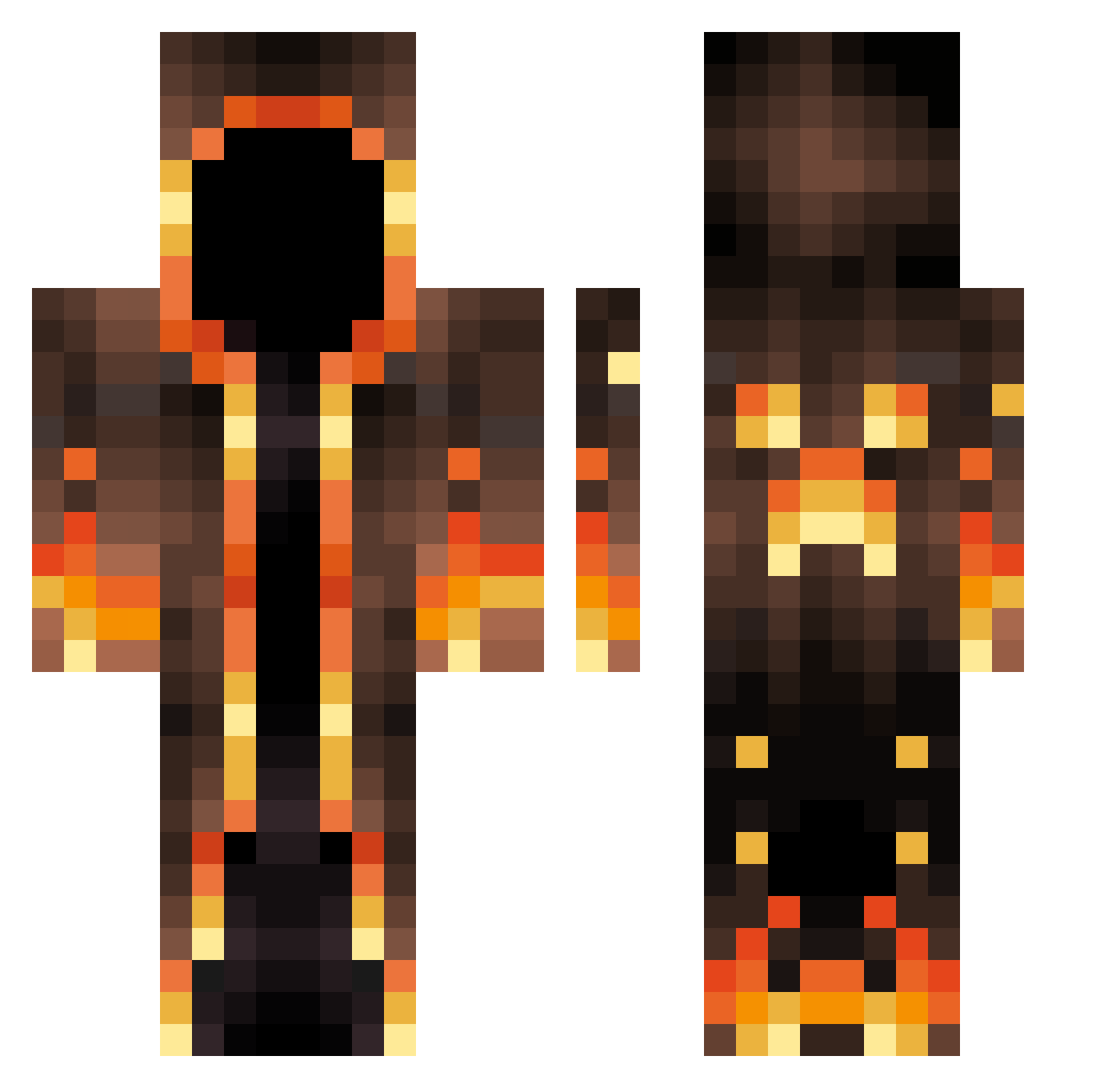
Current Minecraft skin of the player MADPatrick, loaded from the official Mojang API. Rotate the 3D model with your mouse or finger, then download the skin as a PNG file and use it in Minecraft: Bedrock Edition or Java Edition for free. When MADPatrick changes their skin, this page updates automatically and the old skin stays in the history below.
Other players with this skin (691)
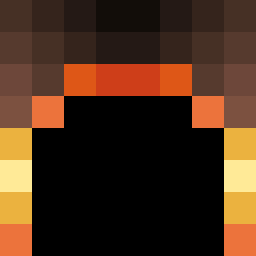
MADPatrick was the 585th player we have seen with this skin, first spotted on 27.10.2026. The same skin was seen on these players. Open a nickname to see their current skin and skin history.
 Trendy55 ELPOLLON reokinn CrAshGalaxy1 CMTpopcorn GyrateSnake176 ldhkr06 Quickzilvers TINKIDAJ104 xIAmParadox Frappucciino NightRiderAske Konriatr Malviktus REMI_EZ shyturtle10 vicsvapuru __err__ Mayorova rZurg Ghostey12 JrSnow1 mazwalsh LavaNinja101 TechnoBlade749 Grubgis Protosspro2 OAOAOAMMM MoeSlander Nithe7 car_bar Gofru Elite_Lipton PerrytPlatypus Gussimode3 Isaacjs15 DarthKawaii Orvnal Baids Beef_Wizard Thogg_ Tyson95 SnD1911 Phynomix TS_Shadow Deathoffender Thr36ty TheWackyCoyote 222david222 TenTooth1 Braden5790 bundumox Alexander_grosse kellowa LordFoogThe1th Derpycow3 Spicy113 KaiAnh shadow_22222 TribuStar
More Magma Minecraft skins
How to install the MADPatrick skin
- Press the Download button above to save the skin as a PNG file.
- Minecraft: Bedrock Edition (PE): open the Dressing Room from the main menu (or tap your character → Edit Character), go to Classic Skins → Owned, press the + (new skin) button, choose the downloaded PNG and pick the Classic (Steve) model. Works on PC and mobile; consoles cannot import custom skins.
- Minecraft: Java Edition: open the Minecraft Launcher, go to the Skins tab, click New Skin, load the PNG, pick the Classic (Steve) model and press Save & Use. You can also upload it at minecraft.net → Profile → Change Skin.
The skin does not show up after import - what should I do?
Restart Minecraft and open the Dressing Room again - imported skins sometimes appear only after a restart. Also make sure you selected the imported skin and picked the Classic (Steve) model.
Which model should I choose, Classic or Slim?
This skin is designed for the Classic (Steve) model. If you pick the wrong model, the arms of the skin will look stretched or squeezed.
Is the skin of MADPatrick free to download?
Yes. Press Download, save the PNG file and use it in Minecraft: Bedrock Edition or Java Edition - no payment or registration needed. The skin also works on multiplayer servers and Realms.
More skins
Looking for more? Go back to all Minecraft skins and check the top skins of the week, month and all time, or find any player's skin by nickname.