
M4rtinou - Minecraft Skins & Skin History
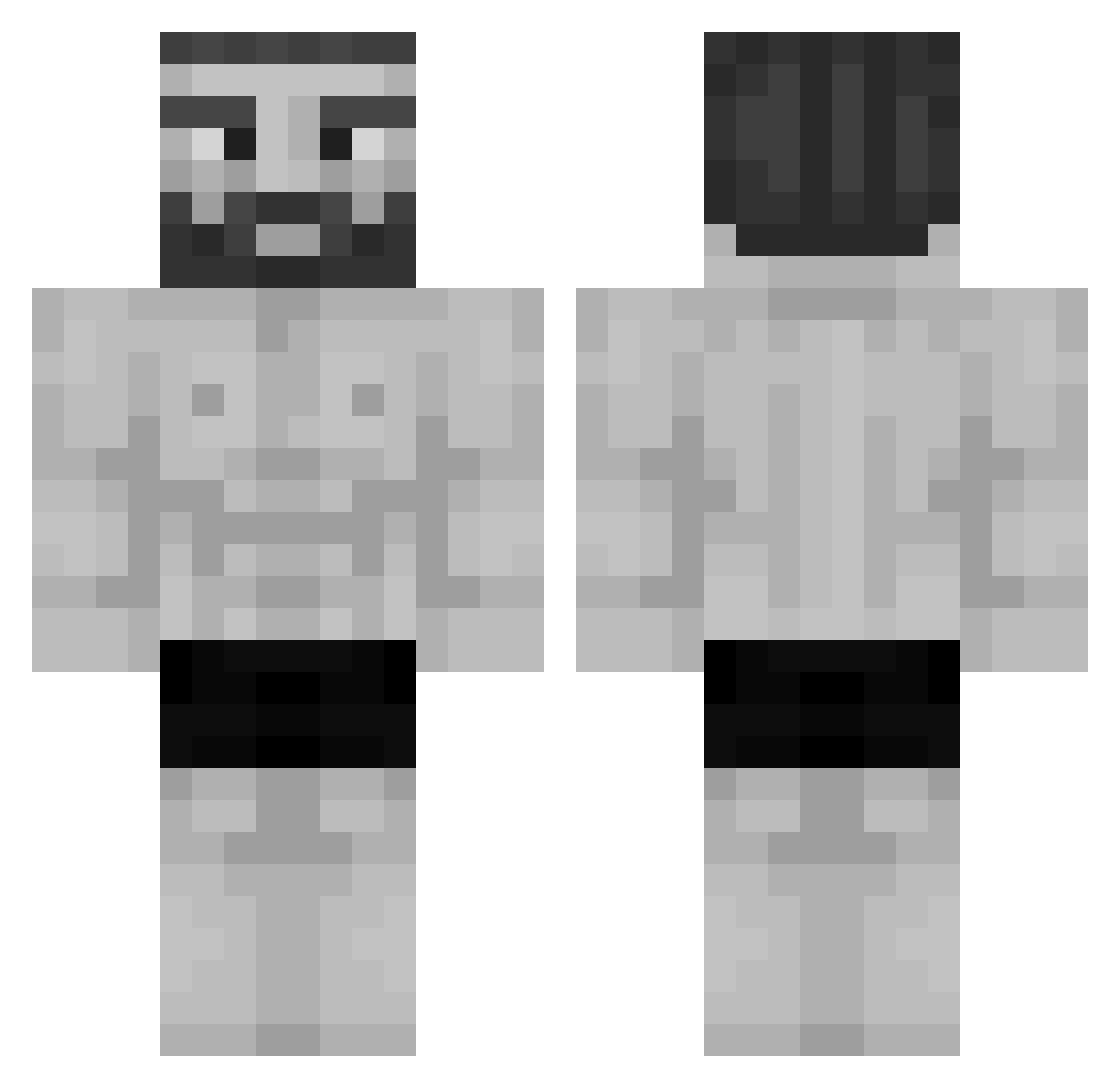
Current Minecraft skin of the player M4rtinou, loaded from the official Mojang API. Rotate the 3D model with your mouse or finger, then download the skin as a PNG file and use it in Minecraft: Bedrock Edition or Java Edition for free. When M4rtinou changes their skin, this page updates automatically and the old skin stays in the history below.
Other players with this skin (925)
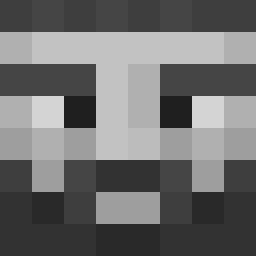
M4rtinou was the 149th player we have seen with this skin, first spotted on 07.08.2026. The same skin was seen on these players. Open a nickname to see their current skin and skin history.
 Tolgur ShrillSun Clipershunter NotD4NI r0sho Danio2008 Razvii anavarlover Ankea_Burger Luqiiiiiiiiii JosueTOYS Szponciarz Whyboy420 SwoleBurrito kubek312312 JackyboyOG Saints_2017 Medvedka uKK16 FrodoSweggins _____Mak_____ Japetos Gyattttttt TopNotch9718 Wrist_Cutter Mr_CrafterGod OGNoclue BryanTWM Tactical_Tool123 tosh777ar DreamOfficial bombomreze Nev3n Kromo_Soma ilfnaticpinopazz Poelser LukeeeeeeeexD daniwany Lethal_Bizzle shred_VEX Lilpain97 dedi_00 beeeeeeeeeeeef MCFattoCatto TheAsianGuardian Rechenwerk ArtTheLord SAINZzs Marcotuterror Nikuz00 CRISTOX00 hoodbozz69 juan729 ilAlexii ArlaMjolkk Hxn_zz alpacaclypse Junabi1 won7575 EU_ATLAS
More Gigachad Minecraft skins
How to install the M4rtinou skin
- Press the Download button above to save the skin as a PNG file.
- Minecraft: Bedrock Edition (PE): open the Dressing Room from the main menu (or tap your character → Edit Character), go to Classic Skins → Owned, press the + (new skin) button, choose the downloaded PNG and pick the Classic (Steve) model. Works on PC and mobile; consoles cannot import custom skins.
- Minecraft: Java Edition: open the Minecraft Launcher, go to the Skins tab, click New Skin, load the PNG, pick the Classic (Steve) model and press Save & Use. You can also upload it at minecraft.net → Profile → Change Skin.
The skin does not show up after import - what should I do?
Restart Minecraft and open the Dressing Room again - imported skins sometimes appear only after a restart. Also make sure you selected the imported skin and picked the Classic (Steve) model.
Which model should I choose, Classic or Slim?
This skin is designed for the Classic (Steve) model. If you pick the wrong model, the arms of the skin will look stretched or squeezed.
Is the skin of M4rtinou free to download?
Yes. Press Download, save the PNG file and use it in Minecraft: Bedrock Edition or Java Edition - no payment or registration needed. The skin also works on multiplayer servers and Realms.
More skins
Looking for more? Go back to all Minecraft skins and check the top skins of the week, month and all time, or find any player's skin by nickname.