
M4XGelato - Minecraft Skins & Skin History
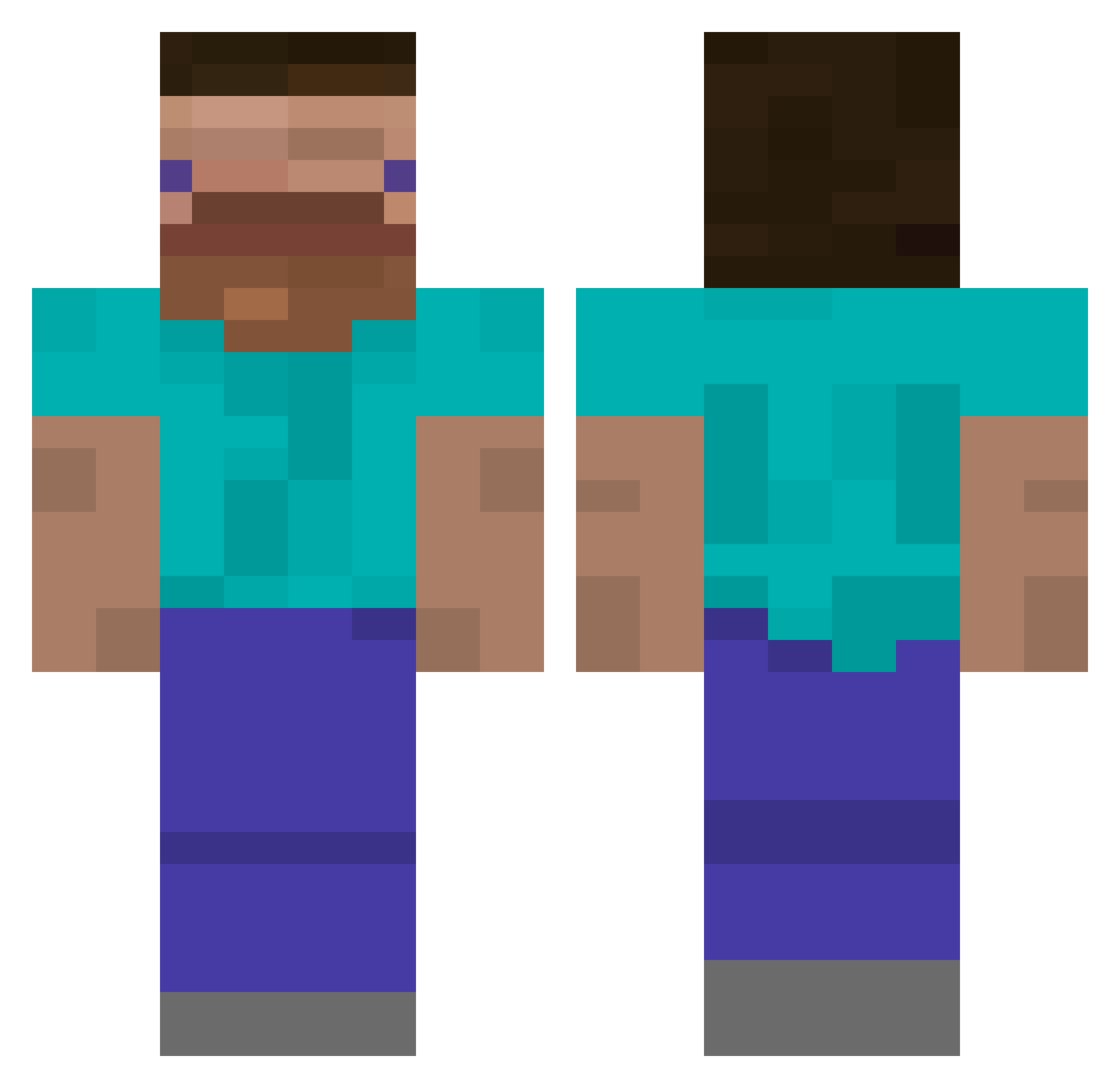
Current Minecraft skin of the player M4XGelato, loaded from the official Mojang API. Rotate the 3D model with your mouse or finger, then download the skin as a PNG file and use it in Minecraft: Bedrock Edition or Java Edition for free. When M4XGelato changes their skin, this page updates automatically and the old skin stays in the history below.
Other players with this skin (385)
M4XGelato was the 201st player we have seen with this skin, first spotted on 14.09.2026. The same skin was seen on these players. Open a nickname to see their current skin and skin history.
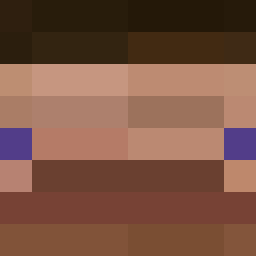 Trainericks Bobbyzhishen fashion23523 stinkybear6137 Jackswimsfast koncheniy_bobr KnightsAro julianps05 utaryo Allola990 haoxiang76 Pollypojken stisantoz oz_wid
 CostZx ZedTic Ni_Die_ mischteveous bamamais GLAMISH _nole__ XxPoutredu69xX KingRatGoblin wani0916 yisus5 Snotrod0000 WaterTreat123 MisterMaster1118 JLC_bg Vanman1717 IlyaShis Invincidude BlueYak3 Deituhr Vollstrecker425 blue__tie PixelCr4fterPvP wongcheesecheung Mint_choco793 dudghks11 acauan08 Jah_Warudo BTCbitcoin Beutlus naria3 IJGG TV_Silver Koertsch JoeyBeStrongBro The0neHugo Nagolonline 2zzang Zigin06 JLitss mavioff Ratwithatophat_ Goblinek129 buttermoose0 KOKOSABIZ GamerBoyOskar
How to install the M4XGelato skin
- Press the Download button above to save the skin as a PNG file.
- Minecraft: Bedrock Edition (PE): open the Dressing Room from the main menu (or tap your character → Edit Character), go to Classic Skins → Owned, press the + (new skin) button, choose the downloaded PNG and pick the Classic (Steve) model. Works on PC and mobile; consoles cannot import custom skins.
- Minecraft: Java Edition: open the Minecraft Launcher, go to the Skins tab, click New Skin, load the PNG, pick the Classic (Steve) model and press Save & Use. You can also upload it at minecraft.net → Profile → Change Skin.
The skin does not show up after import - what should I do?
Restart Minecraft and open the Dressing Room again - imported skins sometimes appear only after a restart. Also make sure you selected the imported skin and picked the Classic (Steve) model.
Which model should I choose, Classic or Slim?
This skin is designed for the Classic (Steve) model. If you pick the wrong model, the arms of the skin will look stretched or squeezed.
Is the skin of M4XGelato free to download?
Yes. Press Download, save the PNG file and use it in Minecraft: Bedrock Edition or Java Edition - no payment or registration needed. The skin also works on multiplayer servers and Realms.
More skins
Looking for more? Go back to all Minecraft skins and check the top skins of the week, month and all time, or find any player's skin by nickname.