
LyteXZT - Minecraft Skins & Skin History
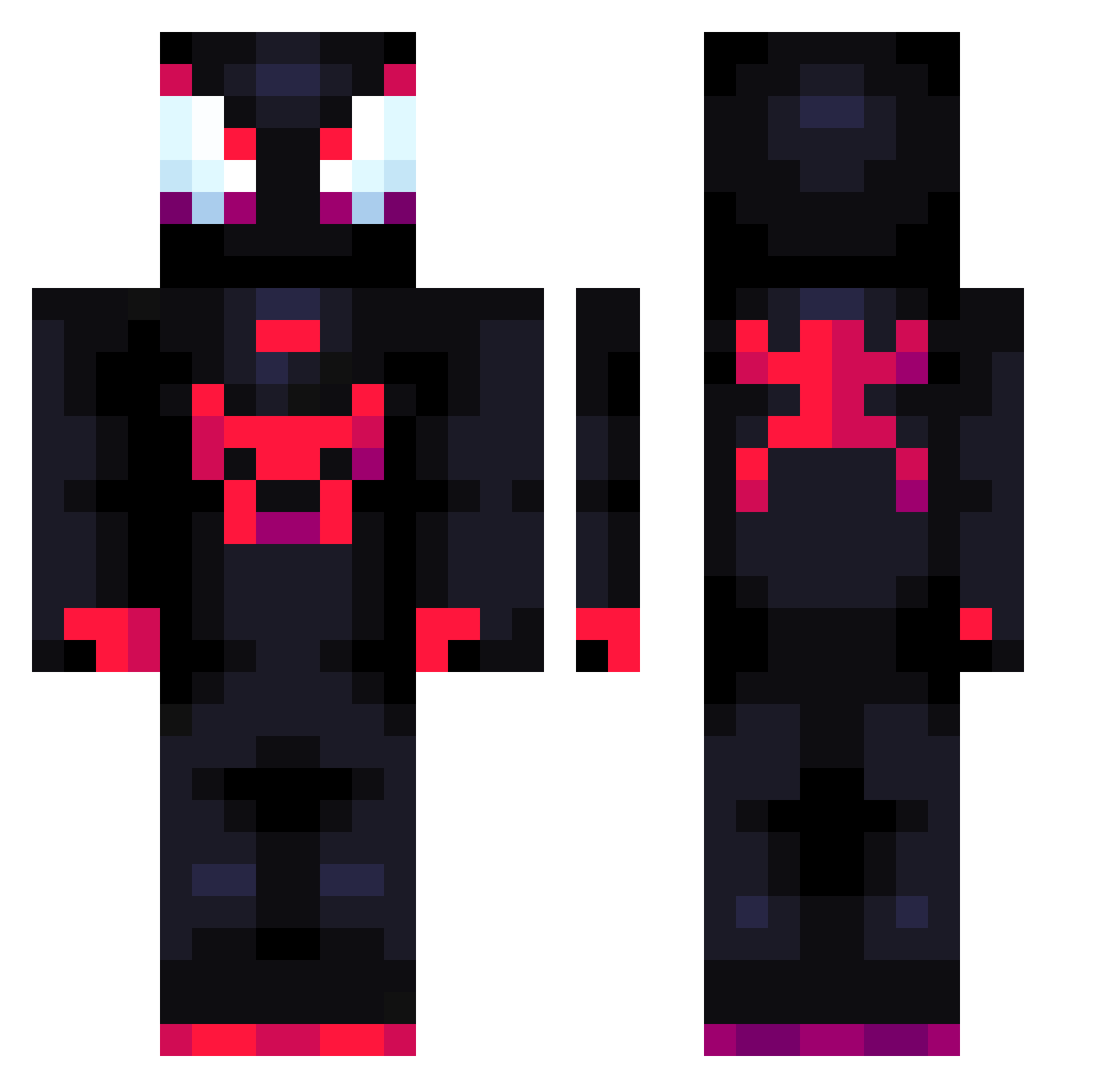
Current Minecraft skin of the player LyteXZT, loaded from the official Mojang API. Rotate the 3D model with your mouse or finger, then download the skin as a PNG file and use it in Minecraft: Bedrock Edition or Java Edition for free. When LyteXZT changes their skin, this page updates automatically and the old skin stays in the history below.
Other players with this skin (711)
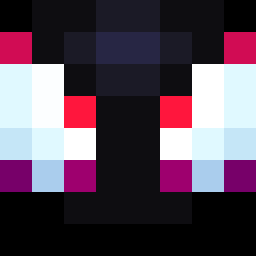
LyteXZT was the 314th player we have seen with this skin, first spotted on 03.09.2026. The same skin was seen on these players. Open a nickname to see their current skin and skin history.
 123kiky Silencer422 b3njax_19 TeranceMann DrMarcusFNX Adakazam JohnnZK WalduU supercoolale Yaanksss sometong Okaibi lifestealsweat42 Torrlcos lookupu EliiiiiiaaaaSosa Nobodyz12 The_Real_Gio cakebaker483 jun739ior Hellzx Gucion_ juanfernandezL Dgmr1234 Bluebarry26 tannerfilmedthat Santi0926ro Colin0_0 Crazypanda1127 yangjiarui MikeyIsBae_YT ElGordoBSK nemo7410
 _Its1sp2389 Crabe_Crabe barssyl Alexx_C_ LennySwag Giraso1e XsGod FlamingFireTroll zhaoyinan5 TulikSniper Juuuulius CliftRen swax23 Overxam xindraxt Jorge_Reyes R3Z4_ Palmitard not1234 Shardik84 SheemyWeemy ShotGunFTW Vicjar Mrpapu2 SCSoloQ CrazyWolft ZelGum
More Miles Morales Minecraft skins
See all 234 Miles Morales skins
How to install the LyteXZT skin
- Press the Download button above to save the skin as a PNG file.
- Minecraft: Bedrock Edition (PE): open the Dressing Room from the main menu (or tap your character → Edit Character), go to Classic Skins → Owned, press the + (new skin) button, choose the downloaded PNG and pick the Classic (Steve) model. Works on PC and mobile; consoles cannot import custom skins.
- Minecraft: Java Edition: open the Minecraft Launcher, go to the Skins tab, click New Skin, load the PNG, pick the Classic (Steve) model and press Save & Use. You can also upload it at minecraft.net → Profile → Change Skin.
The skin does not show up after import - what should I do?
Restart Minecraft and open the Dressing Room again - imported skins sometimes appear only after a restart. Also make sure you selected the imported skin and picked the Classic (Steve) model.
Which model should I choose, Classic or Slim?
This skin is designed for the Classic (Steve) model. If you pick the wrong model, the arms of the skin will look stretched or squeezed.
Is the skin of LyteXZT free to download?
Yes. Press Download, save the PNG file and use it in Minecraft: Bedrock Edition or Java Edition - no payment or registration needed. The skin also works on multiplayer servers and Realms.
More skins
Looking for more? Go back to all Minecraft skins and check the top skins of the week, month and all time, or find any player's skin by nickname.