
Luzyus06 - Minecraft Skins & Skin History
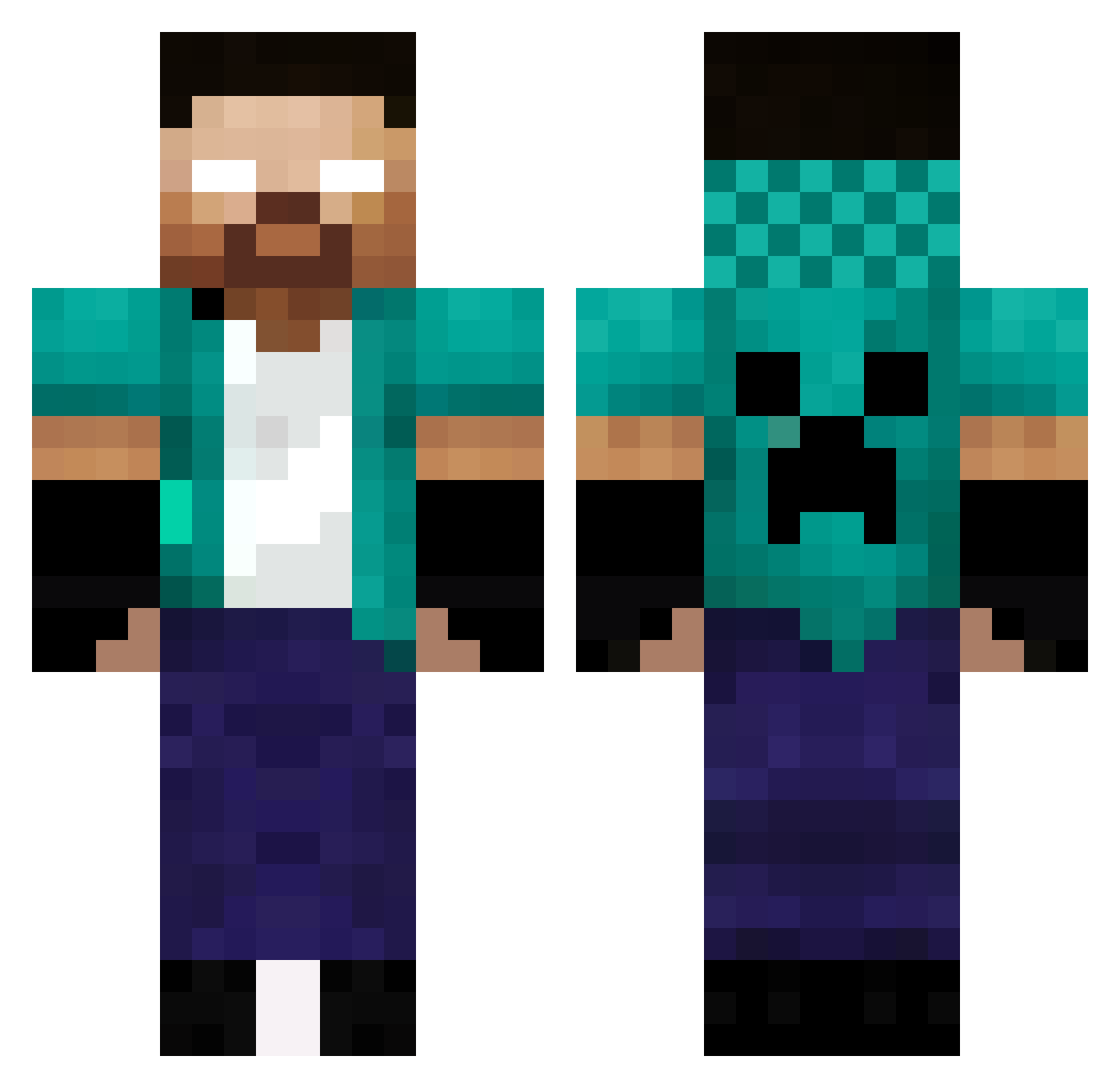
Current Minecraft skin of the player Luzyus06, loaded from the official Mojang API. Rotate the 3D model with your mouse or finger, then download the skin as a PNG file and use it in Minecraft: Bedrock Edition or Java Edition for free. When Luzyus06 changes their skin, this page updates automatically and the old skin stays in the history below.
Other players with this skin (419)
Luzyus06 was the 337th player we have seen with this skin, first spotted on 21.10.2026. The same skin was seen on these players. Open a nickname to see their current skin and skin history.
 Darth_Black yhershko wellitinhoo BugBugado Elyas1508 Cl1kb00m RogerLeonhart HarsTheOP Raidon2407 felipeutm AhmetIsHere1 SimonMagalhaes Nikitos2010 MrZagga LuizFz15 JELEJA 007ryuto Nyssan2000 abomagd lys_minecraft Matei135x xwares11 prenha12341 Talix2010 CaptainKiller5 Xoxuee zThais_ GelePigeon47060 yXaroope MoD3rNLuCa JamboSam Ryrypyry MatthMurdock ChimpanzePVPHARD Verxs1 Kam_Hunter Mohrafli _ninja26 pestregards DimXyZ IgorexMC DemonSlayerFanX_ Berzectyve siwma DoopJp WhiskeyHavoc SKILL2020 zayy111 joude444 LOOKMAXIME pade0 g3rard00008 Ookiou Eqna_ iLobo_ Alte02 MakroZzerS Tzemen amin_mansour SuperDani
More Herobrine Minecraft skins
How to install the Luzyus06 skin
- Press the Download button above to save the skin as a PNG file.
- Minecraft: Bedrock Edition (PE): open the Dressing Room from the main menu (or tap your character → Edit Character), go to Classic Skins → Owned, press the + (new skin) button, choose the downloaded PNG and pick the Classic (Steve) model. Works on PC and mobile; consoles cannot import custom skins.
- Minecraft: Java Edition: open the Minecraft Launcher, go to the Skins tab, click New Skin, load the PNG, pick the Classic (Steve) model and press Save & Use. You can also upload it at minecraft.net → Profile → Change Skin.
The skin does not show up after import - what should I do?
Restart Minecraft and open the Dressing Room again - imported skins sometimes appear only after a restart. Also make sure you selected the imported skin and picked the Classic (Steve) model.
Which model should I choose, Classic or Slim?
This skin is designed for the Classic (Steve) model. If you pick the wrong model, the arms of the skin will look stretched or squeezed.
Is the skin of Luzyus06 free to download?
Yes. Press Download, save the PNG file and use it in Minecraft: Bedrock Edition or Java Edition - no payment or registration needed. The skin also works on multiplayer servers and Realms.
More skins
Looking for more? Go back to all Minecraft skins and check the top skins of the week, month and all time, or find any player's skin by nickname.