
Luczi04 - Minecraft Skins & Skin History
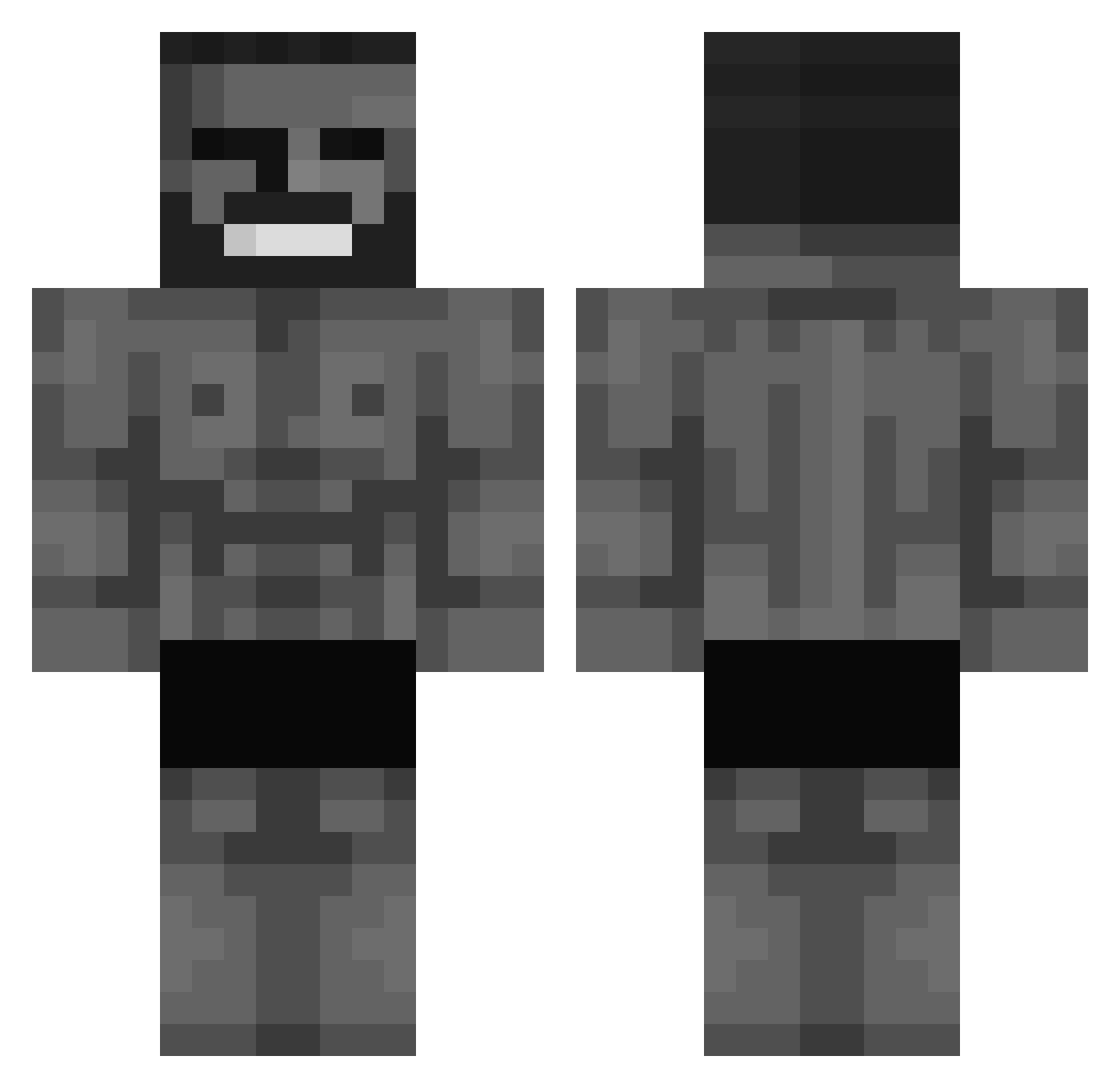
Current Minecraft skin of the player Luczi04, loaded from the official Mojang API. Rotate the 3D model with your mouse or finger, then download the skin as a PNG file and use it in Minecraft: Bedrock Edition or Java Edition for free. When Luczi04 changes their skin, this page updates automatically and the old skin stays in the history below.
Other players with this skin (572)
Luczi04 was the 493rd player we have seen with this skin, first spotted on 21.10.2026. The same skin was seen on these players. Open a nickname to see their current skin and skin history.
 Riot3609 DeathMaster2127 uyai MachineFire14 Pwanagee Lilic861 Magnc Cahnurr JHONN27 yusufisik1372 Bwoitos lolcathd 3t2h Sull Thunderbolt404 ArgeyLPN iGodMister Nils_x11x Riosking Lion_Rouge Jamal4359 Vancker MAX1161 LiQ scentofwisdom _TXlC_ marcoleko Juan_Ciruzzo LightSpeed41 Neill0z rubik3141 ViaDomus ARUCINA GRANDDUKE17 Vengeful_Gamer26 Teroch Fegiven thxxb The_Dude2331 Am1r_989 LeSloria AlphaMaleGaming potorosed LordVarius ExcaliburBladee NaLooka Tunidog ZummeRR LaQzeng Drk6800 Planificado atomeraf Dayvid12 XXDARKLEGEXX I_hav_8s iNomaR ananbaban67 TheDeni Sedddyy ___swayze___
More Gigachad Minecraft skins
How to install the Luczi04 skin
- Press the Download button above to save the skin as a PNG file.
- Minecraft: Bedrock Edition (PE): open the Dressing Room from the main menu (or tap your character → Edit Character), go to Classic Skins → Owned, press the + (new skin) button, choose the downloaded PNG and pick the Classic (Steve) model. Works on PC and mobile; consoles cannot import custom skins.
- Minecraft: Java Edition: open the Minecraft Launcher, go to the Skins tab, click New Skin, load the PNG, pick the Classic (Steve) model and press Save & Use. You can also upload it at minecraft.net → Profile → Change Skin.
The skin does not show up after import - what should I do?
Restart Minecraft and open the Dressing Room again - imported skins sometimes appear only after a restart. Also make sure you selected the imported skin and picked the Classic (Steve) model.
Which model should I choose, Classic or Slim?
This skin is designed for the Classic (Steve) model. If you pick the wrong model, the arms of the skin will look stretched or squeezed.
Is the skin of Luczi04 free to download?
Yes. Press Download, save the PNG file and use it in Minecraft: Bedrock Edition or Java Edition - no payment or registration needed. The skin also works on multiplayer servers and Realms.
More skins
Looking for more? Go back to all Minecraft skins and check the top skins of the week, month and all time, or find any player's skin by nickname.