
LuNiK54 - Minecraft Skins & Skin History
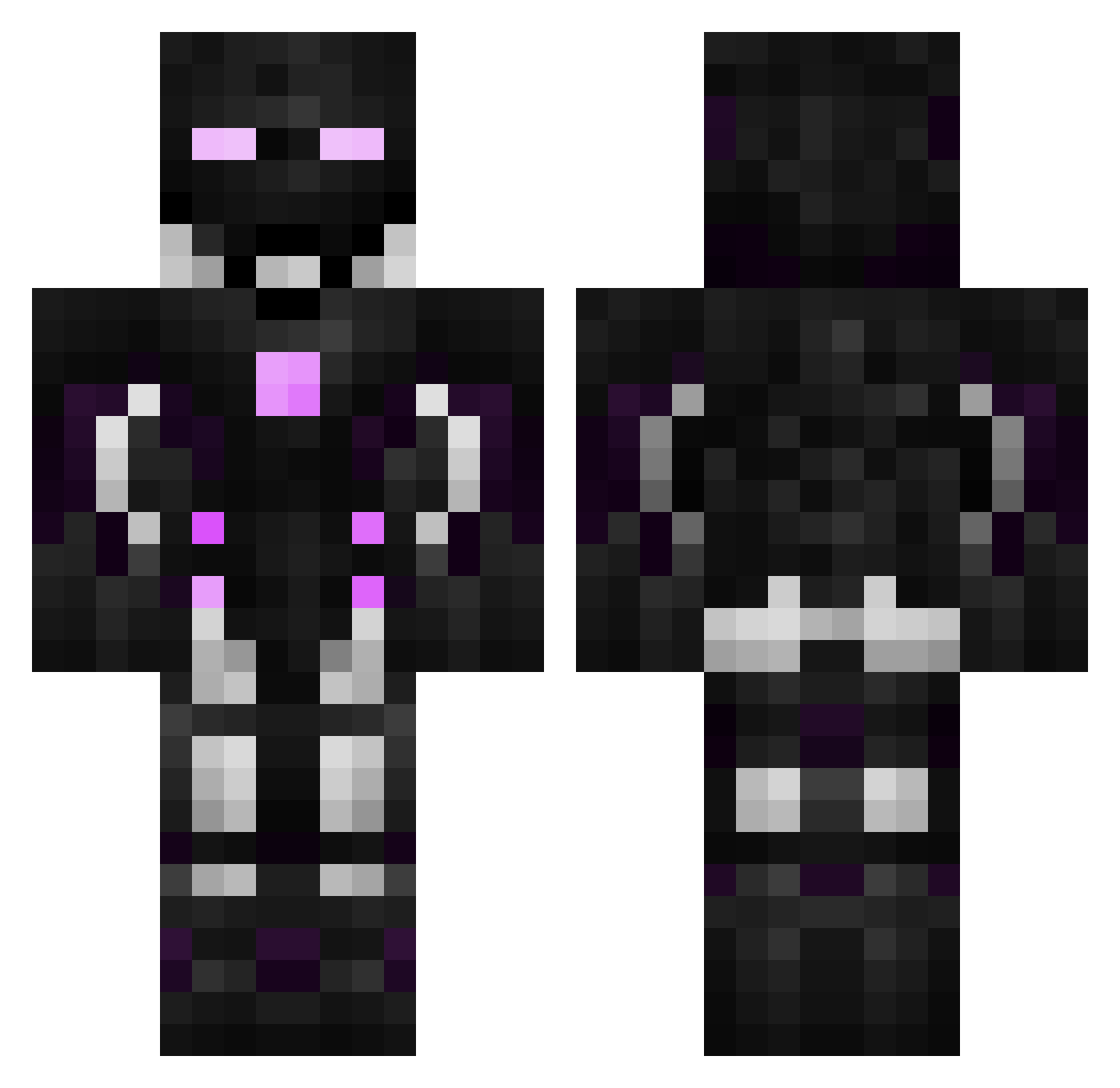
Current Minecraft skin of the player LuNiK54, loaded from the official Mojang API. Rotate the 3D model with your mouse or finger, then download the skin as a PNG file and use it in Minecraft: Bedrock Edition or Java Edition for free. When LuNiK54 changes their skin, this page updates automatically and the old skin stays in the history below.
Other players with this skin (596)
LuNiK54 was the 570th player we have seen with this skin, first spotted on 02.11.2026. The same skin was seen on these players. Open a nickname to see their current skin and skin history.
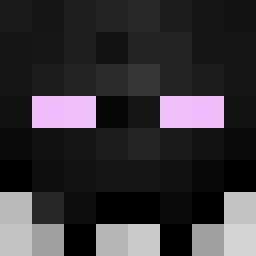 gifu1718 luomupuuro Orbin_r6 El_Pepiitoo Pirata09 Josetherium _DeFF92 Hermas Xzenobites2016 GhostyyToastyy black_viper_8 tricker90 Triscuit_24 FBI8997 PhysicalJP Mr_Guemeler Tyciak1059 BrendenSports AlexDevr InnerBond007 BeigeRainbow sizam122 Dan1sen_MFU Apostle_XY Ult0 Galaxy3948 Elies1109 Mythic_Cat kingskunk2 Nerdy_01 Mr_Munchies Domococo567812 _Dilv91 FLEXX1M Uranium2356 iSasa1214 Oyaymas hon9 Ender101cz RotzenKOpf YoRHa2H DigitalCamo434 xcbsxc _DLnX263 CyB0R_MaN1aC AquaMega06 Chauhan1101 RandomPlayer8 Adranyk RAZORT134 Mlody_Maciej Sagouzo _DxuW96 Redium_yt _DcJs25 THE_1DUKE MrRobotDestroyer Tempestally MrSeyer TAITA0212KK
More Cyborg Minecraft skins
How to install the LuNiK54 skin
- Press the Download button above to save the skin as a PNG file.
- Minecraft: Bedrock Edition (PE): open the Dressing Room from the main menu (or tap your character → Edit Character), go to Classic Skins → Owned, press the + (new skin) button, choose the downloaded PNG and pick the Classic (Steve) model. Works on PC and mobile; consoles cannot import custom skins.
- Minecraft: Java Edition: open the Minecraft Launcher, go to the Skins tab, click New Skin, load the PNG, pick the Classic (Steve) model and press Save & Use. You can also upload it at minecraft.net → Profile → Change Skin.
The skin does not show up after import - what should I do?
Restart Minecraft and open the Dressing Room again - imported skins sometimes appear only after a restart. Also make sure you selected the imported skin and picked the Classic (Steve) model.
Which model should I choose, Classic or Slim?
This skin is designed for the Classic (Steve) model. If you pick the wrong model, the arms of the skin will look stretched or squeezed.
Is the skin of LuNiK54 free to download?
Yes. Press Download, save the PNG file and use it in Minecraft: Bedrock Edition or Java Edition - no payment or registration needed. The skin also works on multiplayer servers and Realms.
More skins
Looking for more? Go back to all Minecraft skins and check the top skins of the week, month and all time, or find any player's skin by nickname.