
Lokilein6042069 - Minecraft Skins & Skin History
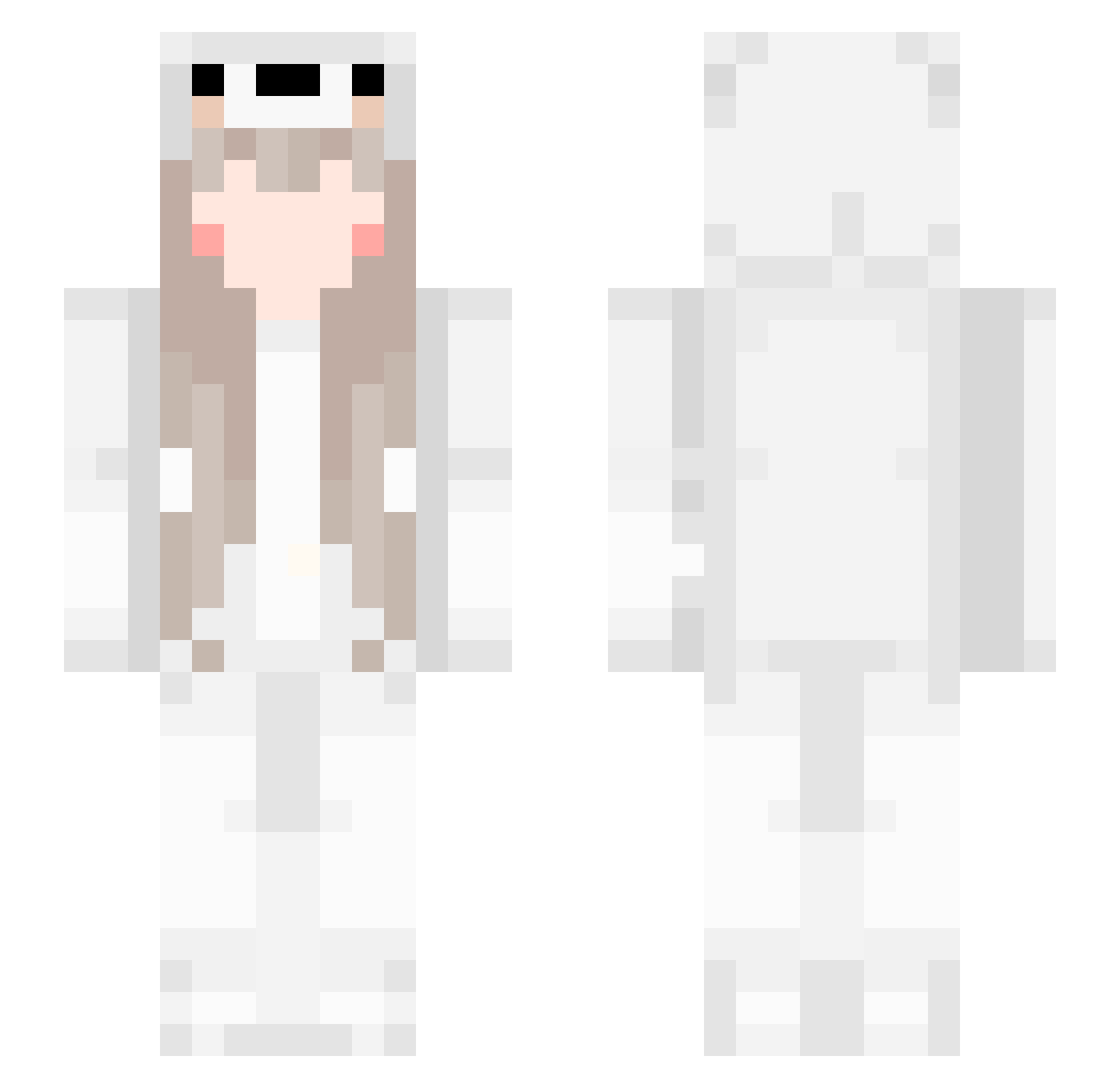
Current Minecraft skin of the player Lokilein6042069, loaded from the official Mojang API. Rotate the 3D model with your mouse or finger, then download the skin as a PNG file and use it in Minecraft: Bedrock Edition or Java Edition for free. When Lokilein6042069 changes their skin, this page updates automatically and the old skin stays in the history below.
Other players with this skin (281)
Lokilein6042069 was the 267th player we have seen with this skin, first spotted on 13.11.2026. The same skin was seen on these players. Open a nickname to see their current skin and skin history.
 Ambral YKK5 ChillDaff Serein_Noah Srpld Eurual brtkzz korone_k hamdo_ri Poommmmmmmmmmmm daffodils xLiLaLexi Frodoslav Heshmuli Nagae1919 _Y_ouo WioBino Xatar81 zRANDOMz hasek223 Snugness AstroClover General_soul mopi_3 Majennn Akuma1021 MrsDelirious ZRenty Deodara Steppah_ LoadingSPZ ExplosivoBOOM Regina_17 huyoooooo blocking666 Guih1772 starstar_HK Kaz_sa Orthrodox_ endpains Liugrim Emotyan BurittoEasy Kaidolebgquoiii ShadowNinja2790 yeeheehee Zwarus CpvpKitten G59ZIY Sweet_creature xthonkismSpoXK AdriGuns Andiecsy 91goat tinyQQ UnNaiL kandan1 PandaPony NotCelia alyaroshider3
More Cute Minecraft skins
How to install the Lokilein6042069 skin
- Press the Download button above to save the skin as a PNG file.
- Minecraft: Bedrock Edition (PE): open the Dressing Room from the main menu (or tap your character → Edit Character), go to Classic Skins → Owned, press the + (new skin) button, choose the downloaded PNG and pick the Slim (Alex) model. Works on PC and mobile; consoles cannot import custom skins.
- Minecraft: Java Edition: open the Minecraft Launcher, go to the Skins tab, click New Skin, load the PNG, pick the Slim (Alex) model and press Save & Use. You can also upload it at minecraft.net → Profile → Change Skin.
The skin does not show up after import - what should I do?
Restart Minecraft and open the Dressing Room again - imported skins sometimes appear only after a restart. Also make sure you selected the imported skin and picked the Slim (Alex) model.
Which model should I choose, Classic or Slim?
This skin is designed for the Slim (Alex) model. If you pick the wrong model, the arms of the skin will look stretched or squeezed.
Is the skin of Lokilein6042069 free to download?
Yes. Press Download, save the PNG file and use it in Minecraft: Bedrock Edition or Java Edition - no payment or registration needed. The skin also works on multiplayer servers and Realms.
More skins
Looking for more? Go back to all Minecraft skins and check the top skins of the week, month and all time, or find any player's skin by nickname.