
LionStyle - Minecraft Skins & Skin History
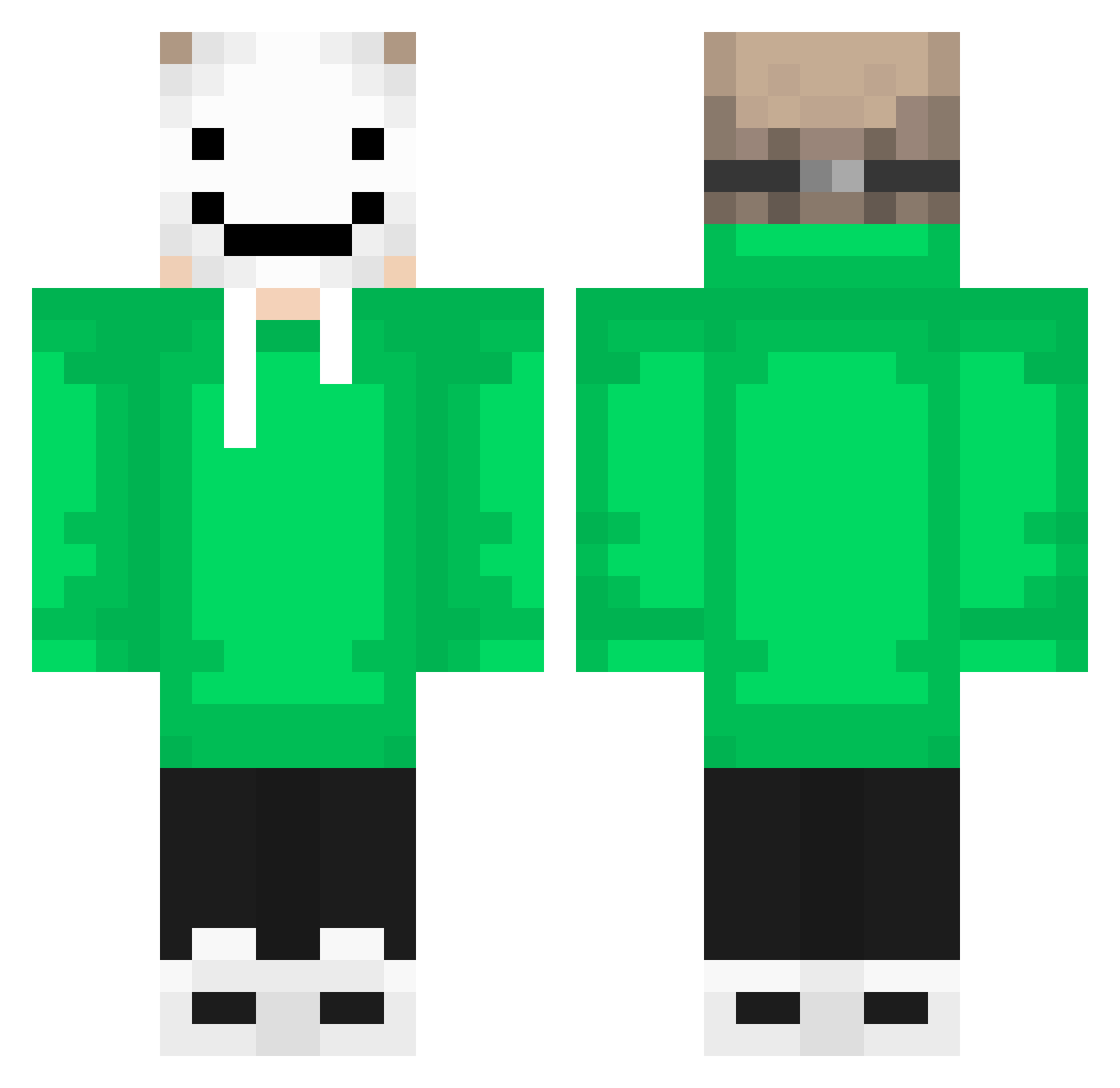
Current Minecraft skin of the player LionStyle, loaded from the official Mojang API. Rotate the 3D model with your mouse or finger, then download the skin as a PNG file and use it in Minecraft: Bedrock Edition or Java Edition for free. When LionStyle changes their skin, this page updates automatically and the old skin stays in the history below.
Other players with this skin (257)
LionStyle was the 145th player we have seen with this skin, first spotted on 29.09.2026. The same skin was seen on these players. Open a nickname to see their current skin and skin history.
 AutumIsComing SENleats jeremiah2020 Draugr1225 VictorJiang Exicutioner10 blake0808 DISCOINFERNO02 mandyrr 10Dream01 xHeyner Imnathan39 arvx_nn HeatedKattana Mlpha_Aale DaBear928 Hearty_Is_Here_3 SirSmoke587 Olynth96 Eryk223 B1G_B4D_B3AR Bandit_600_irl kazato66 bacon404 renewal_k TexHik620953 MrGUTS1 Metiiu boshiwen Conde4610 karelscheepstra TobiasJacobsen Siirimine bradrules788 BullerBasse1 mimo047 AndMax13 ItzAzka_ DarkYesi armedrino 70H1A Therion2703 yourfriendlygame clementineheart ImNotEmil santafarina RX_Antek Ryu_528 kipperthegod SamoBlaze Huffdaddy99 Lizzycat11 Plasmawarrier Jord3n100 CharizardGTM Liang_Yi SarahMK_216 EAGaines09 TWARDY12342 Chrisplayz_114
More Smiley Face Minecraft skins
See all 1930 Smiley Face skins
How to install the LionStyle skin
- Press the Download button above to save the skin as a PNG file.
- Minecraft: Bedrock Edition (PE): open the Dressing Room from the main menu (or tap your character → Edit Character), go to Classic Skins → Owned, press the + (new skin) button, choose the downloaded PNG and pick the Classic (Steve) model. Works on PC and mobile; consoles cannot import custom skins.
- Minecraft: Java Edition: open the Minecraft Launcher, go to the Skins tab, click New Skin, load the PNG, pick the Classic (Steve) model and press Save & Use. You can also upload it at minecraft.net → Profile → Change Skin.
The skin does not show up after import - what should I do?
Restart Minecraft and open the Dressing Room again - imported skins sometimes appear only after a restart. Also make sure you selected the imported skin and picked the Classic (Steve) model.
Which model should I choose, Classic or Slim?
This skin is designed for the Classic (Steve) model. If you pick the wrong model, the arms of the skin will look stretched or squeezed.
Is the skin of LionStyle free to download?
Yes. Press Download, save the PNG file and use it in Minecraft: Bedrock Edition or Java Edition - no payment or registration needed. The skin also works on multiplayer servers and Realms.
More skins
Looking for more? Go back to all Minecraft skins and check the top skins of the week, month and all time, or find any player's skin by nickname.