
Linux3 - Minecraft Skins & Skin History
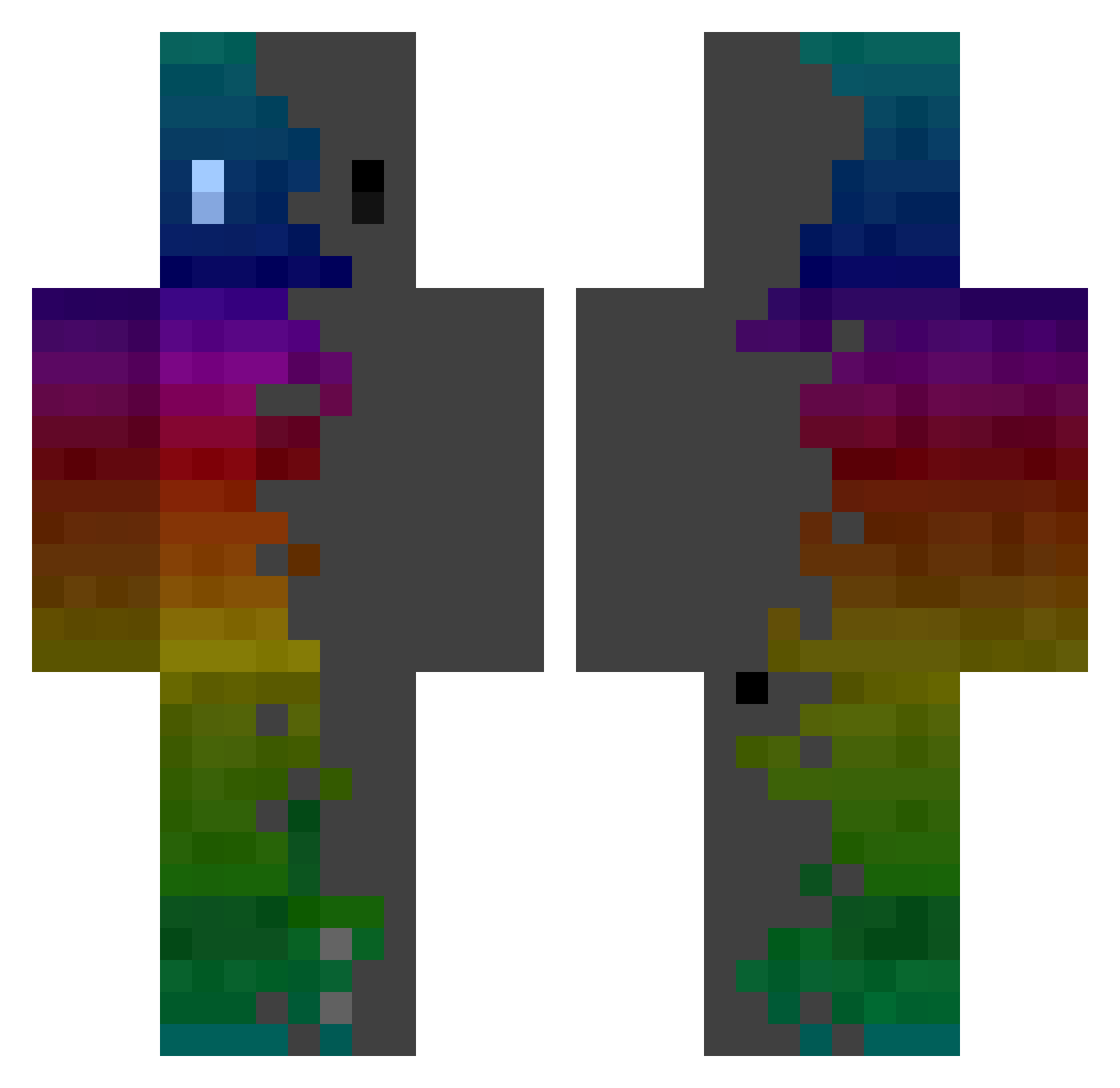
Current Minecraft skin of the player Linux3, loaded from the official Mojang API. Rotate the 3D model with your mouse or finger, then download the skin as a PNG file and use it in Minecraft: Bedrock Edition or Java Edition for free. When Linux3 changes their skin, this page updates automatically and the old skin stays in the history below.
Other players with this skin (364)
Linux3 was the 37th player we have seen with this skin, first spotted on 05.08.2026. The same skin was seen on these players. Open a nickname to see their current skin and skin history.
 Rost_is_lovE Tayzoe23 RotkiivNET ArthurLH HWE_FUCHS MattyTheBoi KeysGaming69 Zerhah X20RyzE Crespoz Nicowar0 JimmyJamesf n4cer26 Sckeak
 DCcruse Cl_5O0 Pabloski1v2 Oo_ImLeOn1_oO japoneix_ AfkaGG roxford Guai0802 Flowhard_X_covid cupcakepartystar AcaZaca seppi Bugi77 MrRamsy56 Stibnite Grayknight125 Finn_Schulz Hugo8725 f4ps_ EvIL_10 Addict_Hisoka Chubbymoose Hyeonjirung23 timudannte7 NahkriinRah Spotious lemon61811 bebbihd IroDePasta AsIaT_12 zCriiMeZ skrowten Mikro_pouli inVINCEble538 SortedLime32 MineNolz Riri290414 Wirantula DementedOne Luis598 Agda_exe KUSK666 doggan_tw Iketsukei blackhand0424 Sweaper1312
How to install the Linux3 skin
- Press the Download button above to save the skin as a PNG file.
- Minecraft: Bedrock Edition (PE): open the Dressing Room from the main menu (or tap your character → Edit Character), go to Classic Skins → Owned, press the + (new skin) button, choose the downloaded PNG and pick the Classic (Steve) model. Works on PC and mobile; consoles cannot import custom skins.
- Minecraft: Java Edition: open the Minecraft Launcher, go to the Skins tab, click New Skin, load the PNG, pick the Classic (Steve) model and press Save & Use. You can also upload it at minecraft.net → Profile → Change Skin.
The skin does not show up after import - what should I do?
Restart Minecraft and open the Dressing Room again - imported skins sometimes appear only after a restart. Also make sure you selected the imported skin and picked the Classic (Steve) model.
Which model should I choose, Classic or Slim?
This skin is designed for the Classic (Steve) model. If you pick the wrong model, the arms of the skin will look stretched or squeezed.
Is the skin of Linux3 free to download?
Yes. Press Download, save the PNG file and use it in Minecraft: Bedrock Edition or Java Edition - no payment or registration needed. The skin also works on multiplayer servers and Realms.
More skins
Looking for more? Go back to all Minecraft skins and check the top skins of the week, month and all time, or find any player's skin by nickname.