
Liltoe02 - Minecraft Skins & Skin History
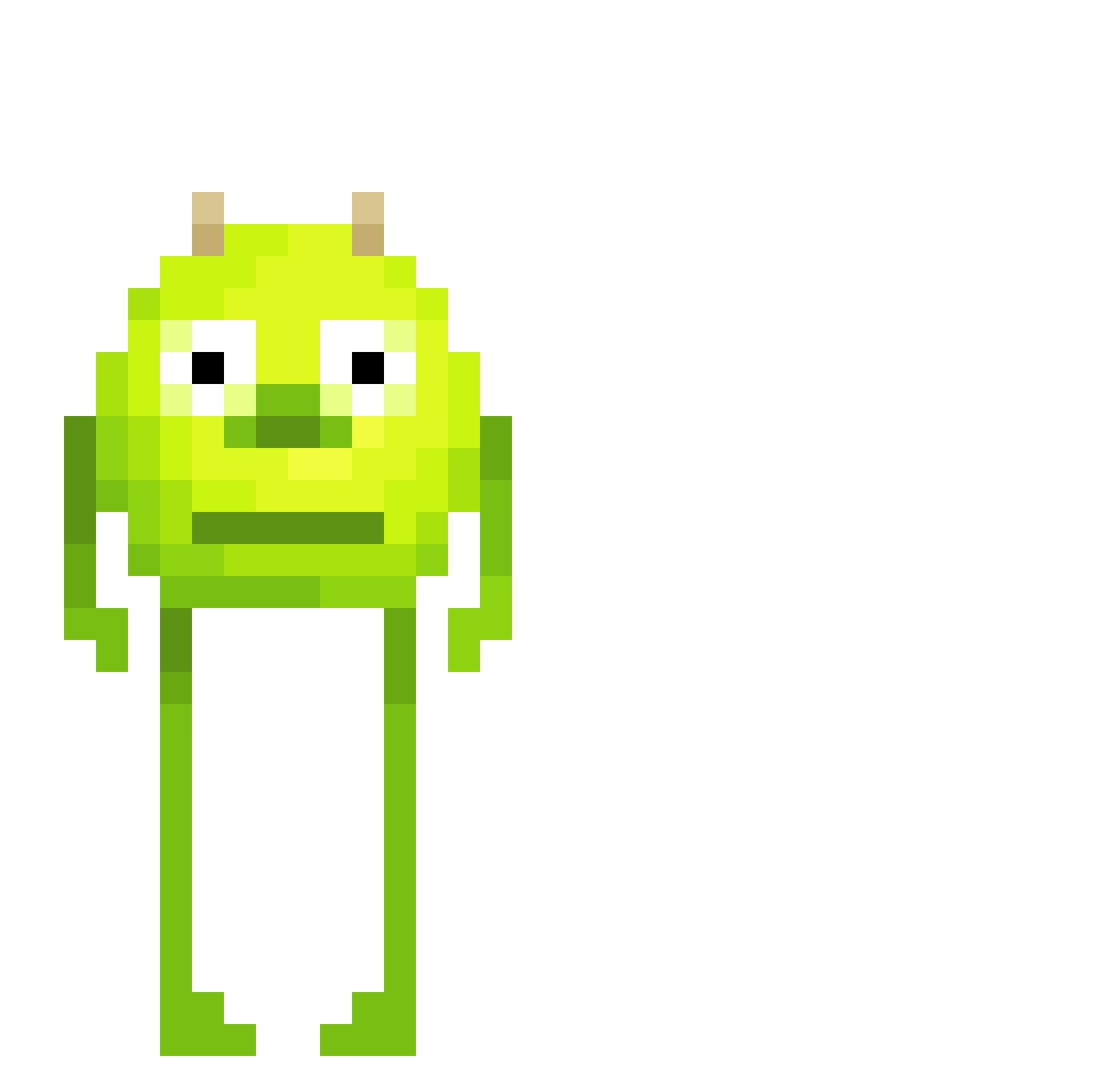
Current Minecraft skin of the player Liltoe02, loaded from the official Mojang API. Rotate the 3D model with your mouse or finger, then download the skin as a PNG file and use it in Minecraft: Bedrock Edition or Java Edition for free. When Liltoe02 changes their skin, this page updates automatically and the old skin stays in the history below.
Other players with this skin (564)
Liltoe02 was the 463rd player we have seen with this skin, first spotted on 31.10.2026. The same skin was seen on these players. Open a nickname to see their current skin and skin history.
 WebCowboy ventura329 Ana_JLS Corleone69 Miastuckey lexic2006 chisa122 ItzBrizenpro theribeiroghost malikmyball ImBujan das_saftharibo coltywolty07 Lubax lwkspans _gBr1 thheusinn Bastienkaas KingLouiV3 Fahmi Marcos_ed anjeju Pedrokis22 Atisch d3r4 DrewbyDrewbz Laloon aquariummmmmm Targetier Sudo_NFS Trivia1069 JonnyBigSilva T3WDI qQuackz amyiisoul sarahr626 Doommyyi madsencw SarjanQeel Mateus_a EndlessMyth neal19844 BingBong2156 h2ryt PiraoTheLegend wsoyeon DeShingies TarikAlkan MarTheCow espyrobg JOSH89068 BIG_FLOYD1337 anemon2848 thenicco_ LafaBu FettBacke7739 Mari0nous Pungfjun Prijnce619 eddy1243
More Mike Wazowski Minecraft skins
See all 313 Mike Wazowski skins
How to install the Liltoe02 skin
- Press the Download button above to save the skin as a PNG file.
- Minecraft: Bedrock Edition (PE): open the Dressing Room from the main menu (or tap your character → Edit Character), go to Classic Skins → Owned, press the + (new skin) button, choose the downloaded PNG and pick the Classic (Steve) model. Works on PC and mobile; consoles cannot import custom skins.
- Minecraft: Java Edition: open the Minecraft Launcher, go to the Skins tab, click New Skin, load the PNG, pick the Classic (Steve) model and press Save & Use. You can also upload it at minecraft.net → Profile → Change Skin.
The skin does not show up after import - what should I do?
Restart Minecraft and open the Dressing Room again - imported skins sometimes appear only after a restart. Also make sure you selected the imported skin and picked the Classic (Steve) model.
Which model should I choose, Classic or Slim?
This skin is designed for the Classic (Steve) model. If you pick the wrong model, the arms of the skin will look stretched or squeezed.
Is the skin of Liltoe02 free to download?
Yes. Press Download, save the PNG file and use it in Minecraft: Bedrock Edition or Java Edition - no payment or registration needed. The skin also works on multiplayer servers and Realms.
More skins
Looking for more? Go back to all Minecraft skins and check the top skins of the week, month and all time, or find any player's skin by nickname.