
Lil_Speedee - Minecraft Skins & Skin History
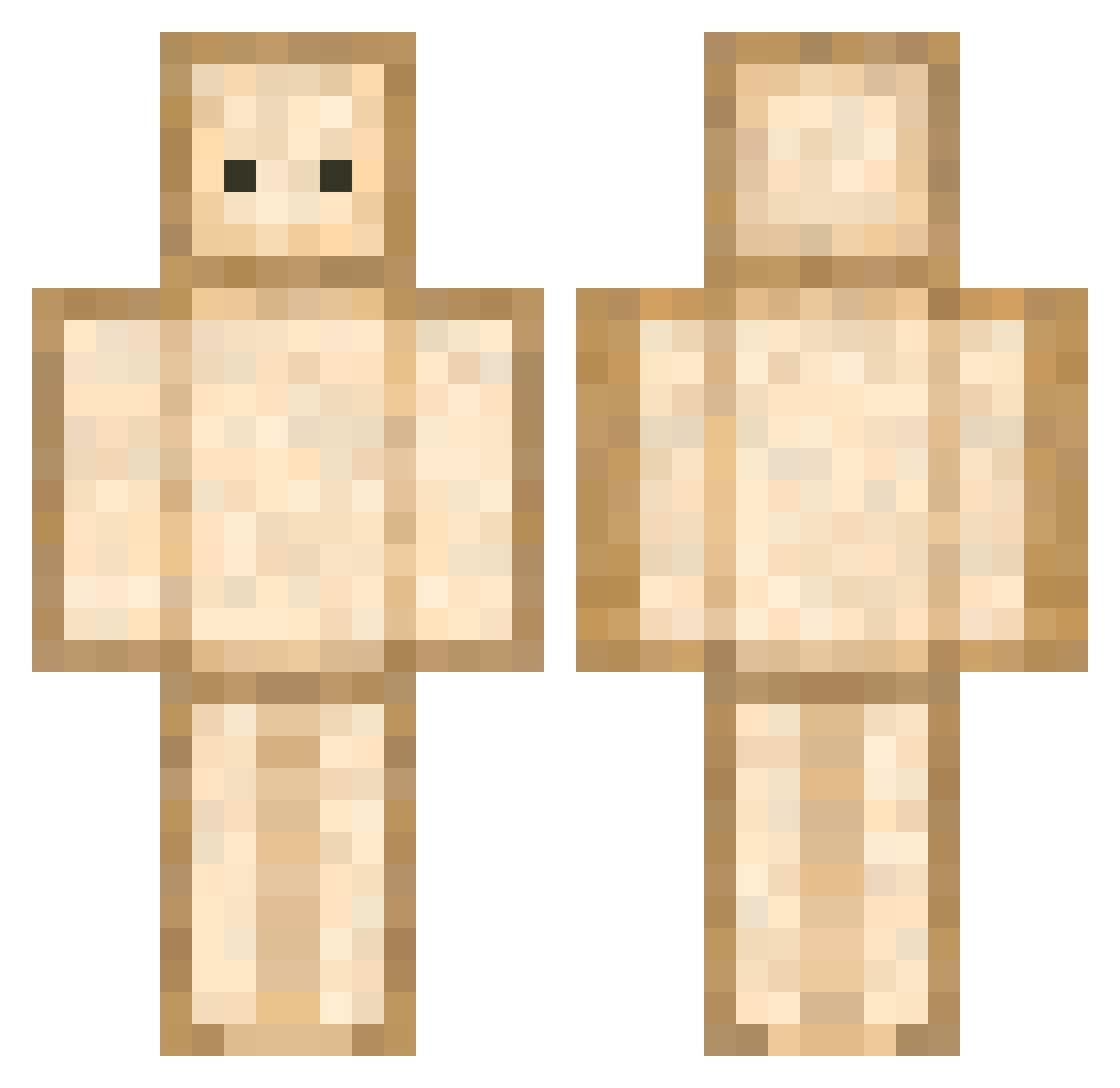
Current Minecraft skin of the player Lil_Speedee, loaded from the official Mojang API. Rotate the 3D model with your mouse or finger, then download the skin as a PNG file and use it in Minecraft: Bedrock Edition or Java Edition for free. When Lil_Speedee changes their skin, this page updates automatically and the old skin stays in the history below.
Other players with this skin (593)
Lil_Speedee was the 28th player we have seen with this skin, first spotted on 27.07.2026. The same skin was seen on these players. Open a nickname to see their current skin and skin history.
 soyoung323 Briee6219 Swuzzi levraimath NaKanotnaka jinuk1757 Uri_Bey zeberka_ Nathan14x Bageudor_XD vicoo_ HuskyDistress28 parksssi Blackiller642 SnappedNexus rainkkle
 yan_yo JacoTheBoss WLk11p michaelh3299 A_Sad_Sandwich SewingLizard Jolientien tangbenji skadus0123 IzBreadWomp Potato_34 Logomachist SPirit_LAQUILLE wonwooky FanTaniL xsei1110 ZZZStalkers choro_yoon3313 Ange03 quokka125 MegaDrainv5 gisung9227 Zap_ Cytrynd0r Faisceau123 Edhko moon0717 LadyCanary02 marsypars cc_0cc Mal_HLwEdM ulralrim SyongDD aetofu Conleone Skillb0w _Piotrek_Banan_ PatronDerWendige Reyman_ cream0808 Yandeng Namid25 pyrotechnix1 NoAnts
More Toast Minecraft skins
How to install the Lil_Speedee skin
- Press the Download button above to save the skin as a PNG file.
- Minecraft: Bedrock Edition (PE): open the Dressing Room from the main menu (or tap your character → Edit Character), go to Classic Skins → Owned, press the + (new skin) button, choose the downloaded PNG and pick the Classic (Steve) model. Works on PC and mobile; consoles cannot import custom skins.
- Minecraft: Java Edition: open the Minecraft Launcher, go to the Skins tab, click New Skin, load the PNG, pick the Classic (Steve) model and press Save & Use. You can also upload it at minecraft.net → Profile → Change Skin.
The skin does not show up after import - what should I do?
Restart Minecraft and open the Dressing Room again - imported skins sometimes appear only after a restart. Also make sure you selected the imported skin and picked the Classic (Steve) model.
Which model should I choose, Classic or Slim?
This skin is designed for the Classic (Steve) model. If you pick the wrong model, the arms of the skin will look stretched or squeezed.
Is the skin of Lil_Speedee free to download?
Yes. Press Download, save the PNG file and use it in Minecraft: Bedrock Edition or Java Edition - no payment or registration needed. The skin also works on multiplayer servers and Realms.
More skins
Looking for more? Go back to all Minecraft skins and check the top skins of the week, month and all time, or find any player's skin by nickname.