
Lightning_GL - Minecraft Skins & Skin History
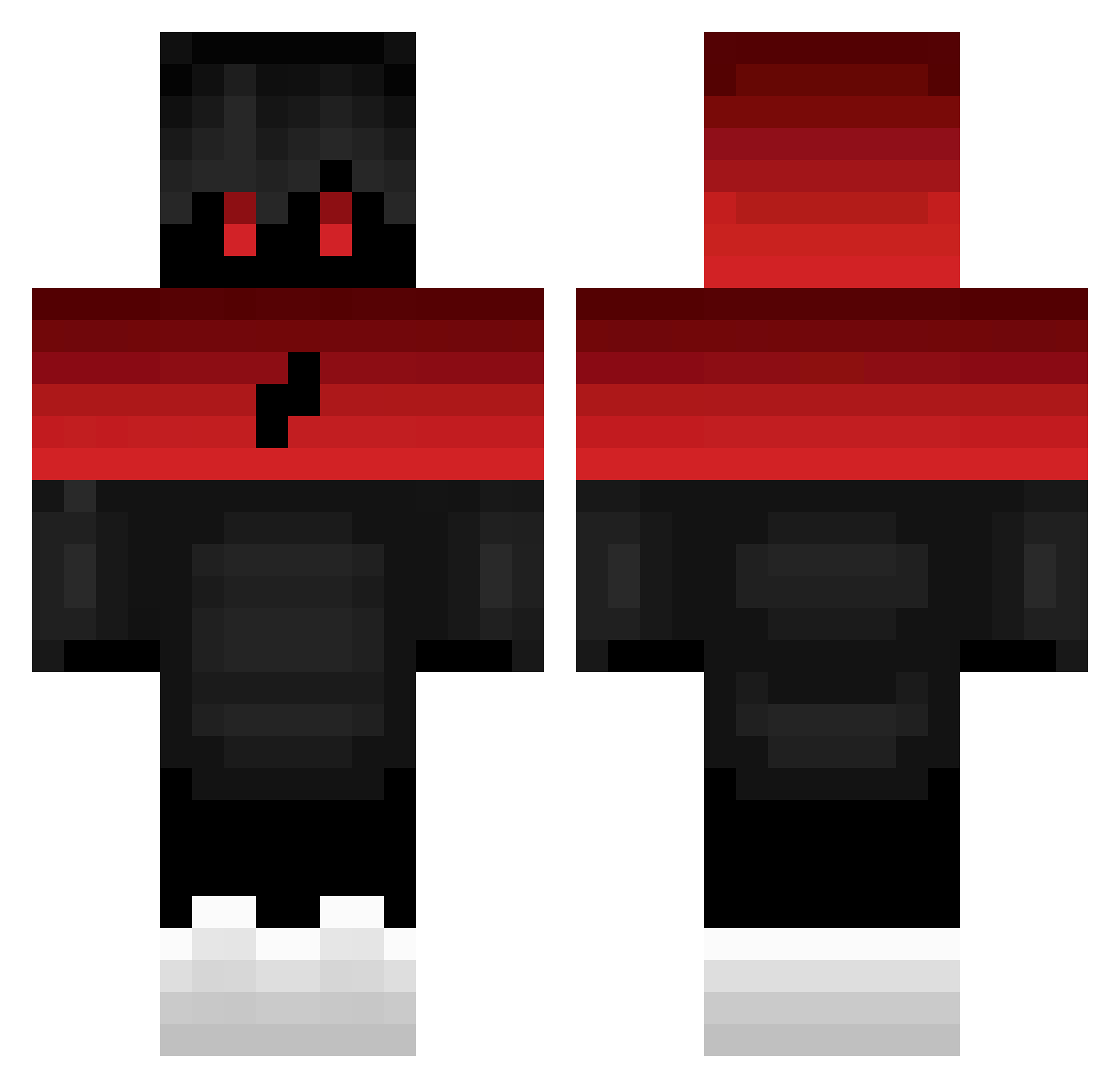
Current Minecraft skin of the player Lightning_GL, loaded from the official Mojang API. Rotate the 3D model with your mouse or finger, then download the skin as a PNG file and use it in Minecraft: Bedrock Edition or Java Edition for free. When Lightning_GL changes their skin, this page updates automatically and the old skin stays in the history below.
Other players with this skin (41)
Lightning_GL was the 9th player we have seen with this skin, first spotted on 09.08.2026. The same skin was seen on these players. Open a nickname to see their current skin and skin history.
 And3rs_06 Jajosi elmiathinas20 xonn1337 Manboy2000 joonasonparas22 WonderSauce3615 Nejano Reptile124 SadMood_ Daegu_Pong Onyyx2516 SAHTEkiller ___NoMercy___ Jetpackfilms_GHG NverTvvv Mishas9966 kikac AronXD181 ImNotYellow_ Robin58997 VNCEQC Paja2011 oPulok2 G0dz4 Unbxliebter Tubz_YT beniguada2 joar_gaming_pvp1 Hyperitsken_ Twobehknl Dreamer_on_60hz le_borb TomasKsd JellyCrystal Tw1xik sprosenax0 __al1_ xSpiace Theo0804 Hobbyloses_AleX
More Lightning Bolt Minecraft skins
See all 877 Lightning Bolt skins
How to install the Lightning_GL skin
- Press the Download button above to save the skin as a PNG file.
- Minecraft: Bedrock Edition (PE): open the Dressing Room from the main menu (or tap your character → Edit Character), go to Classic Skins → Owned, press the + (new skin) button, choose the downloaded PNG and pick the Classic (Steve) model. Works on PC and mobile; consoles cannot import custom skins.
- Minecraft: Java Edition: open the Minecraft Launcher, go to the Skins tab, click New Skin, load the PNG, pick the Classic (Steve) model and press Save & Use. You can also upload it at minecraft.net → Profile → Change Skin.
The skin does not show up after import - what should I do?
Restart Minecraft and open the Dressing Room again - imported skins sometimes appear only after a restart. Also make sure you selected the imported skin and picked the Classic (Steve) model.
Which model should I choose, Classic or Slim?
This skin is designed for the Classic (Steve) model. If you pick the wrong model, the arms of the skin will look stretched or squeezed.
Is the skin of Lightning_GL free to download?
Yes. Press Download, save the PNG file and use it in Minecraft: Bedrock Edition or Java Edition - no payment or registration needed. The skin also works on multiplayer servers and Realms.
More skins
Looking for more? Go back to all Minecraft skins and check the top skins of the week, month and all time, or find any player's skin by nickname.