
LiamDooling - Minecraft Skins & Skin History
Current Minecraft skin of the player LiamDooling, loaded from the official Mojang API. Rotate the 3D model with your mouse or finger, then download the skin as a PNG file and use it in Minecraft: Bedrock Edition or Java Edition for free. When LiamDooling changes their skin, this page updates automatically and the old skin stays in the history below.
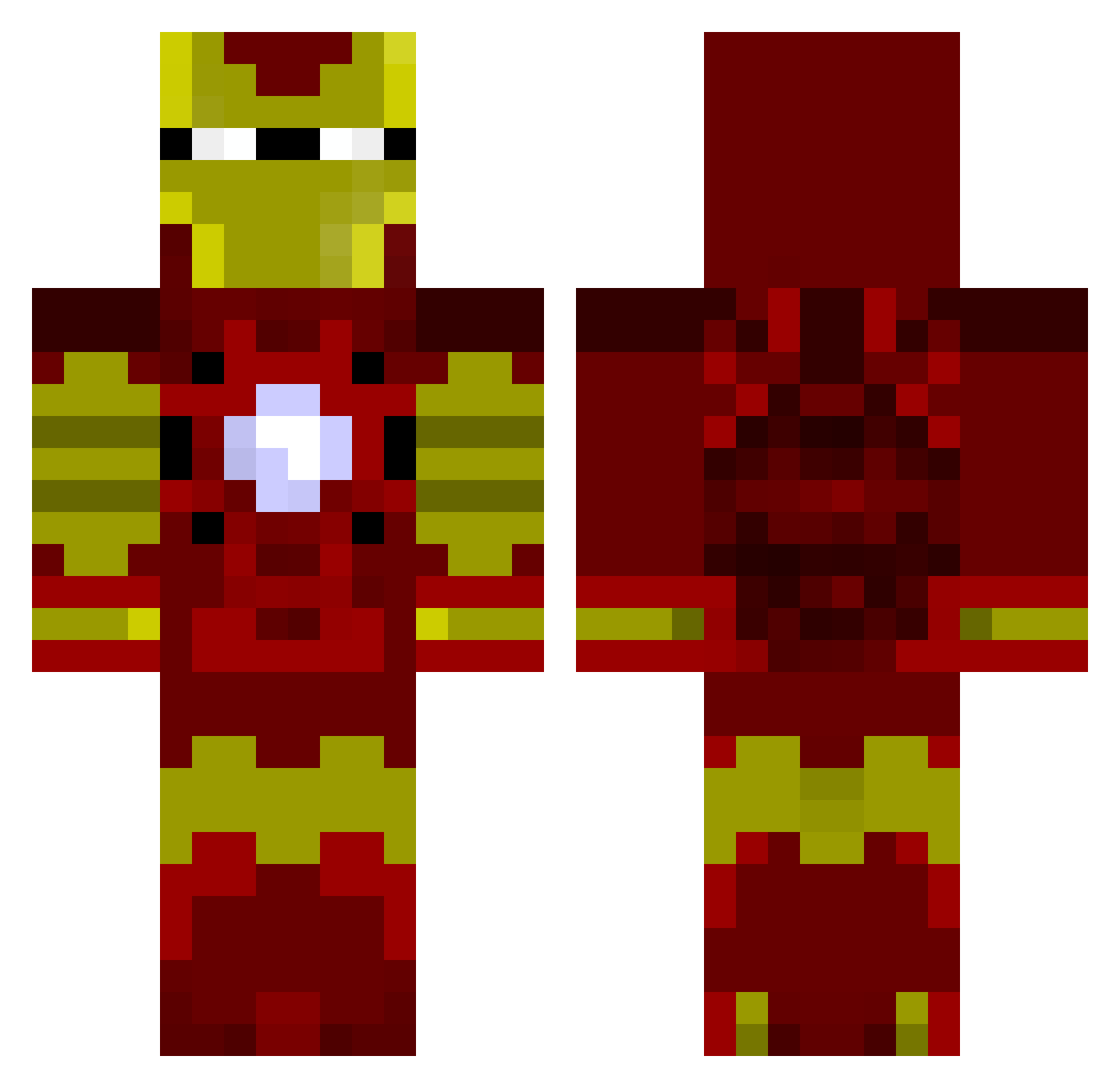
Other players with this skin (805)
LiamDooling was the 487th player we have seen with this skin, first spotted on 21.09.2026. The same skin was seen on these players. Open a nickname to see their current skin and skin history.
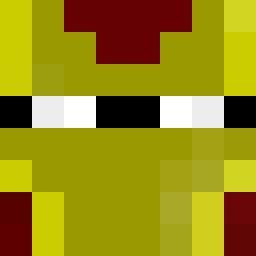 Hikara OzOne1212 BStoni SRHerrera HeadlessKnight11 darkcraft14 velocity219e Jangnoodle Caarus lawlnick WeezezMumsAMan joshi149 Thunpan Posiden03 kajulu GheyBoi69 arfingo60 Gio3737 BenReidRock Ino145 st_terry marnold17 reknew sdykstra11 stewaart TonyStark2304 Fjallderall Pokernight mrmarko247 batman600 scottish_whip wyldcard90 nativetotem Tonystark6 TerryChi Silverstone007 Anstice3 theman28 AnonimousPY NRCeder Steelers2003 robinwever DGD92 SuperRyo cocochco johng2107 Laros64 JupiterCyclops ADeLsaN ryles316 Kavachi Gobati Itz_EXODUS1 the_oskola Numnuks SPART4N93 Cruel_potato J_is_Awesome jumbunna MasonSmurf
More Iron Man Minecraft skins
How to install the LiamDooling skin
- Press the Download button above to save the skin as a PNG file.
- Minecraft: Bedrock Edition (PE): open the Dressing Room from the main menu (or tap your character → Edit Character), go to Classic Skins → Owned, press the + (new skin) button, choose the downloaded PNG and pick the Classic (Steve) model. Works on PC and mobile; consoles cannot import custom skins.
- Minecraft: Java Edition: open the Minecraft Launcher, go to the Skins tab, click New Skin, load the PNG, pick the Classic (Steve) model and press Save & Use. You can also upload it at minecraft.net → Profile → Change Skin.
The skin does not show up after import - what should I do?
Restart Minecraft and open the Dressing Room again - imported skins sometimes appear only after a restart. Also make sure you selected the imported skin and picked the Classic (Steve) model.
Which model should I choose, Classic or Slim?
This skin is designed for the Classic (Steve) model. If you pick the wrong model, the arms of the skin will look stretched or squeezed.
Is the skin of LiamDooling free to download?
Yes. Press Download, save the PNG file and use it in Minecraft: Bedrock Edition or Java Edition - no payment or registration needed. The skin also works on multiplayer servers and Realms.
More skins
Looking for more? Go back to all Minecraft skins and check the top skins of the week, month and all time, or find any player's skin by nickname.