
LgabL - Minecraft Skins & Skin History
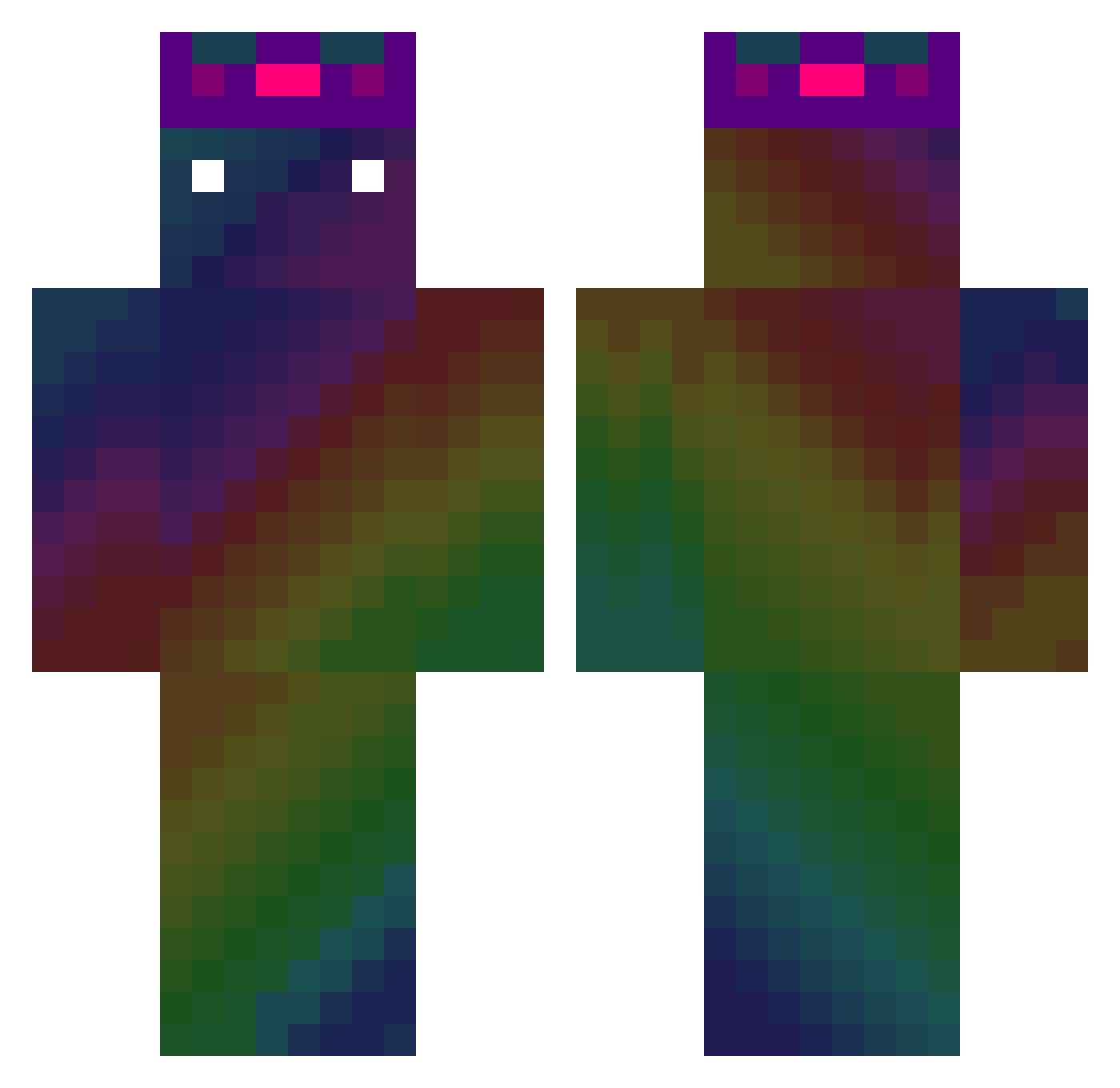
Current Minecraft skin of the player LgabL, loaded from the official Mojang API. Rotate the 3D model with your mouse or finger, then download the skin as a PNG file and use it in Minecraft: Bedrock Edition or Java Edition for free. When LgabL changes their skin, this page updates automatically and the old skin stays in the history below.
Other players with this skin (475)
LgabL was the 426th player we have seen with this skin, first spotted on 23.10.2026. The same skin was seen on these players. Open a nickname to see their current skin and skin history.
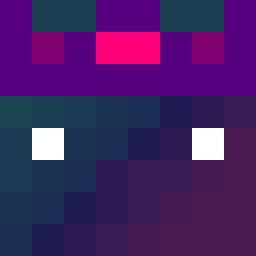 RazyGD Inoracam1 o0o_woo TTV_Jonjonnono1 SubieKingJames jeff0419 szymsonss mirna0293 joemamaa0 TooMC almeida123dius salvadoRMani Pinpingames Zono_tv Moxy_TR Tide_Shifter Janco0304 144hz_ws JusticeCobble Neon_Byte sellyglova 6954 StringyOwl jpaulzi smpl_gaming PeterTeng YaBoyLeroyy bummmmo Annuo_82 Willy_GG OBirBalik Antraplayz jhhyung762 nakaaaaaa Gabs_0 bestwolf06 Pauliten 3D__ KirilLox1 LiZeChE Kaikai805 Ash_Vertex TheElvenDruid xiaoguaishou819 sneaky12 BALLOONKUNG KushLovers Grifgrif9262 SKICHBOOK sikr2009 Daebak1789 Jack_2101 W1llllll StoproS NerVes_ geriP Merciless_0 Willnx swag_boy420 RussCornelius
How to install the LgabL skin
- Press the Download button above to save the skin as a PNG file.
- Minecraft: Bedrock Edition (PE): open the Dressing Room from the main menu (or tap your character → Edit Character), go to Classic Skins → Owned, press the + (new skin) button, choose the downloaded PNG and pick the Classic (Steve) model. Works on PC and mobile; consoles cannot import custom skins.
- Minecraft: Java Edition: open the Minecraft Launcher, go to the Skins tab, click New Skin, load the PNG, pick the Classic (Steve) model and press Save & Use. You can also upload it at minecraft.net → Profile → Change Skin.
The skin does not show up after import - what should I do?
Restart Minecraft and open the Dressing Room again - imported skins sometimes appear only after a restart. Also make sure you selected the imported skin and picked the Classic (Steve) model.
Which model should I choose, Classic or Slim?
This skin is designed for the Classic (Steve) model. If you pick the wrong model, the arms of the skin will look stretched or squeezed.
Is the skin of LgabL free to download?
Yes. Press Download, save the PNG file and use it in Minecraft: Bedrock Edition or Java Edition - no payment or registration needed. The skin also works on multiplayer servers and Realms.
More skins
Looking for more? Go back to all Minecraft skins and check the top skins of the week, month and all time, or find any player's skin by nickname.