
LetoDirk - Minecraft Skins & Skin History
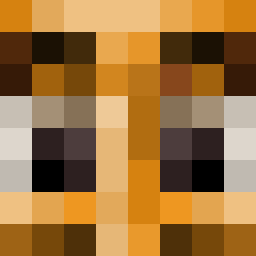
Current Minecraft skin of the player LetoDirk, loaded from the official Mojang API. Rotate the 3D model with your mouse or finger, then download the skin as a PNG file and use it in Minecraft: Bedrock Edition or Java Edition for free. When LetoDirk changes their skin, this page updates automatically and the old skin stays in the history below.
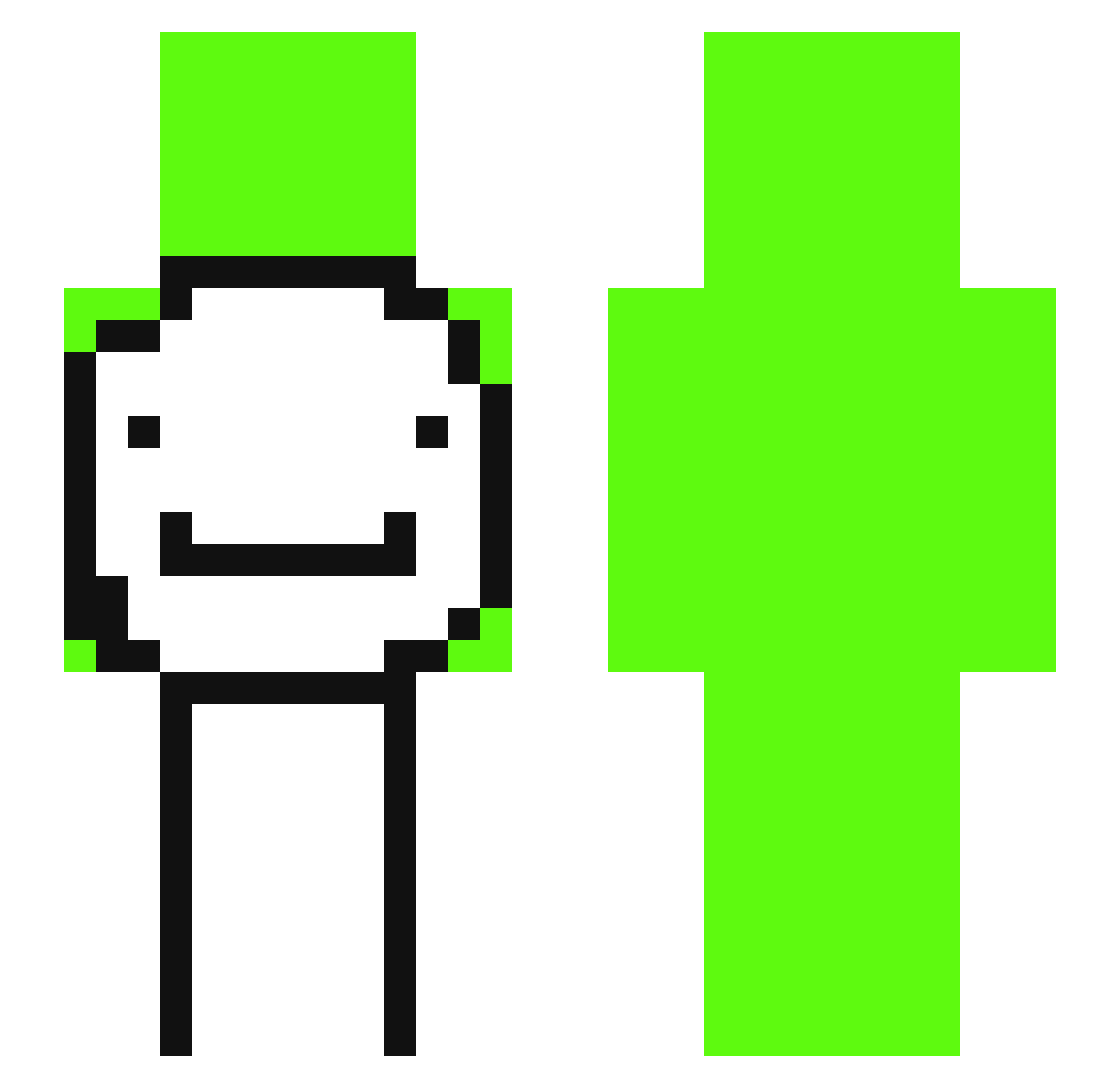
Other players with this skin (332)
LetoDirk was the 107th player we have seen with this skin, first spotted on 29.08.2026. The same skin was seen on these players. Open a nickname to see their current skin and skin history.
 syounennMint liuxi2009 landen77 B_edo aszx963021 jest23 LEVNK KuBossMc MINDOWY
 novathewise
 Dream702 MedeLeDozo xiaoli79 kadezzx Aenexiz B_o_y_d TSaurus77 TENABOO808 Lamanyal l3g_msmc_3ip kaldokle _ZaboleQ_ E3m MasterDanino Wush_ Akaps7999 Sibqcha Masmaat boshV2 CoolRehan247 aikooooooooo Enxi Filippo_11 jurGkk RyanAFK Dylanlit11 BadBoyDream EnleEnle LlamaMaster17 emirhanozbey MZx_mzk249 DAM21 mattholtkinnie
 qodbsgh830 Mutuant Lucz_btw
 warrior_ninja_57 emilis123123 qewqweq ApicalParrot279 Poyraz_10 Wexy_34
 Fortnite30
 ailleeeu GGanderson19213 Playyboy_Farti angel_forreal
 Zgamergostygirl EssaWojtek
 Blazek45
More Smiley Face Minecraft skins
See all 1927 Smiley Face skins
How to install the LetoDirk skin
- Press the Download button above to save the skin as a PNG file.
- Minecraft: Bedrock Edition (PE): open the Dressing Room from the main menu (or tap your character → Edit Character), go to Classic Skins → Owned, press the + (new skin) button, choose the downloaded PNG and pick the Slim (Alex) model. Works on PC and mobile; consoles cannot import custom skins.
- Minecraft: Java Edition: open the Minecraft Launcher, go to the Skins tab, click New Skin, load the PNG, pick the Slim (Alex) model and press Save & Use. You can also upload it at minecraft.net → Profile → Change Skin.
The skin does not show up after import - what should I do?
Restart Minecraft and open the Dressing Room again - imported skins sometimes appear only after a restart. Also make sure you selected the imported skin and picked the Slim (Alex) model.
Which model should I choose, Classic or Slim?
This skin is designed for the Slim (Alex) model. If you pick the wrong model, the arms of the skin will look stretched or squeezed.
Is the skin of LetoDirk free to download?
Yes. Press Download, save the PNG file and use it in Minecraft: Bedrock Edition or Java Edition - no payment or registration needed. The skin also works on multiplayer servers and Realms.
More skins
Looking for more? Go back to all Minecraft skins and check the top skins of the week, month and all time, or find any player's skin by nickname.