
Leonard_III - Minecraft Skins & Skin History
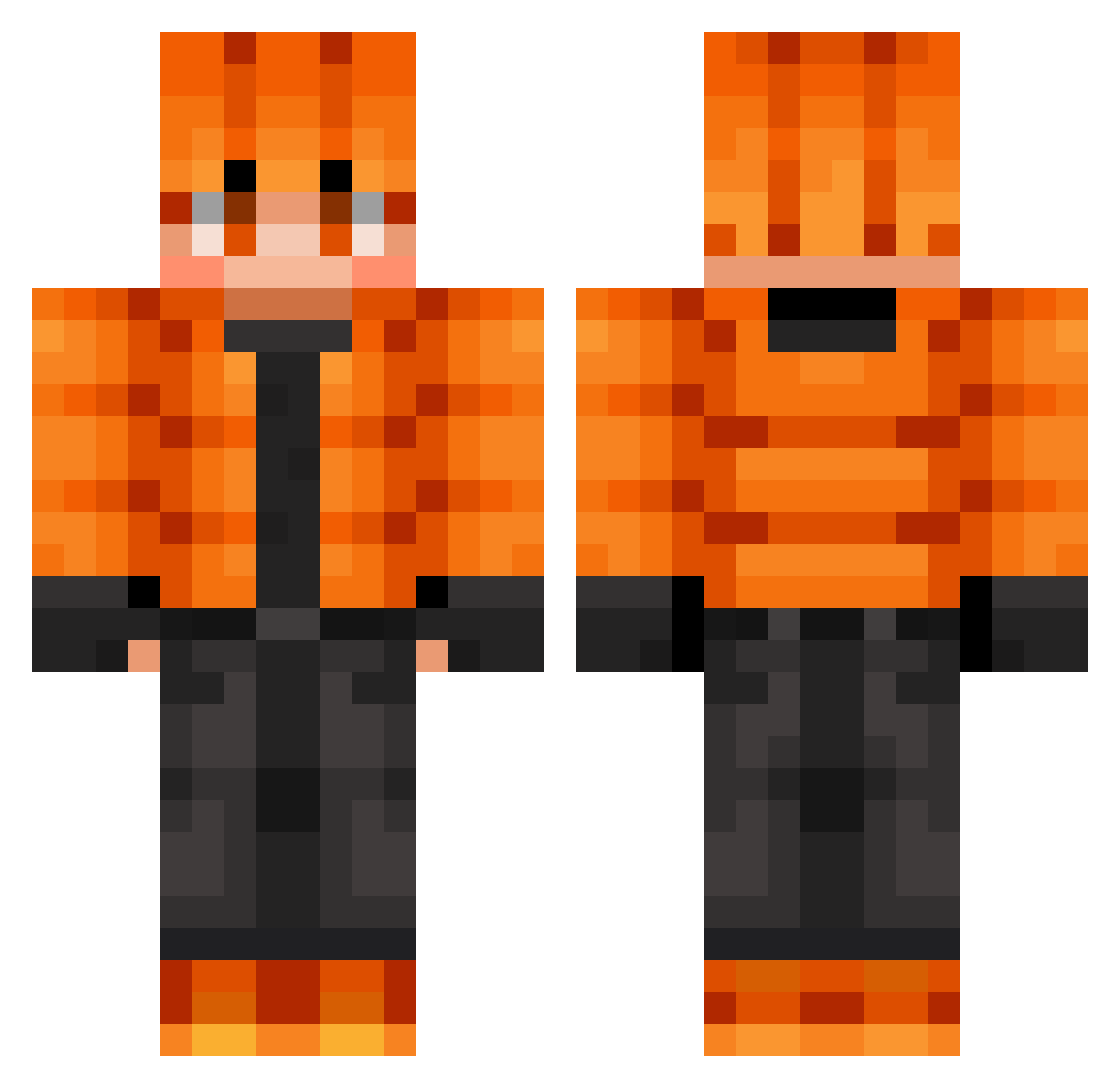
Current Minecraft skin of the player Leonard_III, loaded from the official Mojang API. Rotate the 3D model with your mouse or finger, then download the skin as a PNG file and use it in Minecraft: Bedrock Edition or Java Edition for free. When Leonard_III changes their skin, this page updates automatically and the old skin stays in the history below.
Other players with this skin (643)
Leonard_III was the 145th player we have seen with this skin, first spotted on 17.08.2026. The same skin was seen on these players. Open a nickname to see their current skin and skin history.
 Khoram
 Glandalflegrand Kingcobro17 ImperatorTrajan
 XxTOJIxX VD28 0055LAN
 silmarillion38 JonahBear315 PunisherF5 thegoat1236 oblivisk
 Kajus6189 IIxXSentinelXxII goma32tarou ruzgor Greed661
 Flamin_1427 Zifou
 _alwayshappy_ Arloking1 ElliotPJ1 aks_FSZmR_03_04 shyskylight Willigaming22124 mykjo7 helene850 Ennsers newworld55 wedOlO mchex14 yFritz_ leo4591 bxbylxn
 Barbalask David83832 AgentJokeR420 Deathstar5522 serious_ocean NzmKV8 Mariowww_ harunomai Grimrevenge MiloszFC Serendly Allen_1234 xxBedwars nemoping
 glyun Evankirby34 IFIR Hugobzthewarrior 3XXXXXSAWAIXXXXX Benio95 shvortex
 Dirty_Person BakhaKi Wanheda1775 bartbakyt kante99
How to install the Leonard_III skin
- Press the Download button above to save the skin as a PNG file.
- Minecraft: Bedrock Edition (PE): open the Dressing Room from the main menu (or tap your character → Edit Character), go to Classic Skins → Owned, press the + (new skin) button, choose the downloaded PNG and pick the Classic (Steve) model. Works on PC and mobile; consoles cannot import custom skins.
- Minecraft: Java Edition: open the Minecraft Launcher, go to the Skins tab, click New Skin, load the PNG, pick the Classic (Steve) model and press Save & Use. You can also upload it at minecraft.net → Profile → Change Skin.
The skin does not show up after import - what should I do?
Restart Minecraft and open the Dressing Room again - imported skins sometimes appear only after a restart. Also make sure you selected the imported skin and picked the Classic (Steve) model.
Which model should I choose, Classic or Slim?
This skin is designed for the Classic (Steve) model. If you pick the wrong model, the arms of the skin will look stretched or squeezed.
Is the skin of Leonard_III free to download?
Yes. Press Download, save the PNG file and use it in Minecraft: Bedrock Edition or Java Edition - no payment or registration needed. The skin also works on multiplayer servers and Realms.
More skins
Looking for more? Go back to all Minecraft skins and check the top skins of the week, month and all time, or find any player's skin by nickname.