
LeThonz - Minecraft Skins & Skin History
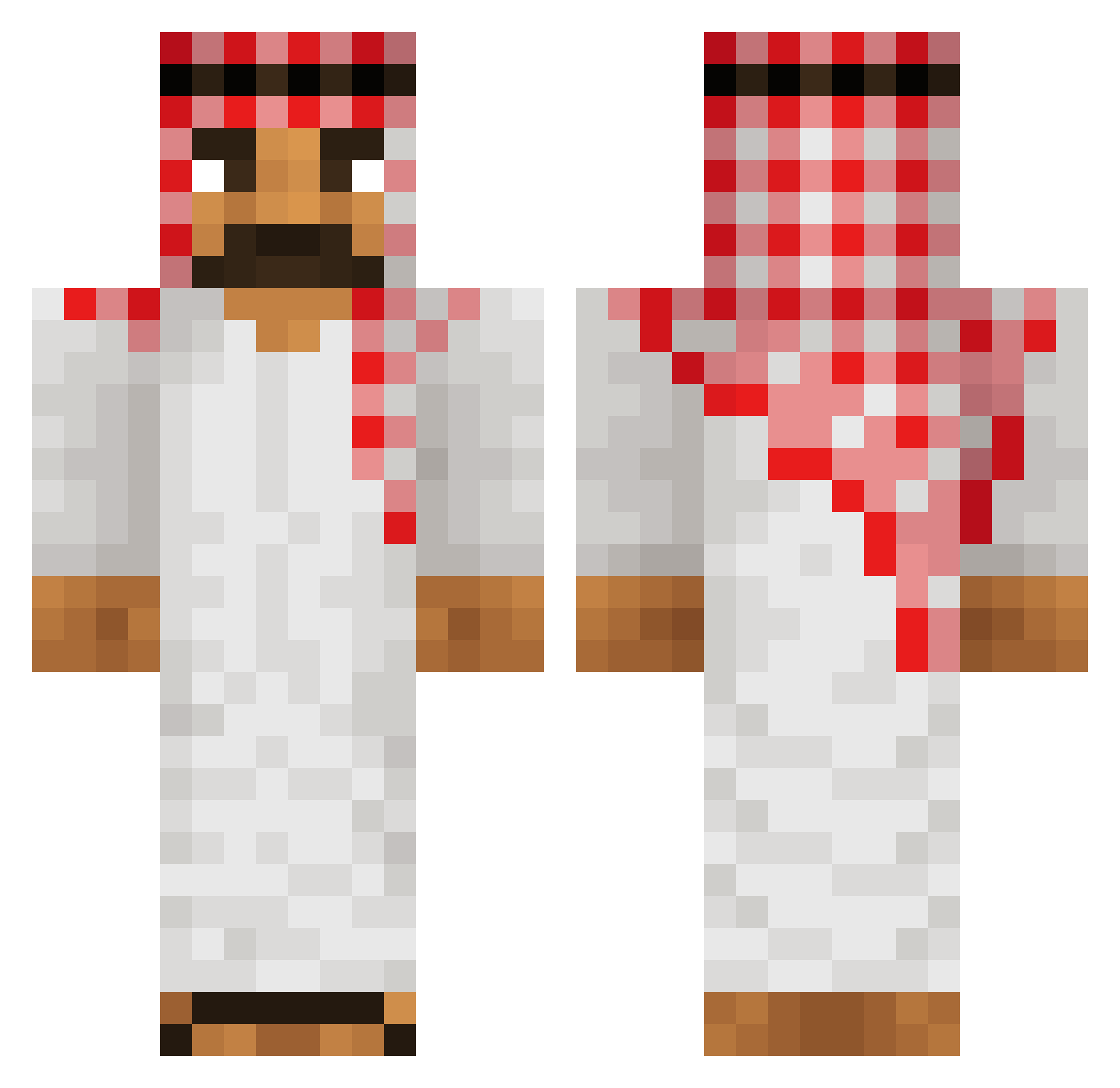
Current Minecraft skin of the player LeThonz, loaded from the official Mojang API. Rotate the 3D model with your mouse or finger, then download the skin as a PNG file and use it in Minecraft: Bedrock Edition or Java Edition for free. When LeThonz changes their skin, this page updates automatically and the old skin stays in the history below.
Other players with this skin (516)
LeThonz was the 288th player we have seen with this skin, first spotted on 21.09.2026. The same skin was seen on these players. Open a nickname to see their current skin and skin history.
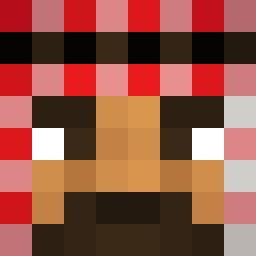 KalleKoschinskie Hiroshitz Haaavard YTGAMING18 Soulhunter4711 RATMEAT556 QQEQUA LittleDreem VIDRI0 TheLostKid Cignify corollamexido RuyaGotMotion Baraba123 KirbyPastero BadTruite Muhammad5555 ArthurCamealot KrolBax ryannnnnnnnnnn Gajoss POL3SPANOL Desmo24 ChefGrassy El_Titano_ Feebleminded Tryxair DoubleRotor54 NOROSIC weeniwarrior213 OReiDasFarturas Lu_Lu9746 pi_is_4 blibloub Chadx0 PlumpDaddy torwik51 Dantte_ _dadless_ bartek297 ItsYaBoiElite Edith_paf CastKhan3546550 Redwire16 kopciu_xd _McSqueezy_ Meeet2k ylekkami CoomieSmoothie BoomCrafter24 kingudu FumCake z3usek97 DaRealJoemama leox_073 MonkeyMikkel Zuhal_Topak Borjadgm04 JForJoeRogan V_a_n_d_a_l
More Traditional Minecraft skins
How to install the LeThonz skin
- Press the Download button above to save the skin as a PNG file.
- Minecraft: Bedrock Edition (PE): open the Dressing Room from the main menu (or tap your character → Edit Character), go to Classic Skins → Owned, press the + (new skin) button, choose the downloaded PNG and pick the Classic (Steve) model. Works on PC and mobile; consoles cannot import custom skins.
- Minecraft: Java Edition: open the Minecraft Launcher, go to the Skins tab, click New Skin, load the PNG, pick the Classic (Steve) model and press Save & Use. You can also upload it at minecraft.net → Profile → Change Skin.
The skin does not show up after import - what should I do?
Restart Minecraft and open the Dressing Room again - imported skins sometimes appear only after a restart. Also make sure you selected the imported skin and picked the Classic (Steve) model.
Which model should I choose, Classic or Slim?
This skin is designed for the Classic (Steve) model. If you pick the wrong model, the arms of the skin will look stretched or squeezed.
Is the skin of LeThonz free to download?
Yes. Press Download, save the PNG file and use it in Minecraft: Bedrock Edition or Java Edition - no payment or registration needed. The skin also works on multiplayer servers and Realms.
More skins
Looking for more? Go back to all Minecraft skins and check the top skins of the week, month and all time, or find any player's skin by nickname.