
LeGamer_NT - Minecraft Skins & Skin History
Current Minecraft skin of the player LeGamer_NT, loaded from the official Mojang API. Rotate the 3D model with your mouse or finger, then download the skin as a PNG file and use it in Minecraft: Bedrock Edition or Java Edition for free. When LeGamer_NT changes their skin, this page updates automatically and the old skin stays in the history below.
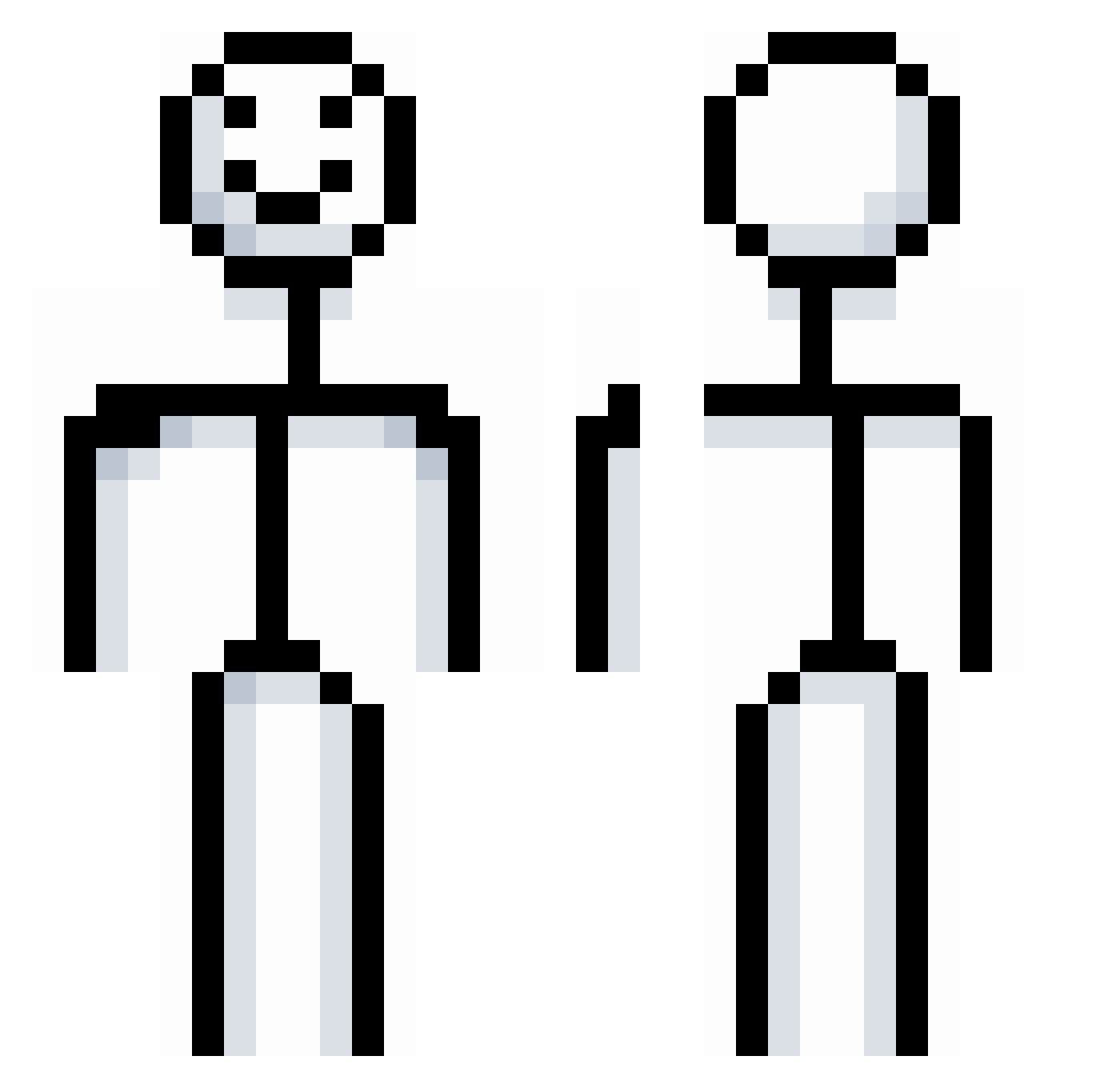
Other players with this skin (721)
LeGamer_NT was the 702nd player we have seen with this skin, first spotted on 19.10.2026. The same skin was seen on these players. Open a nickname to see their current skin and skin history.
 Foxhome7 Schmity12 RacistCultLeader Rodrigo0812 toukees ch1lly_ SAVAGE4LYFLOL aj1q2w qexyyyy j_lyn05 Mack0729 Eri_kah MagTYB Pillephib RoninASd jabcho1234 piedakimbo7 Lordfritzen EggHuntress AngelreyREY LiXinNF Ominator69 Gooberish81 krzys5465 Letts_69 XiuWuLayman qaq_30678 Viinezz caught_u_lacking Ianissaw1 ting91joey Kubi154 iHesq Rustic_exe Fatio_ nichtsistillegal JayJeeee MoeyDeez Sir_Sl Strawberrymlk0 i321 hggog BikerX pelling19 E_S_P_Y_ GuusdeBeer Neon_Bunny4life sleden4 EmaDr 0VENIX harrymg1020 Bangtem StinneBinne Santo1329 Zumoariridoka Henrystickman Angus_the_Cat NASA6815 YEETNOOBMASTER SirFrostNL
More Stickman Minecraft skins
How to install the LeGamer_NT skin
- Press the Download button above to save the skin as a PNG file.
- Minecraft: Bedrock Edition (PE): open the Dressing Room from the main menu (or tap your character → Edit Character), go to Classic Skins → Owned, press the + (new skin) button, choose the downloaded PNG and pick the Classic (Steve) model. Works on PC and mobile; consoles cannot import custom skins.
- Minecraft: Java Edition: open the Minecraft Launcher, go to the Skins tab, click New Skin, load the PNG, pick the Classic (Steve) model and press Save & Use. You can also upload it at minecraft.net → Profile → Change Skin.
The skin does not show up after import - what should I do?
Restart Minecraft and open the Dressing Room again - imported skins sometimes appear only after a restart. Also make sure you selected the imported skin and picked the Classic (Steve) model.
Which model should I choose, Classic or Slim?
This skin is designed for the Classic (Steve) model. If you pick the wrong model, the arms of the skin will look stretched or squeezed.
Is the skin of LeGamer_NT free to download?
Yes. Press Download, save the PNG file and use it in Minecraft: Bedrock Edition or Java Edition - no payment or registration needed. The skin also works on multiplayer servers and Realms.
More skins
Looking for more? Go back to all Minecraft skins and check the top skins of the week, month and all time, or find any player's skin by nickname.