
Laurynaa - Minecraft Skins & Skin History
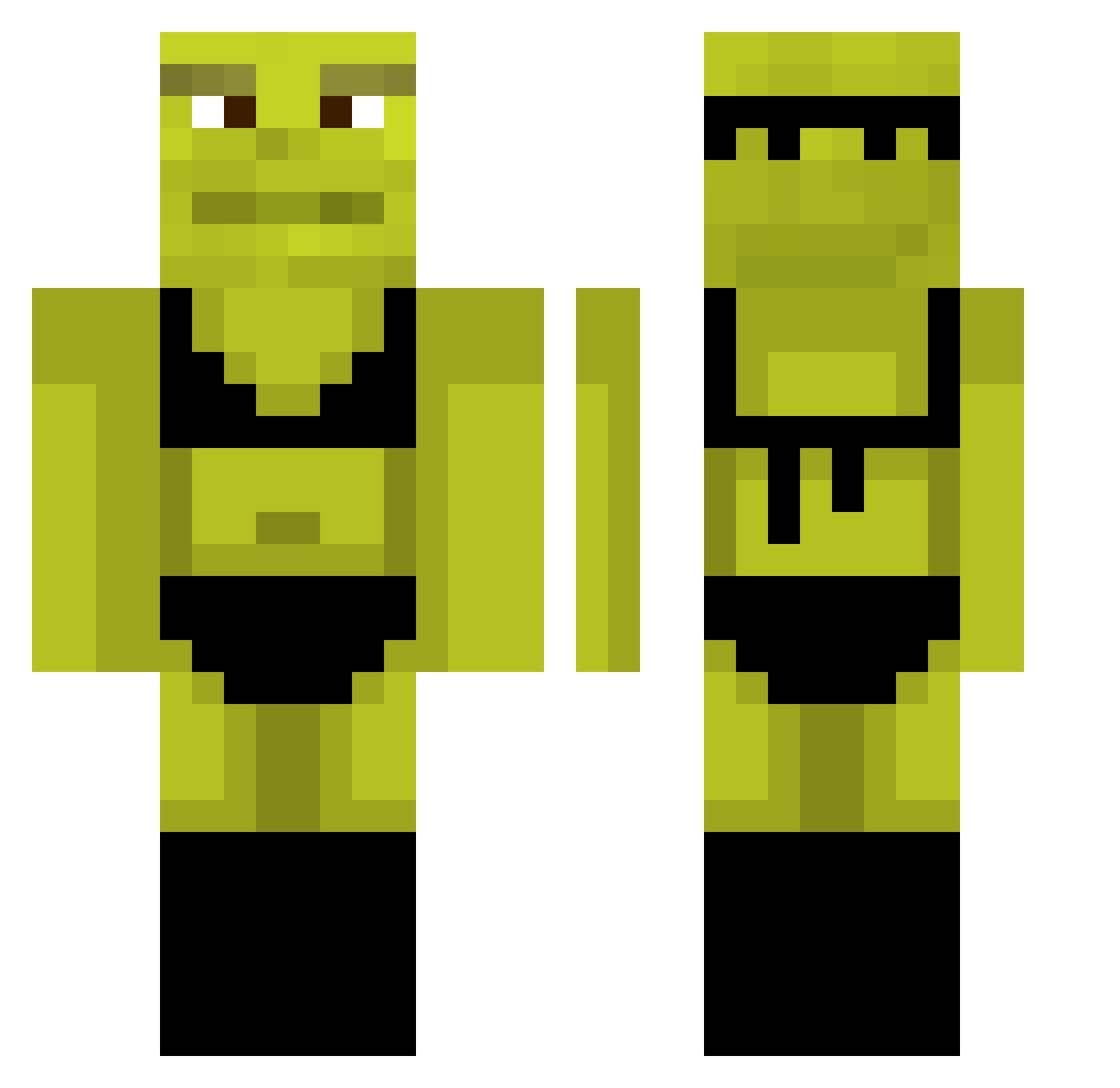
Current Minecraft skin of the player Laurynaa, loaded from the official Mojang API. Rotate the 3D model with your mouse or finger, then download the skin as a PNG file and use it in Minecraft: Bedrock Edition or Java Edition for free. When Laurynaa changes their skin, this page updates automatically and the old skin stays in the history below.
Other players with this skin (878)
Laurynaa was the 345th player we have seen with this skin, first spotted on 03.09.2026. The same skin was seen on these players. Open a nickname to see their current skin and skin history.
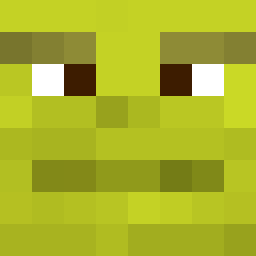 meatyourbeat00 TIAGO_STOSO S3xy_Beast69 K__W UncleSoviet Snixvr zeuus___ Spartan_Lord Za0um TOSHI4GEX PsychoAleA10 fighter8m javonlott Lucky_shortcut colinsuperdude iamyodaddy TacticalGorgon3 DaddySiempa sidejeans ZainShelPil R3dezv0us Sopsia_db Pastian11 zDarian AlexDaHerooo TheCatGG KennyKeytar ahcz Hyperzinho BITENPIERRE TheentheBean Pinseth FIREADRI PH3BS Urizrr brooke1721 Tissetroldenn shrek5_ erpavro CloudyFish77 DunzelDemfriezzz Black444n tickletipson420 fr0g_connoisseur PatrickStar_____ bombastickra DaniReyesss tomobeirne ByDaim LunaBall gyat69 williamsf Spark1Cz hamartis BaldSinceAKid Dinocrah m1lfamo hebrewdeletewho1 TheMxthod iiBreach7
More Shrek Minecraft skins
How to install the Laurynaa skin
- Press the Download button above to save the skin as a PNG file.
- Minecraft: Bedrock Edition (PE): open the Dressing Room from the main menu (or tap your character → Edit Character), go to Classic Skins → Owned, press the + (new skin) button, choose the downloaded PNG and pick the Classic (Steve) model. Works on PC and mobile; consoles cannot import custom skins.
- Minecraft: Java Edition: open the Minecraft Launcher, go to the Skins tab, click New Skin, load the PNG, pick the Classic (Steve) model and press Save & Use. You can also upload it at minecraft.net → Profile → Change Skin.
The skin does not show up after import - what should I do?
Restart Minecraft and open the Dressing Room again - imported skins sometimes appear only after a restart. Also make sure you selected the imported skin and picked the Classic (Steve) model.
Which model should I choose, Classic or Slim?
This skin is designed for the Classic (Steve) model. If you pick the wrong model, the arms of the skin will look stretched or squeezed.
Is the skin of Laurynaa free to download?
Yes. Press Download, save the PNG file and use it in Minecraft: Bedrock Edition or Java Edition - no payment or registration needed. The skin also works on multiplayer servers and Realms.
More skins
Looking for more? Go back to all Minecraft skins and check the top skins of the week, month and all time, or find any player's skin by nickname.