
LateGrey - Minecraft Skins & Skin History
Current Minecraft skin of the player LateGrey, loaded from the official Mojang API. Rotate the 3D model with your mouse or finger, then download the skin as a PNG file and use it in Minecraft: Bedrock Edition or Java Edition for free. When LateGrey changes their skin, this page updates automatically and the old skin stays in the history below.
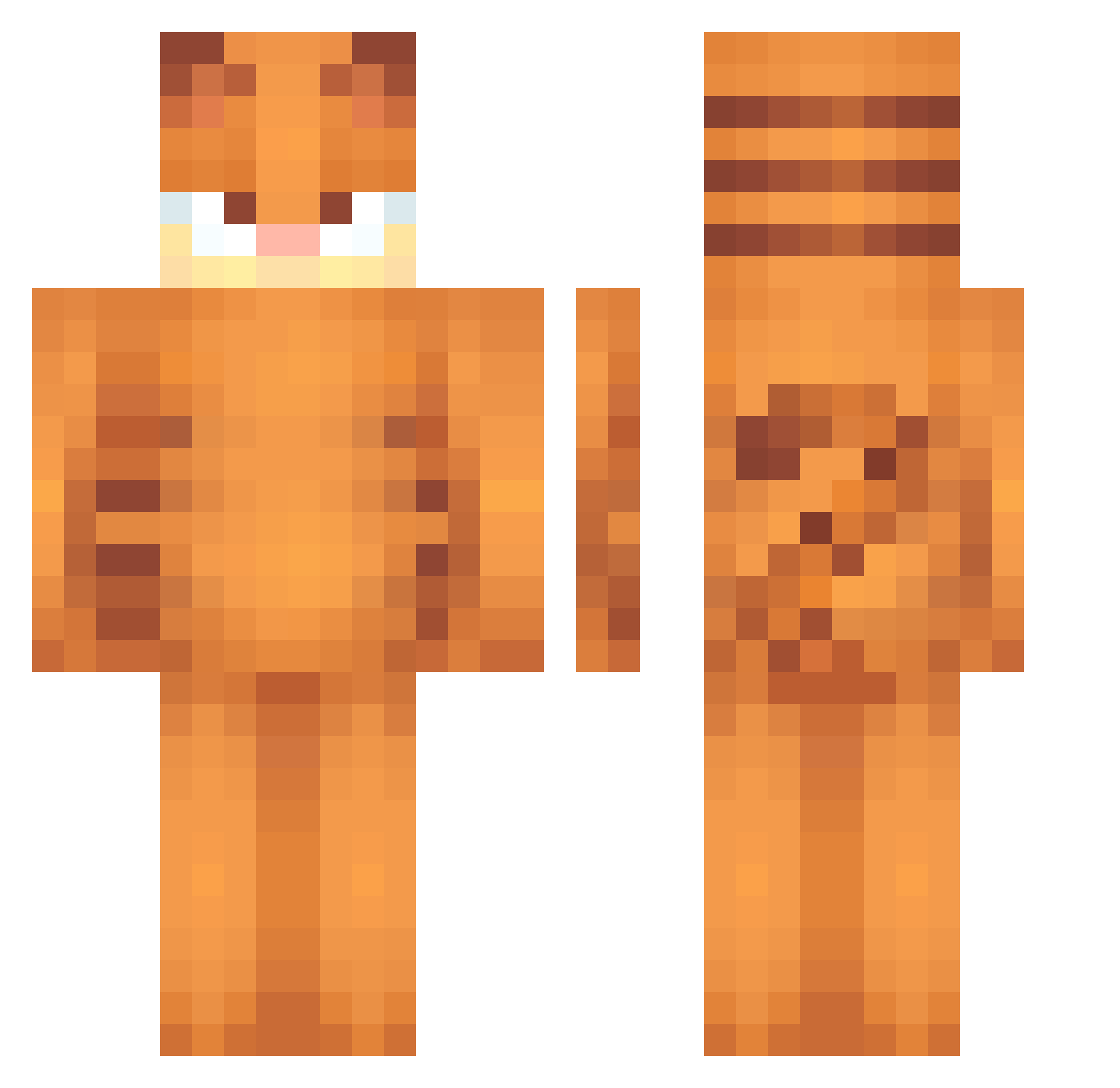
Other players with this skin (552)
LateGrey was the 33rd player we have seen with this skin, first spotted on 28.07.2026. The same skin was seen on these players. Open a nickname to see their current skin and skin history.
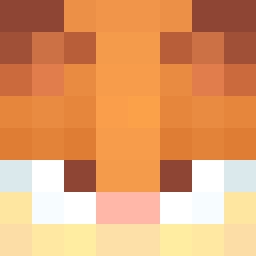 Jemsooo BananeKumpel Magicfires sillybilly1248 Peti20101203 CreativelyEmma dakas123 whooopper Andres1234321 MongE11 AlmenDip starpajama tacocat264 sofiiia_ Itscharles23 AbsolutelyMal sybl
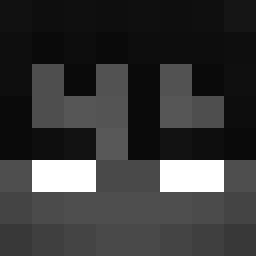 xGnz Spongebob86 giayumi
 Zekspir
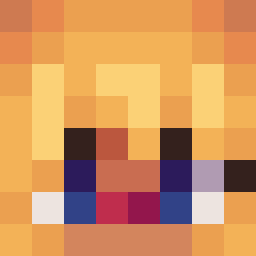 mushroomsoda0 Frank27320 Burakbabax majoneesikas SpoofyTV Xeeji Schwiwi KenkichiKun69
 sspct3 Icerider007 ScarletLin555 vriuks tunetrash Druculos Marianela21 mcslayers CuzImMazen
 LeDoflamingo Matipro23 onorqkz 360noscopesniper ohyipee wqahk thelole cielaksan33 GarfieldSimp
 ImNotChristo __QQ pwonky Aksubey amarimo diegoosz NaaNy2002 Stair_Dweller nyancat1719 YCZG
 Gurkkii jes29 fart3246
More Garfield Minecraft skins
How to install the LateGrey skin
- Press the Download button above to save the skin as a PNG file.
- Minecraft: Bedrock Edition (PE): open the Dressing Room from the main menu (or tap your character → Edit Character), go to Classic Skins → Owned, press the + (new skin) button, choose the downloaded PNG and pick the Classic (Steve) model. Works on PC and mobile; consoles cannot import custom skins.
- Minecraft: Java Edition: open the Minecraft Launcher, go to the Skins tab, click New Skin, load the PNG, pick the Classic (Steve) model and press Save & Use. You can also upload it at minecraft.net → Profile → Change Skin.
The skin does not show up after import - what should I do?
Restart Minecraft and open the Dressing Room again - imported skins sometimes appear only after a restart. Also make sure you selected the imported skin and picked the Classic (Steve) model.
Which model should I choose, Classic or Slim?
This skin is designed for the Classic (Steve) model. If you pick the wrong model, the arms of the skin will look stretched or squeezed.
Is the skin of LateGrey free to download?
Yes. Press Download, save the PNG file and use it in Minecraft: Bedrock Edition or Java Edition - no payment or registration needed. The skin also works on multiplayer servers and Realms.
More skins
Looking for more? Go back to all Minecraft skins and check the top skins of the week, month and all time, or find any player's skin by nickname.