
Lanky_7 - Minecraft Skins & Skin History
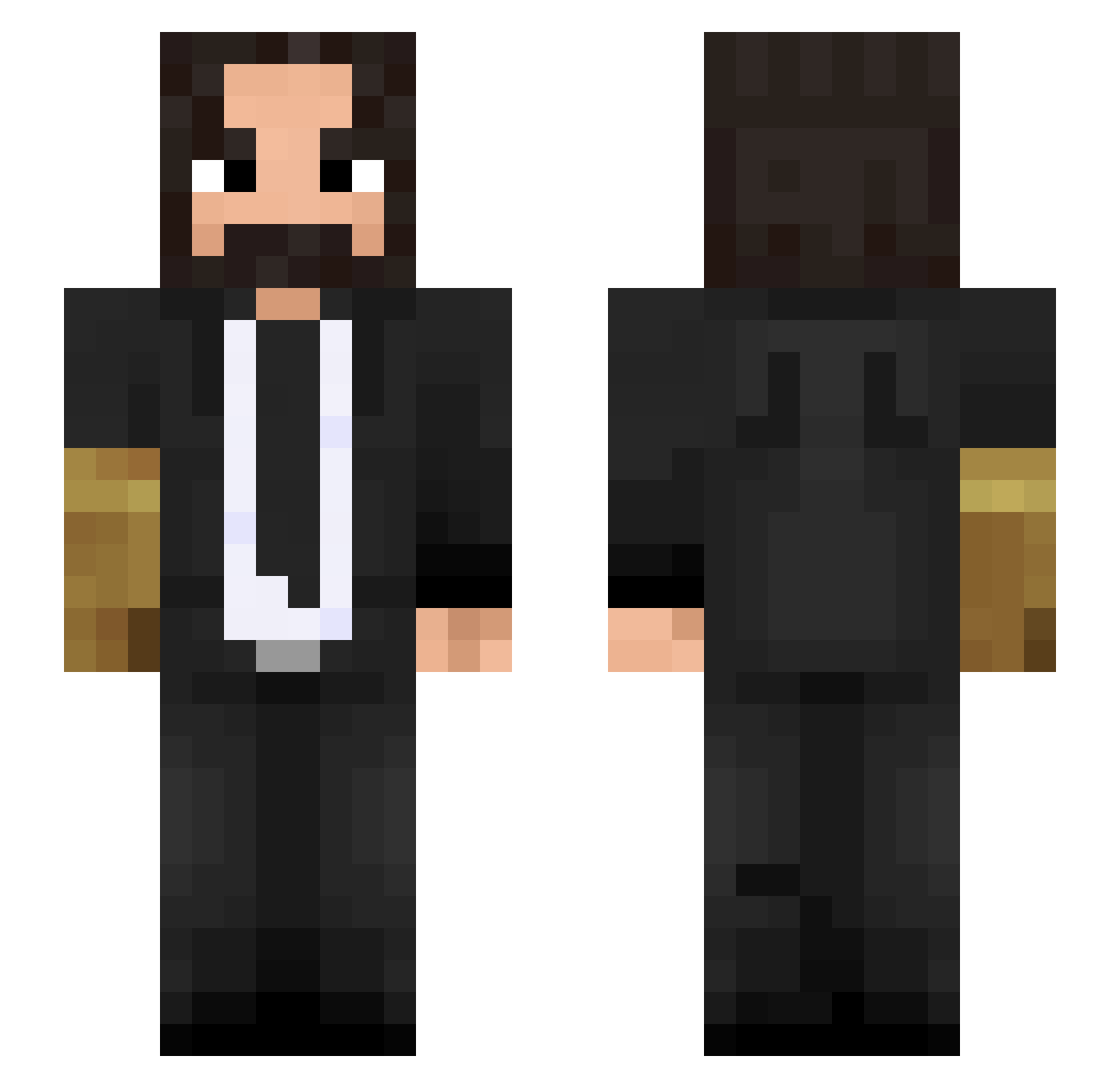
Current Minecraft skin of the player Lanky_7, loaded from the official Mojang API. Rotate the 3D model with your mouse or finger, then download the skin as a PNG file and use it in Minecraft: Bedrock Edition or Java Edition for free. When Lanky_7 changes their skin, this page updates automatically and the old skin stays in the history below.
Other players with this skin (410)
Lanky_7 was the 177th player we have seen with this skin, first spotted on 08.09.2026. The same skin was seen on these players. Open a nickname to see their current skin and skin history.
 Poe_Kun Shufflemoney Mangekyon Reos_J Illescitas6920 TheSufyaan DTTIME Bagirtlak Primeboom Dzoyson MatthiasCC Ironbuddy222 Terragante_EXE EvIan__ Eflias_Annatar skinnyvinni ChappieMT IIYoYoII DeltaVLF Jaffa2447 Poseyyyy Kondzio_780 Smartmob vumbum TisMeCooper imagenmean60 BrownEagle22 loganpalmer1 DRAGONIIM Lungun DieSchwimmbutz mof0 yosoyelmuzzy Janthedon Chesse26 d3nnj0 TheRoyalCracker FifaInwZa007 NeptunePerson Tirpise Fozz11 BigBoi89 coaks75 Vidalya darkoni0612 Bongo_Chat K4cpi476 xXMrAndrewXx ABMasta77 lm41739 englann ImGrimmm PastilKhersi Weltrix Ratchet_Hatchet bonstick PunishedPerseas Alp1ko CinnamonSunset JhoKing01
More John Wick Minecraft skins
How to install the Lanky_7 skin
- Press the Download button above to save the skin as a PNG file.
- Minecraft: Bedrock Edition (PE): open the Dressing Room from the main menu (or tap your character → Edit Character), go to Classic Skins → Owned, press the + (new skin) button, choose the downloaded PNG and pick the Slim (Alex) model. Works on PC and mobile; consoles cannot import custom skins.
- Minecraft: Java Edition: open the Minecraft Launcher, go to the Skins tab, click New Skin, load the PNG, pick the Slim (Alex) model and press Save & Use. You can also upload it at minecraft.net → Profile → Change Skin.
The skin does not show up after import - what should I do?
Restart Minecraft and open the Dressing Room again - imported skins sometimes appear only after a restart. Also make sure you selected the imported skin and picked the Slim (Alex) model.
Which model should I choose, Classic or Slim?
This skin is designed for the Slim (Alex) model. If you pick the wrong model, the arms of the skin will look stretched or squeezed.
Is the skin of Lanky_7 free to download?
Yes. Press Download, save the PNG file and use it in Minecraft: Bedrock Edition or Java Edition - no payment or registration needed. The skin also works on multiplayer servers and Realms.
More skins
Looking for more? Go back to all Minecraft skins and check the top skins of the week, month and all time, or find any player's skin by nickname.