
LTronix - Minecraft Skins & Skin History
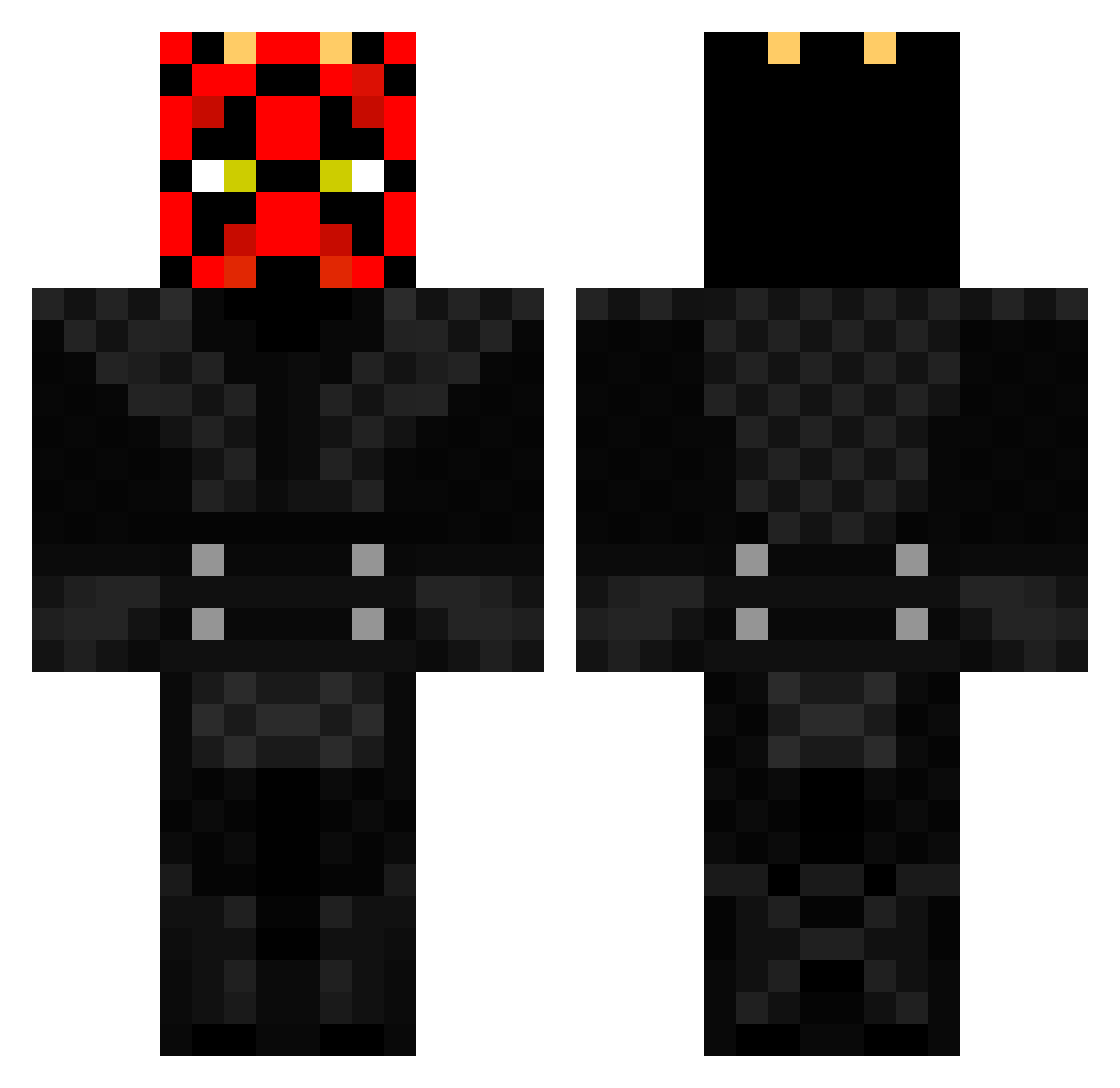
Current Minecraft skin of the player LTronix, loaded from the official Mojang API. Rotate the 3D model with your mouse or finger, then download the skin as a PNG file and use it in Minecraft: Bedrock Edition or Java Edition for free. When LTronix changes their skin, this page updates automatically and the old skin stays in the history below.
Other players with this skin (242)
LTronix was the 236th player we have seen with this skin, first spotted on 13.11.2026. The same skin was seen on these players. Open a nickname to see their current skin and skin history.
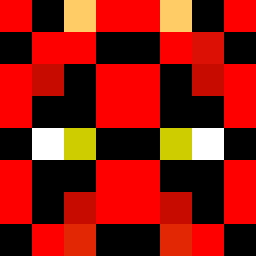 THE_BIG_PAPPA KillahC4M DJ_Kempo Mahrez26 ShotgunPistol MagePixy kamikaze1019 Jelman21 Dirty_Mike_10 AJARP161 Domia_abr_Wyrda Stryxd ArkenIsStarving kacper091293 quinnlovespooh drgregoir Staruzz Beetulgeuse divenorth tobiastobbe xoPurge EndeImGelende LalleMannen wag3k Kafetzis44 QL3_ Schwenske Lazuras29 D_Cash_Money OGDarthMal midkunak Angyman563 JulesTheuns Miclin304 Twadon gvetta2000 GRUMPYSCRUMPY avrossel BooperBlements Dinoress ISHATMYPANTS SCB69 Nefrize Anelino97 Table96 studaero iinpherno BabySuyma jelenakopac LTFkman Anakinl RedPark21 Prime_TwistY Go4n4 MizZouMan41 YoungMoJo ChristLife99 ChaosBill_ airsoftguy44 Sea_Geezy
More Darth Maul Minecraft skins
How to install the LTronix skin
- Press the Download button above to save the skin as a PNG file.
- Minecraft: Bedrock Edition (PE): open the Dressing Room from the main menu (or tap your character → Edit Character), go to Classic Skins → Owned, press the + (new skin) button, choose the downloaded PNG and pick the Classic (Steve) model. Works on PC and mobile; consoles cannot import custom skins.
- Minecraft: Java Edition: open the Minecraft Launcher, go to the Skins tab, click New Skin, load the PNG, pick the Classic (Steve) model and press Save & Use. You can also upload it at minecraft.net → Profile → Change Skin.
The skin does not show up after import - what should I do?
Restart Minecraft and open the Dressing Room again - imported skins sometimes appear only after a restart. Also make sure you selected the imported skin and picked the Classic (Steve) model.
Which model should I choose, Classic or Slim?
This skin is designed for the Classic (Steve) model. If you pick the wrong model, the arms of the skin will look stretched or squeezed.
Is the skin of LTronix free to download?
Yes. Press Download, save the PNG file and use it in Minecraft: Bedrock Edition or Java Edition - no payment or registration needed. The skin also works on multiplayer servers and Realms.
More skins
Looking for more? Go back to all Minecraft skins and check the top skins of the week, month and all time, or find any player's skin by nickname.