
LOVEHappen - Minecraft Skins & Skin History
Current Minecraft skin of the player LOVEHappen, loaded from the official Mojang API. Rotate the 3D model with your mouse or finger, then download the skin as a PNG file and use it in Minecraft: Bedrock Edition or Java Edition for free. When LOVEHappen changes their skin, this page updates automatically and the old skin stays in the history below.
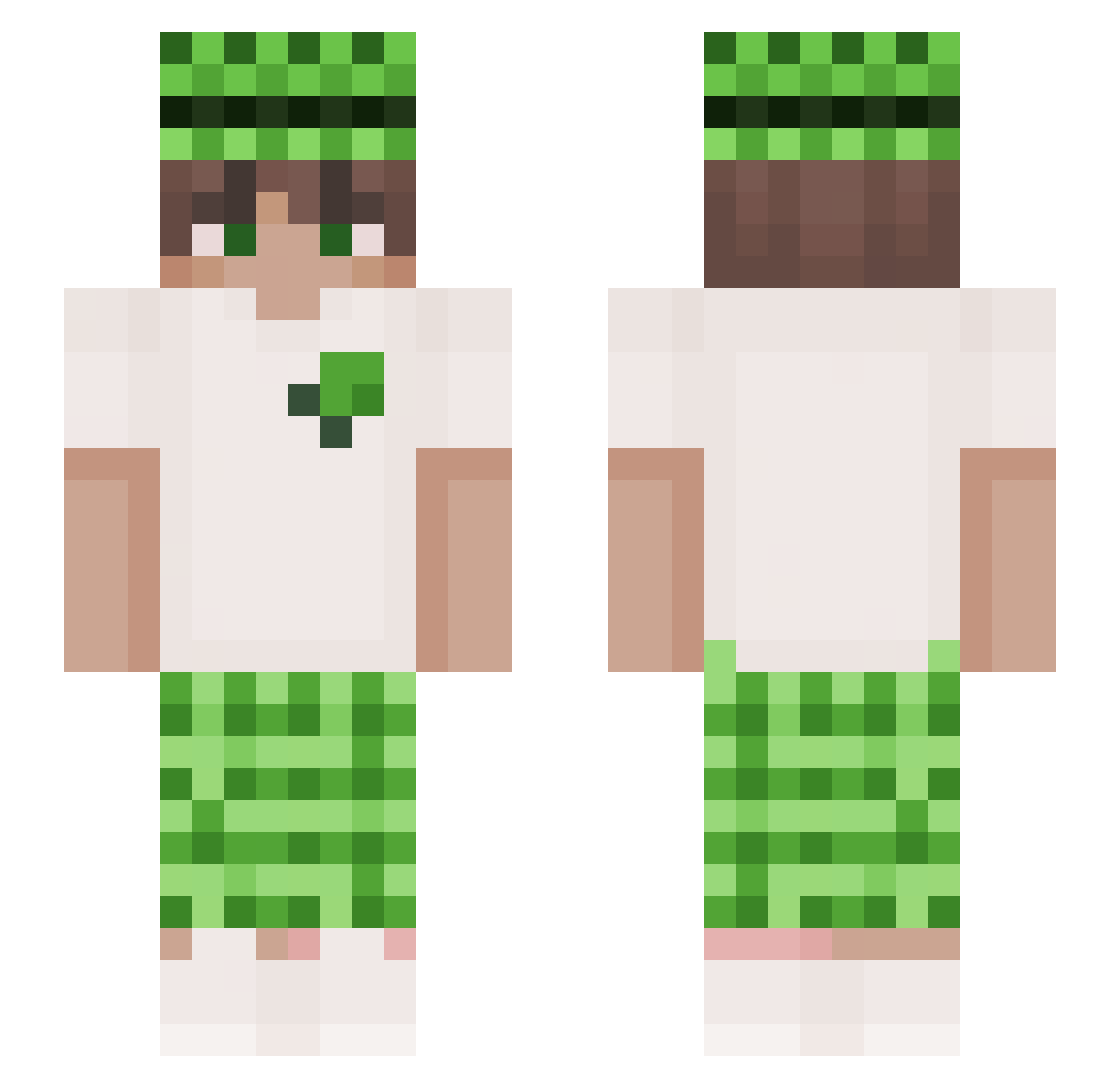
Other players with this skin (192)
LOVEHappen was the 60th player we have seen with this skin, first spotted on 24.08.2026. The same skin was seen on these players. Open a nickname to see their current skin and skin history.
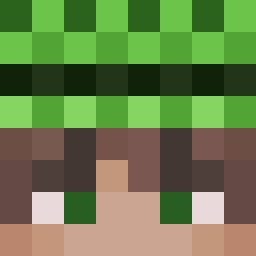 Morbius_ LinhtlCef1231 alexsigmorr bakpapier06 kacperito110 fihou rai_akaba rocksyia wenshuOVO 1660_Ti ByVixtor vareja5 ydt0755 AL3XSN nuda666 Sztucer_ Khalafawy Wiolest yongwangzhiqianj
 dxafq I_luv_HotMoms salvailporno rusna10 haogg123 GuncoreTR Bebzonik_Sky yafiksik Colxy Sn0wiy1 Teusx IXuanTaHioNI dos1p M3ntal00 bakimaster daradevilR8 TheKacperOne ffranekk_ xyTaco GVZINX8
 sztorm13 dragoooon23 r0bert0pr0 littledanny343 roadtosilence wallsab2 _KEN_12 Azox_96 aidendiaz202 Def4sT Pato12AM CHAYGON XionOn Belzito JHMJHMAND73 Hamdan_15 Tasich Arnoxas NotAdharv MEIAN111 JJT668
More Plaid Minecraft skins
How to install the LOVEHappen skin
- Press the Download button above to save the skin as a PNG file.
- Minecraft: Bedrock Edition (PE): open the Dressing Room from the main menu (or tap your character → Edit Character), go to Classic Skins → Owned, press the + (new skin) button, choose the downloaded PNG and pick the Slim (Alex) model. Works on PC and mobile; consoles cannot import custom skins.
- Minecraft: Java Edition: open the Minecraft Launcher, go to the Skins tab, click New Skin, load the PNG, pick the Slim (Alex) model and press Save & Use. You can also upload it at minecraft.net → Profile → Change Skin.
The skin does not show up after import - what should I do?
Restart Minecraft and open the Dressing Room again - imported skins sometimes appear only after a restart. Also make sure you selected the imported skin and picked the Slim (Alex) model.
Which model should I choose, Classic or Slim?
This skin is designed for the Slim (Alex) model. If you pick the wrong model, the arms of the skin will look stretched or squeezed.
Is the skin of LOVEHappen free to download?
Yes. Press Download, save the PNG file and use it in Minecraft: Bedrock Edition or Java Edition - no payment or registration needed. The skin also works on multiplayer servers and Realms.
More skins
Looking for more? Go back to all Minecraft skins and check the top skins of the week, month and all time, or find any player's skin by nickname.