
Kytrn - Minecraft Skins & Skin History
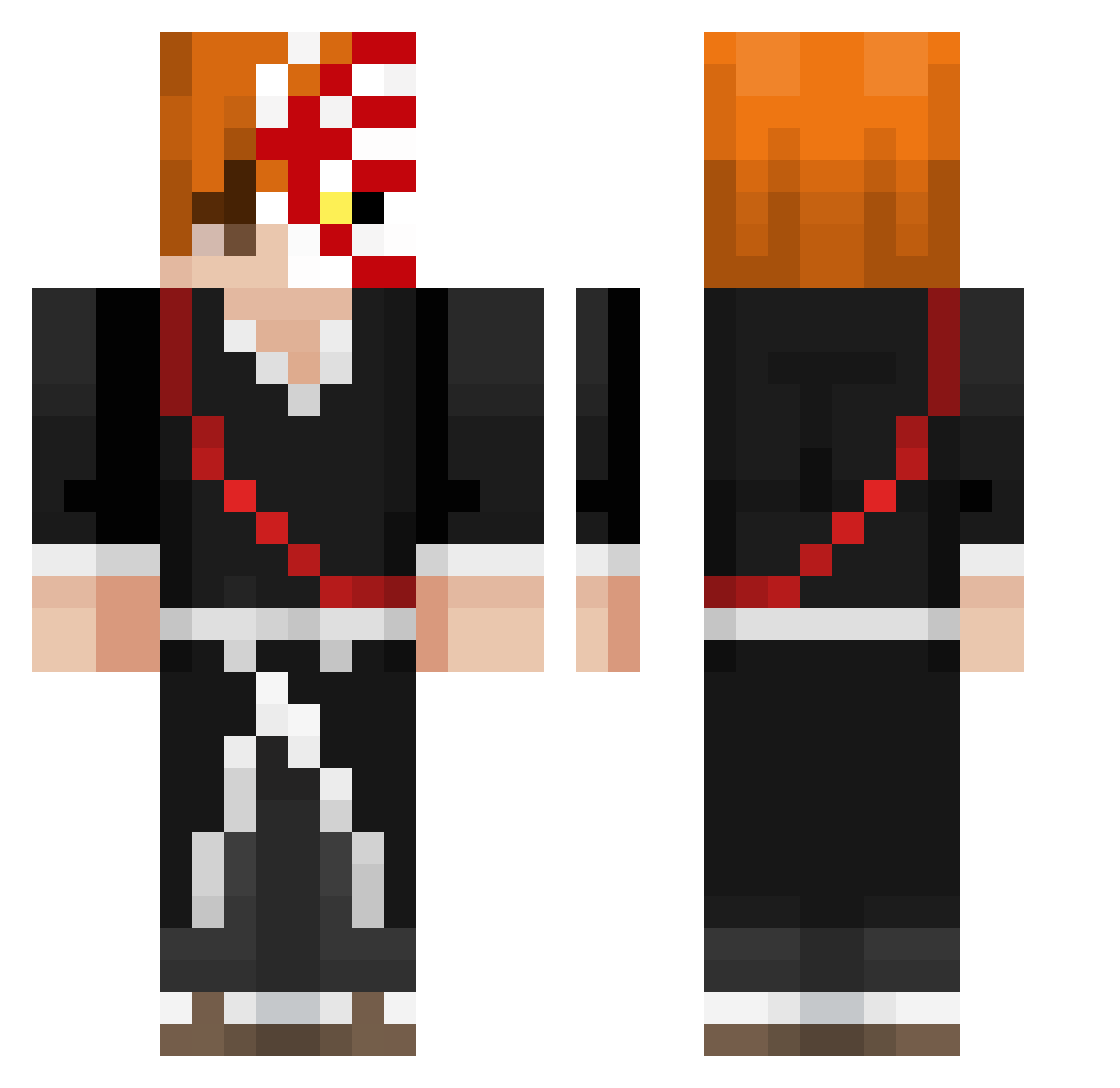
Current Minecraft skin of the player Kytrn, loaded from the official Mojang API. Rotate the 3D model with your mouse or finger, then download the skin as a PNG file and use it in Minecraft: Bedrock Edition or Java Edition for free. When Kytrn changes their skin, this page updates automatically and the old skin stays in the history below.
Other players with this skin (437)
Kytrn was the 266th player we have seen with this skin, first spotted on 04.10.2026. The same skin was seen on these players. Open a nickname to see their current skin and skin history.
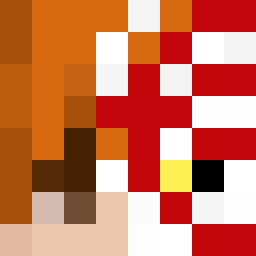 LordShimura Ghost_aassassins MemeMaestro15 Ardrit04 Wellton15FPS Sidcat Darkie26ESK btunell6 bla1se yassin151 Irveen03 Kronozeus69 Dhrubjub Pleiades0903 katakuri1907 VRATOX Jumbaaam_ Ogedayegeaysel Dontae2107 xSniperdemon216x cetisbig Rewiq czajamalejaja Tsuo7 DDanieljj waks00n Chasmo218 Aizcraft vMaxMouse Jebuary DeathAngelZero Char_Zard2011 TreeNutzzz stepuo ChrisIsRoasted imbeyond KrTomb VeeChorizo Yr5z FiuuGOD darkoooo27 Cariocazin Eljuan9 LinkinSchadow Dbxz503 SWARKAN NotTyleRRR Stredyy Orpheuszs Pringcha Nexyo__ d0nkz kidkaz19 DadWouldBeProud ValtCI BedDread alien3s_ biancalotti Cilkwo ImLaw__
More Shinigami Minecraft skins
How to install the Kytrn skin
- Press the Download button above to save the skin as a PNG file.
- Minecraft: Bedrock Edition (PE): open the Dressing Room from the main menu (or tap your character → Edit Character), go to Classic Skins → Owned, press the + (new skin) button, choose the downloaded PNG and pick the Classic (Steve) model. Works on PC and mobile; consoles cannot import custom skins.
- Minecraft: Java Edition: open the Minecraft Launcher, go to the Skins tab, click New Skin, load the PNG, pick the Classic (Steve) model and press Save & Use. You can also upload it at minecraft.net → Profile → Change Skin.
The skin does not show up after import - what should I do?
Restart Minecraft and open the Dressing Room again - imported skins sometimes appear only after a restart. Also make sure you selected the imported skin and picked the Classic (Steve) model.
Which model should I choose, Classic or Slim?
This skin is designed for the Classic (Steve) model. If you pick the wrong model, the arms of the skin will look stretched or squeezed.
Is the skin of Kytrn free to download?
Yes. Press Download, save the PNG file and use it in Minecraft: Bedrock Edition or Java Edition - no payment or registration needed. The skin also works on multiplayer servers and Realms.
More skins
Looking for more? Go back to all Minecraft skins and check the top skins of the week, month and all time, or find any player's skin by nickname.