
Kuya_Splat - Minecraft Skins & Skin History
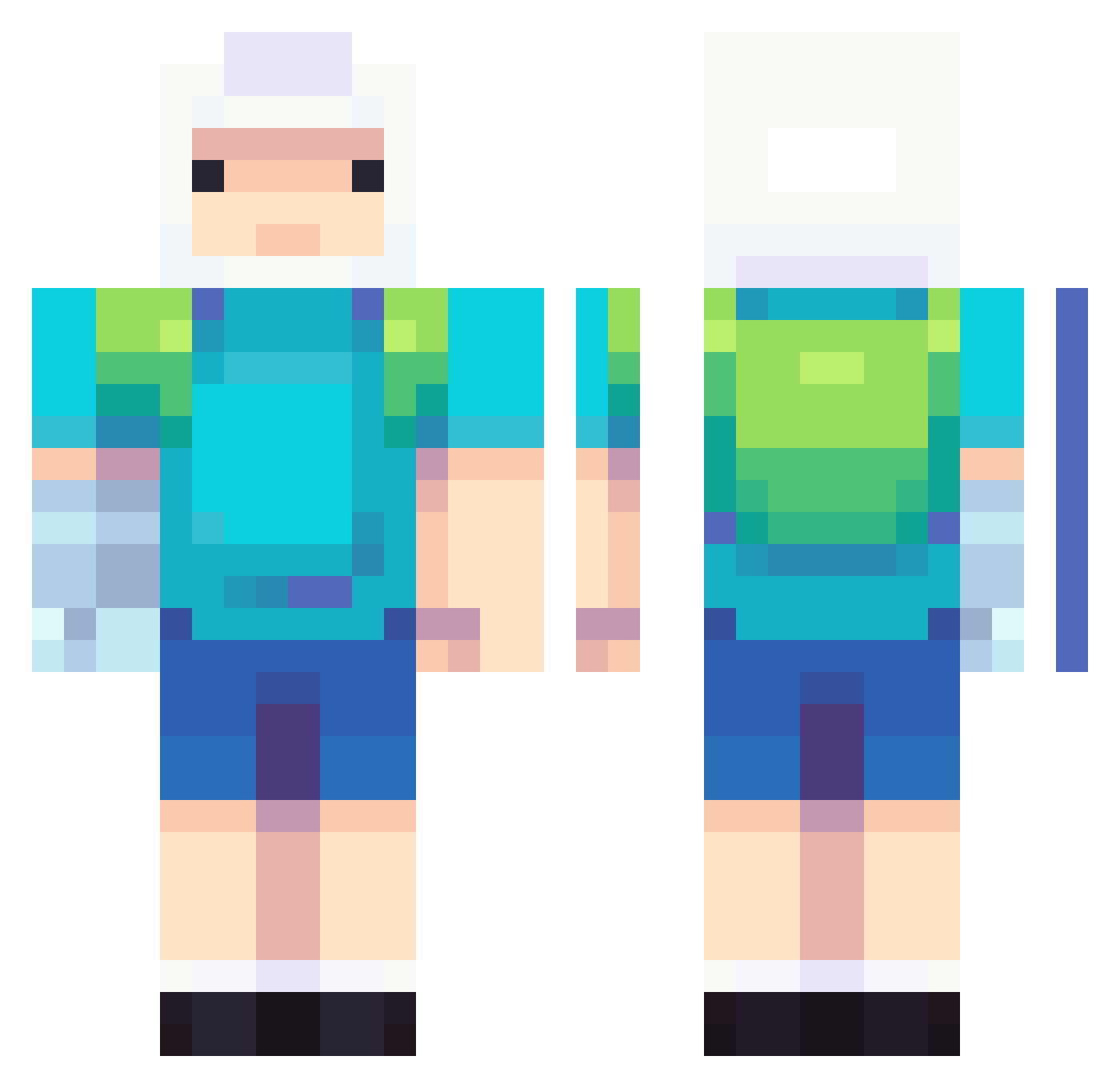
Current Minecraft skin of the player Kuya_Splat, loaded from the official Mojang API. Rotate the 3D model with your mouse or finger, then download the skin as a PNG file and use it in Minecraft: Bedrock Edition or Java Edition for free. When Kuya_Splat changes their skin, this page updates automatically and the old skin stays in the history below.
Other players with this skin (737)
Kuya_Splat was the 559th player we have seen with this skin, first spotted on 12.10.2026. The same skin was seen on these players. Open a nickname to see their current skin and skin history.
 Zapto_ hodapp1998 MCMatrew Xavierthedj sevenlemonz Kaiju2575 joaoovzn lanuzuh O_MR zFiso SalvuAxxO santi2303 xxxpandora dvzinn7_ Egirlcreamy SXFIA01 alzain_08 Sparrow787 Rakzo17 donpiton MrCismo Lucid_Assailant Yerlack JOYAKDOL88 Dufrost FluffyHamburgers rzvnsx Harl3y EASON1207 sevahendrix Chejo178201 azsas shanesinsane_ Kevin333415 Bestow_JEJukw naja1606 VOD01 LegendM100 listentomy Kathrise _Kcap Gizwald Vrodys Skierka07 Danovoc Nesstms vi00_ MADARA200700 Kukuko the_sev_11 kirillshik BrianN0ob Winter560 R4vi0 Calebdads junkie42 Amett1 xCrypticChaosx ORAORAORAORAORA_ v6ndo
More Finn The Human Minecraft skins
See all 445 Finn The Human skins
How to install the Kuya_Splat skin
- Press the Download button above to save the skin as a PNG file.
- Minecraft: Bedrock Edition (PE): open the Dressing Room from the main menu (or tap your character → Edit Character), go to Classic Skins → Owned, press the + (new skin) button, choose the downloaded PNG and pick the Classic (Steve) model. Works on PC and mobile; consoles cannot import custom skins.
- Minecraft: Java Edition: open the Minecraft Launcher, go to the Skins tab, click New Skin, load the PNG, pick the Classic (Steve) model and press Save & Use. You can also upload it at minecraft.net → Profile → Change Skin.
The skin does not show up after import - what should I do?
Restart Minecraft and open the Dressing Room again - imported skins sometimes appear only after a restart. Also make sure you selected the imported skin and picked the Classic (Steve) model.
Which model should I choose, Classic or Slim?
This skin is designed for the Classic (Steve) model. If you pick the wrong model, the arms of the skin will look stretched or squeezed.
Is the skin of Kuya_Splat free to download?
Yes. Press Download, save the PNG file and use it in Minecraft: Bedrock Edition or Java Edition - no payment or registration needed. The skin also works on multiplayer servers and Realms.
More skins
Looking for more? Go back to all Minecraft skins and check the top skins of the week, month and all time, or find any player's skin by nickname.