
Ksi4zeZK0penhagi - Minecraft Skins & Skin History
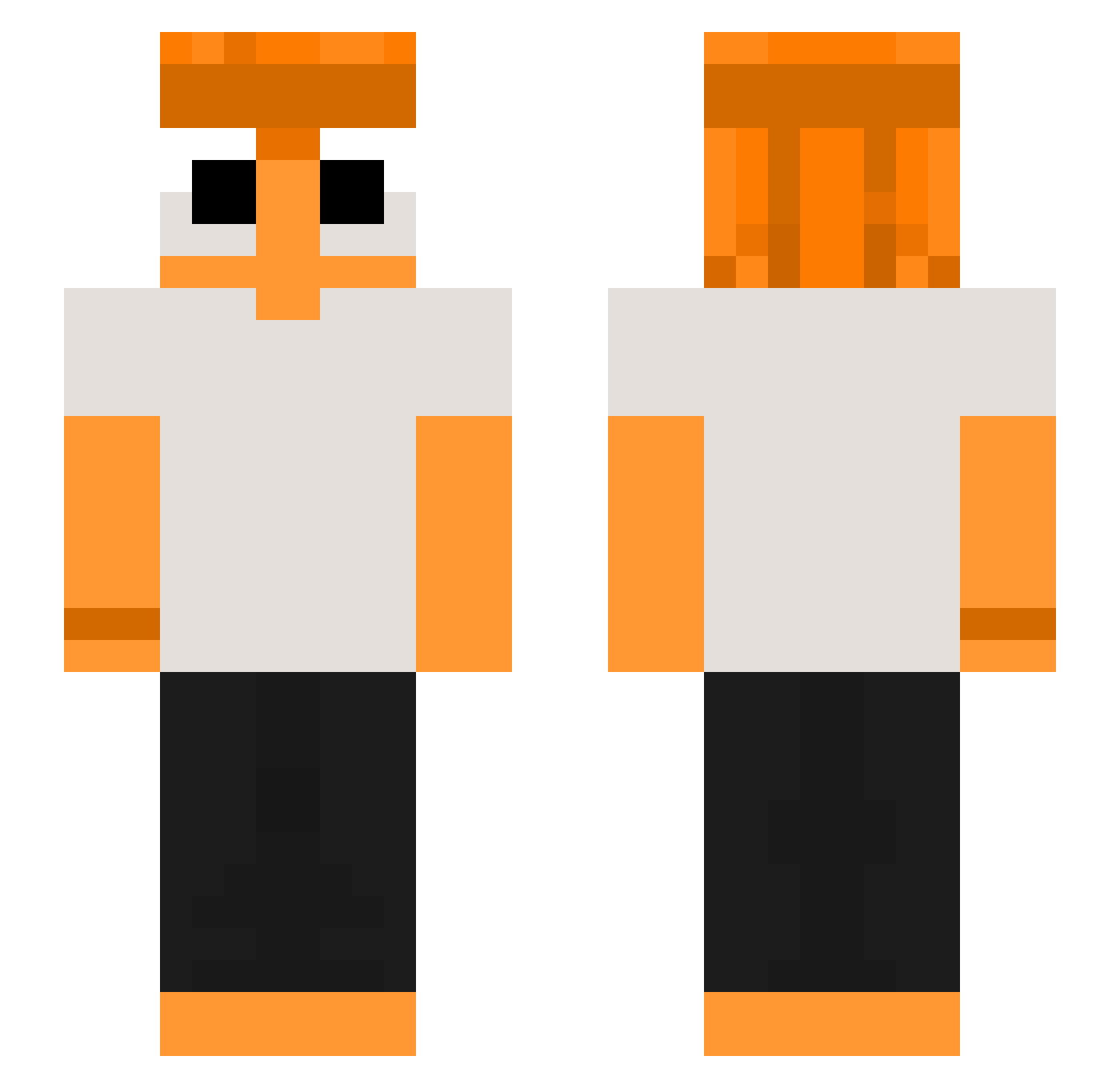
Current Minecraft skin of the player Ksi4zeZK0penhagi, loaded from the official Mojang API. Rotate the 3D model with your mouse or finger, then download the skin as a PNG file and use it in Minecraft: Bedrock Edition or Java Edition for free. When Ksi4zeZK0penhagi changes their skin, this page updates automatically and the old skin stays in the history below.
Other players with this skin (88)
Ksi4zeZK0penhagi was the 43rd player we have seen with this skin, first spotted on 11.09.2026. The same skin was seen on these players. Open a nickname to see their current skin and skin history.
 BeaYellow_ MiroXaVV
 purixyy220 TankEvans74 Choxx_ ElLeitox Ranger484 grubasek2115 BamBooEmpire
 Smil0 DaoSangTu WilmerX12 Diego45899 WOLINslimak_3000 ElijahHanekom Quju elchu30 Mettwurs_Brot BNB2 Venni28 lunaruser_ yeyrox87 miomjoil antonplancton Nxusiken tomato35 peedZzz Imgordey
 Hazernutt SinCaster puyyuy Zelcroow Jeorgeew ryuzenOne L0SKEY fantomel papercrowd39598 IlikeCryingMonke LukeGamesz RevyHomura RadiantJune pristock ThomaScott
 flamot1 yhvm phxisfyn P0G_PEEZY FreeStleBK paatok Ben_mao Jesticcca francis_0313 Imperatrizx Dragiii_ agussnq Meow_AoWck_05_22 Dagan09 ILKW_ yummy_1 Y0U_DAY0
More Georgenotfound Minecraft skins
See all 541 Georgenotfound skins
How to install the Ksi4zeZK0penhagi skin
- Press the Download button above to save the skin as a PNG file.
- Minecraft: Bedrock Edition (PE): open the Dressing Room from the main menu (or tap your character → Edit Character), go to Classic Skins → Owned, press the + (new skin) button, choose the downloaded PNG and pick the Slim (Alex) model. Works on PC and mobile; consoles cannot import custom skins.
- Minecraft: Java Edition: open the Minecraft Launcher, go to the Skins tab, click New Skin, load the PNG, pick the Slim (Alex) model and press Save & Use. You can also upload it at minecraft.net → Profile → Change Skin.
The skin does not show up after import - what should I do?
Restart Minecraft and open the Dressing Room again - imported skins sometimes appear only after a restart. Also make sure you selected the imported skin and picked the Slim (Alex) model.
Which model should I choose, Classic or Slim?
This skin is designed for the Slim (Alex) model. If you pick the wrong model, the arms of the skin will look stretched or squeezed.
Is the skin of Ksi4zeZK0penhagi free to download?
Yes. Press Download, save the PNG file and use it in Minecraft: Bedrock Edition or Java Edition - no payment or registration needed. The skin also works on multiplayer servers and Realms.
More skins
Looking for more? Go back to all Minecraft skins and check the top skins of the week, month and all time, or find any player's skin by nickname.