
Krychu_M - Minecraft Skins & Skin History
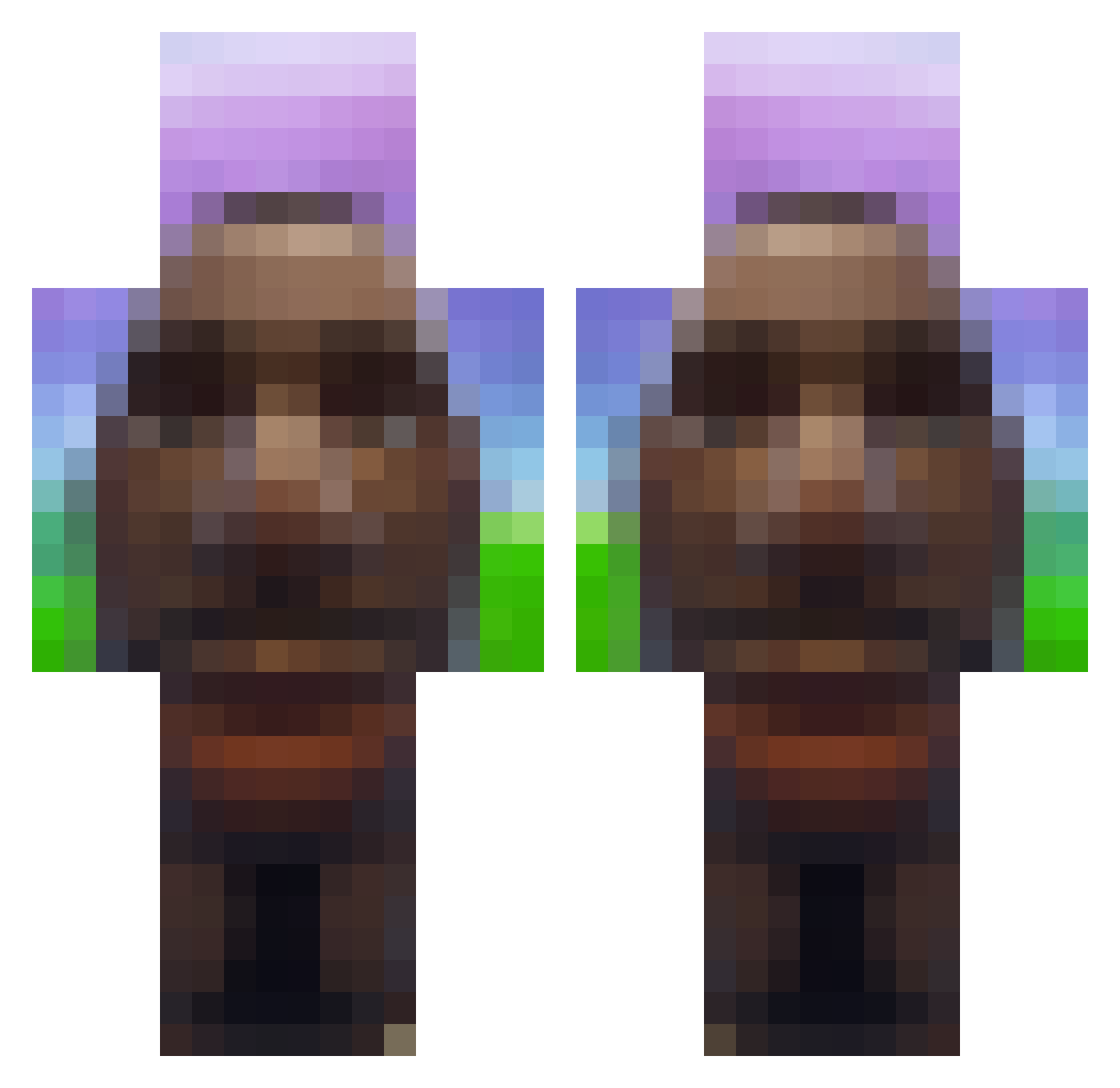
Current Minecraft skin of the player Krychu_M, loaded from the official Mojang API. Rotate the 3D model with your mouse or finger, then download the skin as a PNG file and use it in Minecraft: Bedrock Edition or Java Edition for free. When Krychu_M changes their skin, this page updates automatically and the old skin stays in the history below.
Other players with this skin (718)
Krychu_M was the 227th player we have seen with this skin, first spotted on 26.08.2026. The same skin was seen on these players. Open a nickname to see their current skin and skin history.
 Vladyslav2004 DmwtAwais MKAAN414 PepanZMoravy postmann_pat123 Pukan_ seccks Thijs_wolf ausitnnn FWplayzMinecraft jcob006 Gilbsneed YTBanapple Dexturr1 frmda530 leoboy1337 BARTXD_ Kevbear11 Pixelblitzt i360noscopedMLK Caldi_ BurritoBoy420 LeoHiggins Sqytter dirtydingy68 jortch Hercegg RTNGcatus ignHail j0mppaas PanWarzywoo Gu_Sanada Fanto02 nixio623 Esche1 SnusFlipper Vortex6479 VibeBooty RamiV9 638s Noaaaaar Darwish_ braskeet edgardo_rd TrezoToMarka LilFr0 EuronJuust0 Lete69 mangooooooooooo dasaggyman4 beal51 Tobias_10_ bbenesch d9a ferdosek Denzo1418
 ItzDaRealAsti bruhitto35 higuu_ Buttbanana1504
More Moai Minecraft skins
How to install the Krychu_M skin
- Press the Download button above to save the skin as a PNG file.
- Minecraft: Bedrock Edition (PE): open the Dressing Room from the main menu (or tap your character → Edit Character), go to Classic Skins → Owned, press the + (new skin) button, choose the downloaded PNG and pick the Classic (Steve) model. Works on PC and mobile; consoles cannot import custom skins.
- Minecraft: Java Edition: open the Minecraft Launcher, go to the Skins tab, click New Skin, load the PNG, pick the Classic (Steve) model and press Save & Use. You can also upload it at minecraft.net → Profile → Change Skin.
The skin does not show up after import - what should I do?
Restart Minecraft and open the Dressing Room again - imported skins sometimes appear only after a restart. Also make sure you selected the imported skin and picked the Classic (Steve) model.
Which model should I choose, Classic or Slim?
This skin is designed for the Classic (Steve) model. If you pick the wrong model, the arms of the skin will look stretched or squeezed.
Is the skin of Krychu_M free to download?
Yes. Press Download, save the PNG file and use it in Minecraft: Bedrock Edition or Java Edition - no payment or registration needed. The skin also works on multiplayer servers and Realms.
More skins
Looking for more? Go back to all Minecraft skins and check the top skins of the week, month and all time, or find any player's skin by nickname.