
Krihely - Minecraft Skins & Skin History
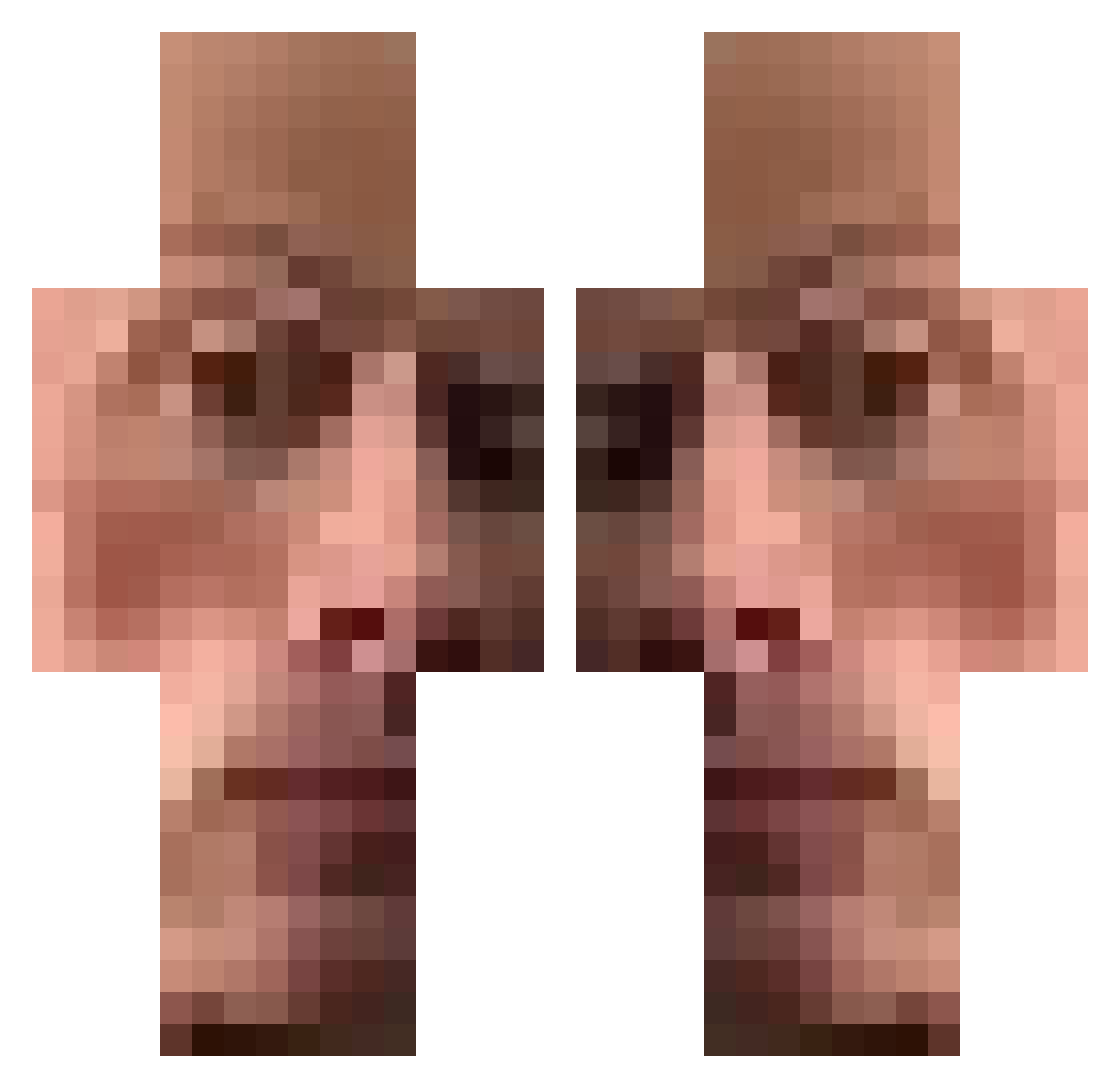
Current Minecraft skin of the player Krihely, loaded from the official Mojang API. Rotate the 3D model with your mouse or finger, then download the skin as a PNG file and use it in Minecraft: Bedrock Edition or Java Edition for free. When Krihely changes their skin, this page updates automatically and the old skin stays in the history below.
Other players with this skin (533)
Krihely was the 478th player we have seen with this skin, first spotted on 07.11.2026. The same skin was seen on these players. Open a nickname to see their current skin and skin history.
 z11nger karolekpm202 Musulmonas Dorianlrd duhnx BKingLuna Nasiger_Naserich Yowd Rilondazo eliya13542 GincanaReiDeles Thwolvs_UwU demslatess RunnMaatrox Komaric2 _Tiananmen jolkkepa Peniokzxo slippery_person Bexzar The_Miz_REAL bakblock its_arr theaquaticgoat _cannedbeens_ Horniwurst CAT_D_AIM Deffeny Nileresco vuadimu ReaFue SparkPlug7387 papalegua34 daymien2 robghi DesertFox021 Bin3rwa alpico19 Bobik233 gameplay117 moto_man2000 Penkot69 WallopingSpark L0rdz3 Fancy_pancymc ROBI_BOBI_228 Chvexx _N_bgh skrdkrt Otreet TheeLoord RavenIsMyName_ minarvitroo onederful xJqhnny Devilan14 MIRL06 mkvltr4 FM_KONG GoatsAreCool
How to install the Krihely skin
- Press the Download button above to save the skin as a PNG file.
- Minecraft: Bedrock Edition (PE): open the Dressing Room from the main menu (or tap your character → Edit Character), go to Classic Skins → Owned, press the + (new skin) button, choose the downloaded PNG and pick the Classic (Steve) model. Works on PC and mobile; consoles cannot import custom skins.
- Minecraft: Java Edition: open the Minecraft Launcher, go to the Skins tab, click New Skin, load the PNG, pick the Classic (Steve) model and press Save & Use. You can also upload it at minecraft.net → Profile → Change Skin.
The skin does not show up after import - what should I do?
Restart Minecraft and open the Dressing Room again - imported skins sometimes appear only after a restart. Also make sure you selected the imported skin and picked the Classic (Steve) model.
Which model should I choose, Classic or Slim?
This skin is designed for the Classic (Steve) model. If you pick the wrong model, the arms of the skin will look stretched or squeezed.
Is the skin of Krihely free to download?
Yes. Press Download, save the PNG file and use it in Minecraft: Bedrock Edition or Java Edition - no payment or registration needed. The skin also works on multiplayer servers and Realms.
More skins
Looking for more? Go back to all Minecraft skins and check the top skins of the week, month and all time, or find any player's skin by nickname.