
Kozi12 - Minecraft Skins & Skin History
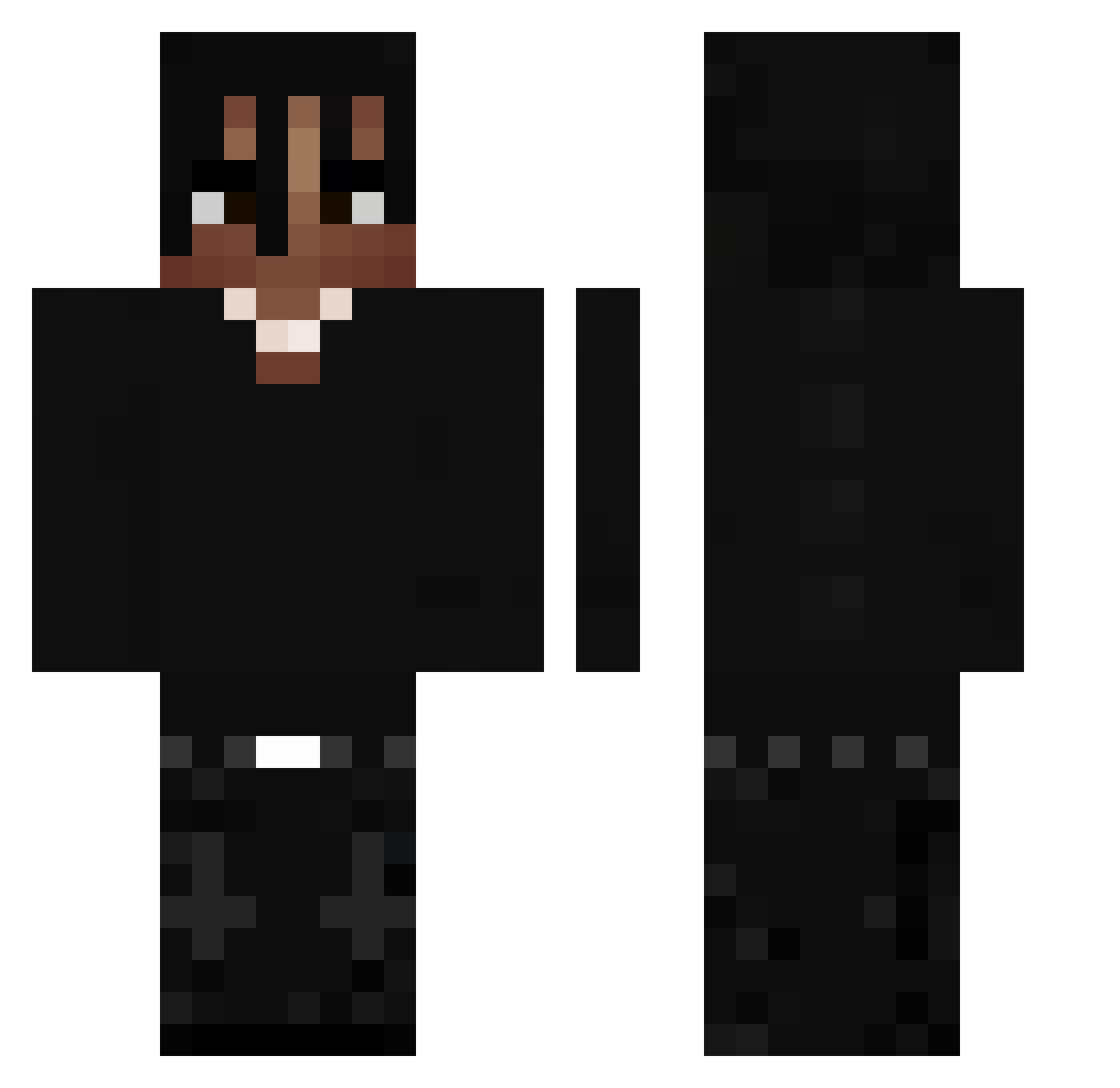
Current Minecraft skin of the player Kozi12, loaded from the official Mojang API. Rotate the 3D model with your mouse or finger, then download the skin as a PNG file and use it in Minecraft: Bedrock Edition or Java Edition for free. When Kozi12 changes their skin, this page updates automatically and the old skin stays in the history below.
Other players with this skin (478)
Kozi12 was the 190th player we have seen with this skin, first spotted on 06.09.2026. The same skin was seen on these players. Open a nickname to see their current skin and skin history.
 seeeex_ FADAGi at0p0s 8771500 Intothebuilding burdeke SugarCrash22 Surplus1029 blubery452_ Stehnislav Lavandino69 vxhs83 fourcorny YoungPiegus RAIDIADDOR DevionFN BlackMutt damisia brenoproprio Marlos69 V0RTEX23 BondzioG0D GuiBtzz Migdal1 Japan00 Zohns Skysha_ ZaTrOxEkOwner midnight357 1629ms Caliri1 Fedoreq Destinyros JoaMend10 z_rsk5s pazjose1513 benmukemmelim31 Idalgo__ citrus33333 raquitico1 Ak43 CriticalXL Igys Cristinel12345 PoloCapalotG BlackFili04 wRizzk Brofium babydumii elopalewedd xmhu Alain_09 lobs77 llBindzll WiloSosa arvents0 DoDokk by307 Chend0_ Abdullama
More Dreadlocks Minecraft skins
How to install the Kozi12 skin
- Press the Download button above to save the skin as a PNG file.
- Minecraft: Bedrock Edition (PE): open the Dressing Room from the main menu (or tap your character → Edit Character), go to Classic Skins → Owned, press the + (new skin) button, choose the downloaded PNG and pick the Classic (Steve) model. Works on PC and mobile; consoles cannot import custom skins.
- Minecraft: Java Edition: open the Minecraft Launcher, go to the Skins tab, click New Skin, load the PNG, pick the Classic (Steve) model and press Save & Use. You can also upload it at minecraft.net → Profile → Change Skin.
The skin does not show up after import - what should I do?
Restart Minecraft and open the Dressing Room again - imported skins sometimes appear only after a restart. Also make sure you selected the imported skin and picked the Classic (Steve) model.
Which model should I choose, Classic or Slim?
This skin is designed for the Classic (Steve) model. If you pick the wrong model, the arms of the skin will look stretched or squeezed.
Is the skin of Kozi12 free to download?
Yes. Press Download, save the PNG file and use it in Minecraft: Bedrock Edition or Java Edition - no payment or registration needed. The skin also works on multiplayer servers and Realms.
More skins
Looking for more? Go back to all Minecraft skins and check the top skins of the week, month and all time, or find any player's skin by nickname.