
KoumeFresa - Minecraft Skins & Skin History
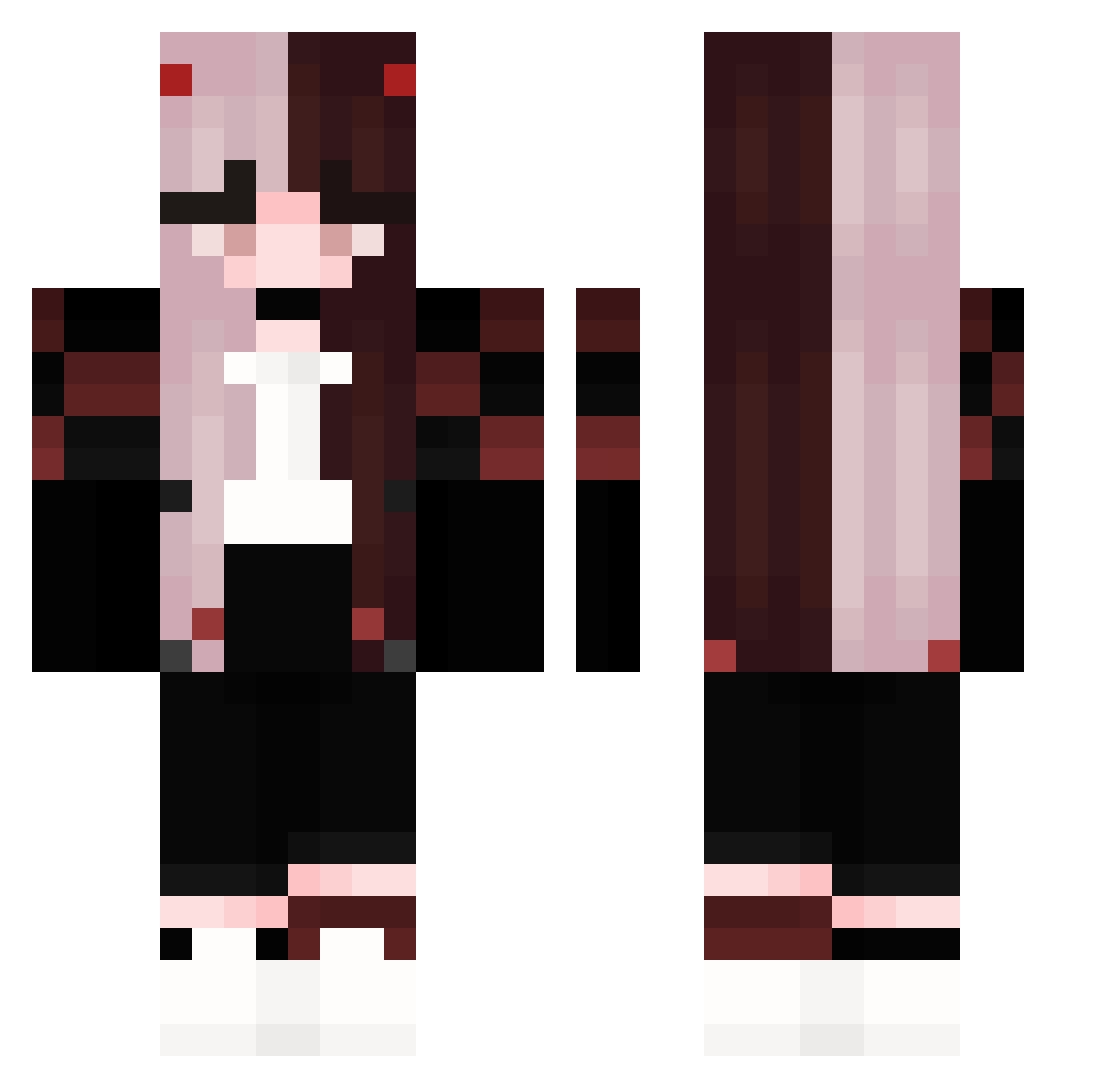
Current Minecraft skin of the player KoumeFresa, loaded from the official Mojang API. Rotate the 3D model with your mouse or finger, then download the skin as a PNG file and use it in Minecraft: Bedrock Edition or Java Edition for free. When KoumeFresa changes their skin, this page updates automatically and the old skin stays in the history below.
Other players with this skin (162)
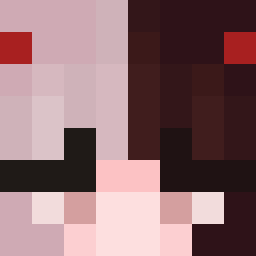
KoumeFresa was the 66th player we have seen with this skin, first spotted on 31.08.2026. The same skin was seen on these players. Open a nickname to see their current skin and skin history.
 Trickovix fatihG_ MissJocelyn PinkKqrmaisCute AnneMirte __MIRK0__ Valel33 Zureeal_ NachtGeister Donizetti_ zimowa Juu_JK CiErg3 NemiChan2342 kobrakommander4 yamisya Bro_Jumper viebae VENIN_Wxioh Nightmarelaulau dragon8mama gutti0 SweeetSoul NastaTY travisScottGamer Eklouve popthorn717 Zdunkowa WlkingDragon Experiment_011 NXIAOxx annevgessel laaaaith su_ling233 Batoniha LemaBlood LiveAWays G3oku Lamtja _ChaosQueen Birucix MarianaF eMderman200 sobbingkayden
 imagineyouplayfn Gumirubi KiraKiraDays Elifnur2361 hxnna jexx213 Shiiu_ Wera_pl m1Iky2 daneriksson MeisterFinn PaTiSooN4k Samoo_10 ImUnbannable demonbry Pika_Girl17
More E-Girl Minecraft skins
How to install the KoumeFresa skin
- Press the Download button above to save the skin as a PNG file.
- Minecraft: Bedrock Edition (PE): open the Dressing Room from the main menu (or tap your character → Edit Character), go to Classic Skins → Owned, press the + (new skin) button, choose the downloaded PNG and pick the Classic (Steve) model. Works on PC and mobile; consoles cannot import custom skins.
- Minecraft: Java Edition: open the Minecraft Launcher, go to the Skins tab, click New Skin, load the PNG, pick the Classic (Steve) model and press Save & Use. You can also upload it at minecraft.net → Profile → Change Skin.
The skin does not show up after import - what should I do?
Restart Minecraft and open the Dressing Room again - imported skins sometimes appear only after a restart. Also make sure you selected the imported skin and picked the Classic (Steve) model.
Which model should I choose, Classic or Slim?
This skin is designed for the Classic (Steve) model. If you pick the wrong model, the arms of the skin will look stretched or squeezed.
Is the skin of KoumeFresa free to download?
Yes. Press Download, save the PNG file and use it in Minecraft: Bedrock Edition or Java Edition - no payment or registration needed. The skin also works on multiplayer servers and Realms.
More skins
Looking for more? Go back to all Minecraft skins and check the top skins of the week, month and all time, or find any player's skin by nickname.