
Kostakis2008 - Minecraft Skins & Skin History
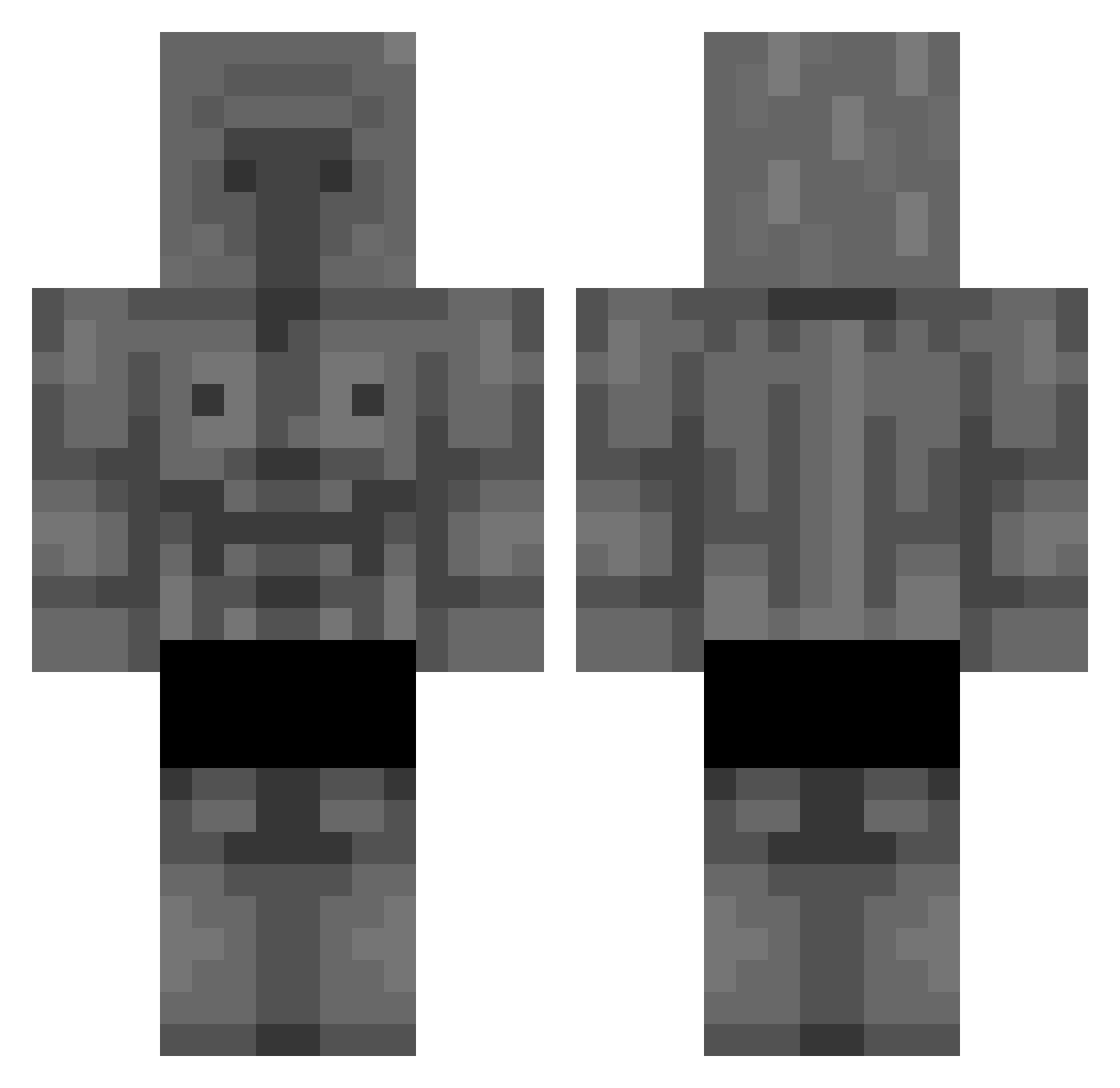
Current Minecraft skin of the player Kostakis2008, loaded from the official Mojang API. Rotate the 3D model with your mouse or finger, then download the skin as a PNG file and use it in Minecraft: Bedrock Edition or Java Edition for free. When Kostakis2008 changes their skin, this page updates automatically and the old skin stays in the history below.
Other players with this skin (294)
Kostakis2008 was the 118th player we have seen with this skin, first spotted on 11.09.2026. The same skin was seen on these players. Open a nickname to see their current skin and skin history.
 Galetzzz Allahuarbak HipKeyboard5233 Dequemi pHillll1 6xyz9u_ DrDense420 saf1nmil GalaxouStaffox57 sussy123469 Onukaim Nioki_ CapySimo13 Levnn1s Dyxan Sammwichhhh DaniDoesStuff Rotol1 nevio3000 SERZS1 BeastLegend33 TONE666 Bro_Da_Brownie Apolias ericgc21 ToeBuffet JustMax777 Achi6123 Max_241 CalilJ Quadtronic herobine_ninja Ap0the0se haidmczz hugolecostaud Saiko3000 G_I_G_A_C_H_A_D gonkiluaanas Kamidroppi ronin12361 guembee Morle5379 ElCojeOtakus XqZres YupiLandiia_ KungenSosse DeathKen xomana_ UchihaCapybara LutiyLetroHitter Stho36 Steve38507 grxssgeschrieben yabatani_1028 Xauix _Mandarin salvaa4 Cowbelli JimmyIsTall PinguIsBest
More Stone Golem Minecraft skins
How to install the Kostakis2008 skin
- Press the Download button above to save the skin as a PNG file.
- Minecraft: Bedrock Edition (PE): open the Dressing Room from the main menu (or tap your character → Edit Character), go to Classic Skins → Owned, press the + (new skin) button, choose the downloaded PNG and pick the Classic (Steve) model. Works on PC and mobile; consoles cannot import custom skins.
- Minecraft: Java Edition: open the Minecraft Launcher, go to the Skins tab, click New Skin, load the PNG, pick the Classic (Steve) model and press Save & Use. You can also upload it at minecraft.net → Profile → Change Skin.
The skin does not show up after import - what should I do?
Restart Minecraft and open the Dressing Room again - imported skins sometimes appear only after a restart. Also make sure you selected the imported skin and picked the Classic (Steve) model.
Which model should I choose, Classic or Slim?
This skin is designed for the Classic (Steve) model. If you pick the wrong model, the arms of the skin will look stretched or squeezed.
Is the skin of Kostakis2008 free to download?
Yes. Press Download, save the PNG file and use it in Minecraft: Bedrock Edition or Java Edition - no payment or registration needed. The skin also works on multiplayer servers and Realms.
More skins
Looking for more? Go back to all Minecraft skins and check the top skins of the week, month and all time, or find any player's skin by nickname.