
Kosevov - Minecraft Skins & Skin History
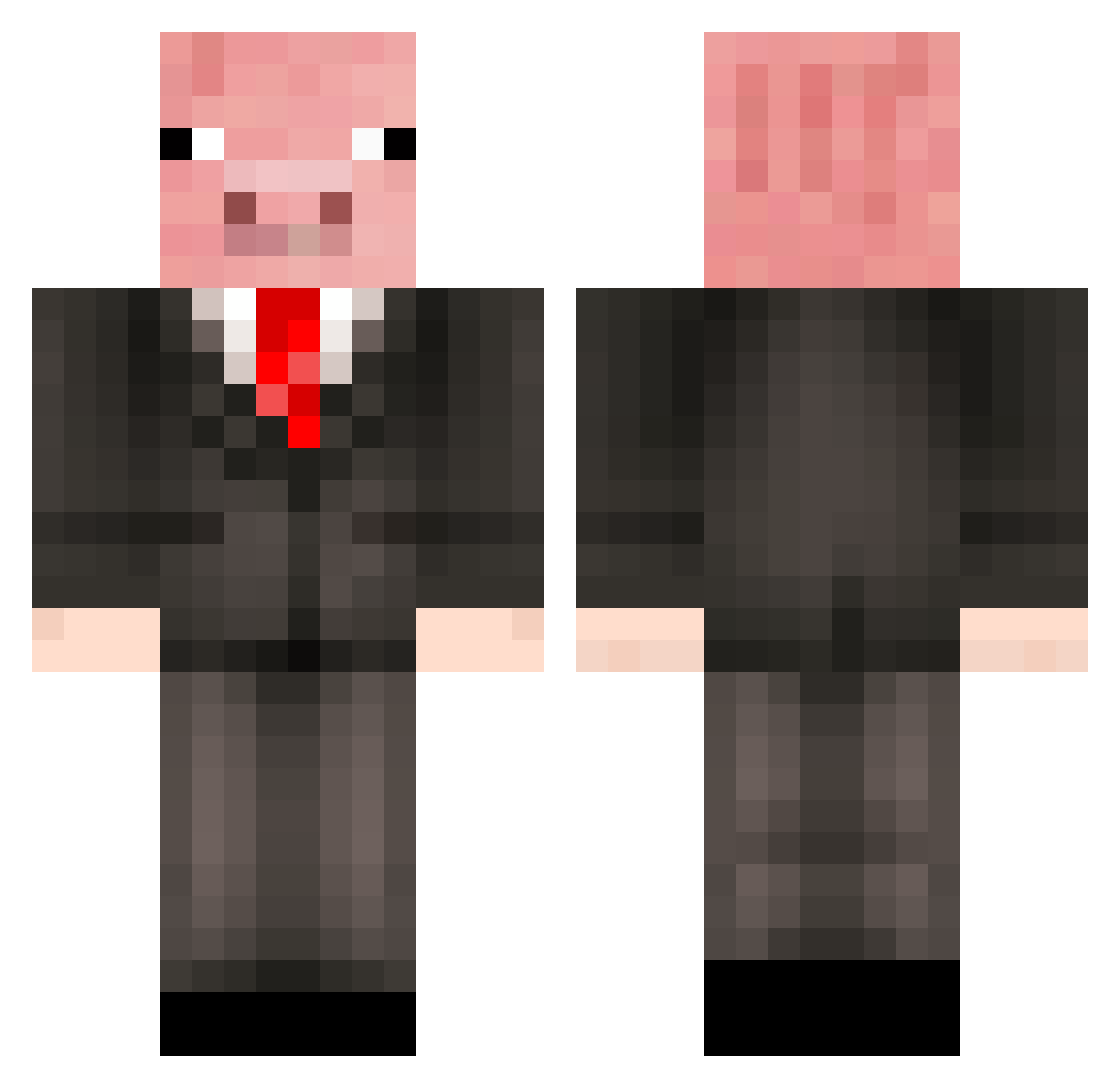
Current Minecraft skin of the player Kosevov, loaded from the official Mojang API. Rotate the 3D model with your mouse or finger, then download the skin as a PNG file and use it in Minecraft: Bedrock Edition or Java Edition for free. When Kosevov changes their skin, this page updates automatically and the old skin stays in the history below.
Other players with this skin (270)
Kosevov was the 253rd player we have seen with this skin, first spotted on 31.10.2026. The same skin was seen on these players. Open a nickname to see their current skin and skin history.
 Muisey kurt4ins ttiny4711 Lamleg FlipTheFatPotato __kebab___ Hugh_Jaenus Shatouilli Max334 Fumpermurf Bellakath69 Chiefmanatee700 Ximek_ Nardo999 Sawik1 Flunee MiaJane0110 souldragon25 sonsoa Leleleleleni JaredM8502 RocketFox101 Zeus156 becon0014 FaFa25 Pangurr_ doc_timelesss peoixx maisylol sir_pig_a_lot_7 pig_catch Gumpigs vveppo Ziranhe23 JackoBartlett PIGGYdemigod JoKER_MA joserm009 Runbrother _ZhirSalos_ Chowious _nikolai_99 10PercentPig battle_guy33 Sacr1f1ce_12 xGregTheGoat Pig12345 grantpige d_keo2003 ahleleleahlelass Tonykiller_29 Mr_Hobbes_ youngmasterpig Dorito_Burrito36 regatillo Dodo1596 Cedricoflatch Klaustukast PiggoThePig spleeny65
More Pig Minecraft skins
How to install the Kosevov skin
- Press the Download button above to save the skin as a PNG file.
- Minecraft: Bedrock Edition (PE): open the Dressing Room from the main menu (or tap your character → Edit Character), go to Classic Skins → Owned, press the + (new skin) button, choose the downloaded PNG and pick the Classic (Steve) model. Works on PC and mobile; consoles cannot import custom skins.
- Minecraft: Java Edition: open the Minecraft Launcher, go to the Skins tab, click New Skin, load the PNG, pick the Classic (Steve) model and press Save & Use. You can also upload it at minecraft.net → Profile → Change Skin.
The skin does not show up after import - what should I do?
Restart Minecraft and open the Dressing Room again - imported skins sometimes appear only after a restart. Also make sure you selected the imported skin and picked the Classic (Steve) model.
Which model should I choose, Classic or Slim?
This skin is designed for the Classic (Steve) model. If you pick the wrong model, the arms of the skin will look stretched or squeezed.
Is the skin of Kosevov free to download?
Yes. Press Download, save the PNG file and use it in Minecraft: Bedrock Edition or Java Edition - no payment or registration needed. The skin also works on multiplayer servers and Realms.
More skins
Looking for more? Go back to all Minecraft skins and check the top skins of the week, month and all time, or find any player's skin by nickname.