
KoksKobold69 - Minecraft Skins & Skin History
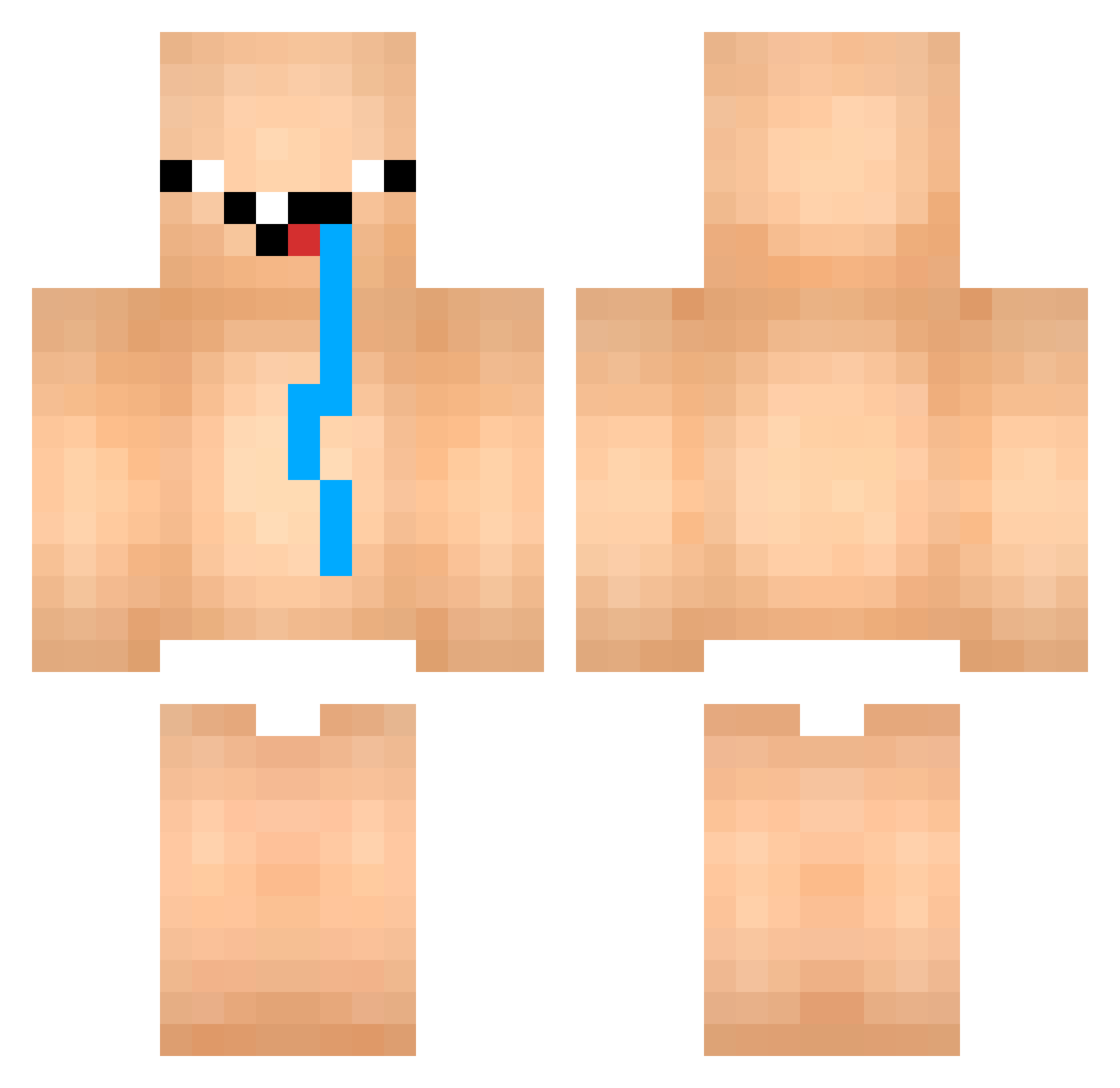
Current Minecraft skin of the player KoksKobold69, loaded from the official Mojang API. Rotate the 3D model with your mouse or finger, then download the skin as a PNG file and use it in Minecraft: Bedrock Edition or Java Edition for free. When KoksKobold69 changes their skin, this page updates automatically and the old skin stays in the history below.
Other players with this skin (852)
KoksKobold69 was the 469th player we have seen with this skin, first spotted on 24.09.2026. The same skin was seen on these players. Open a nickname to see their current skin and skin history.
 rui_0727 bluezao157 Miguel10032 zSiGm4 Fbn_ thisflash PaupeKenu Tomjones678 AKmonster9 general_mayhem98 kerullah SteveFu007 Lucas_thebest EdenChoo wjdals0859 qedjfg JustMizzel qzlouis asqef REICHMEISTER Claudin_bacana Gabouuuuuuuuu ThiagoSerpa_ HyperShadoW35 MrUbezleb Oguzhanke BillGear YTBxSEX YukeRew rakhshanaqmar gomachan19 Nonverbal_ DullerBuh BANANCHIK2077 B0ubou xTasiro goueduu IMAMONKEY09 Bystrom18 joaogudde Shuyaun babisko_asuman QuantumPhyZ _OrWha_ KelitoGod bananakot69 KFcat kasuolo XLegendaryGamerX Tylak_ ntrww jxqio12j4o1j2o4 Terzin_ Nota_Butcher Handballju Eskarnora z1nn0b3r 1194 kiwan6 Thunderbolt333
More Diaper Minecraft skins
How to install the KoksKobold69 skin
- Press the Download button above to save the skin as a PNG file.
- Minecraft: Bedrock Edition (PE): open the Dressing Room from the main menu (or tap your character → Edit Character), go to Classic Skins → Owned, press the + (new skin) button, choose the downloaded PNG and pick the Classic (Steve) model. Works on PC and mobile; consoles cannot import custom skins.
- Minecraft: Java Edition: open the Minecraft Launcher, go to the Skins tab, click New Skin, load the PNG, pick the Classic (Steve) model and press Save & Use. You can also upload it at minecraft.net → Profile → Change Skin.
The skin does not show up after import - what should I do?
Restart Minecraft and open the Dressing Room again - imported skins sometimes appear only after a restart. Also make sure you selected the imported skin and picked the Classic (Steve) model.
Which model should I choose, Classic or Slim?
This skin is designed for the Classic (Steve) model. If you pick the wrong model, the arms of the skin will look stretched or squeezed.
Is the skin of KoksKobold69 free to download?
Yes. Press Download, save the PNG file and use it in Minecraft: Bedrock Edition or Java Edition - no payment or registration needed. The skin also works on multiplayer servers and Realms.
More skins
Looking for more? Go back to all Minecraft skins and check the top skins of the week, month and all time, or find any player's skin by nickname.