
Kitseko - Minecraft Skins & Skin History
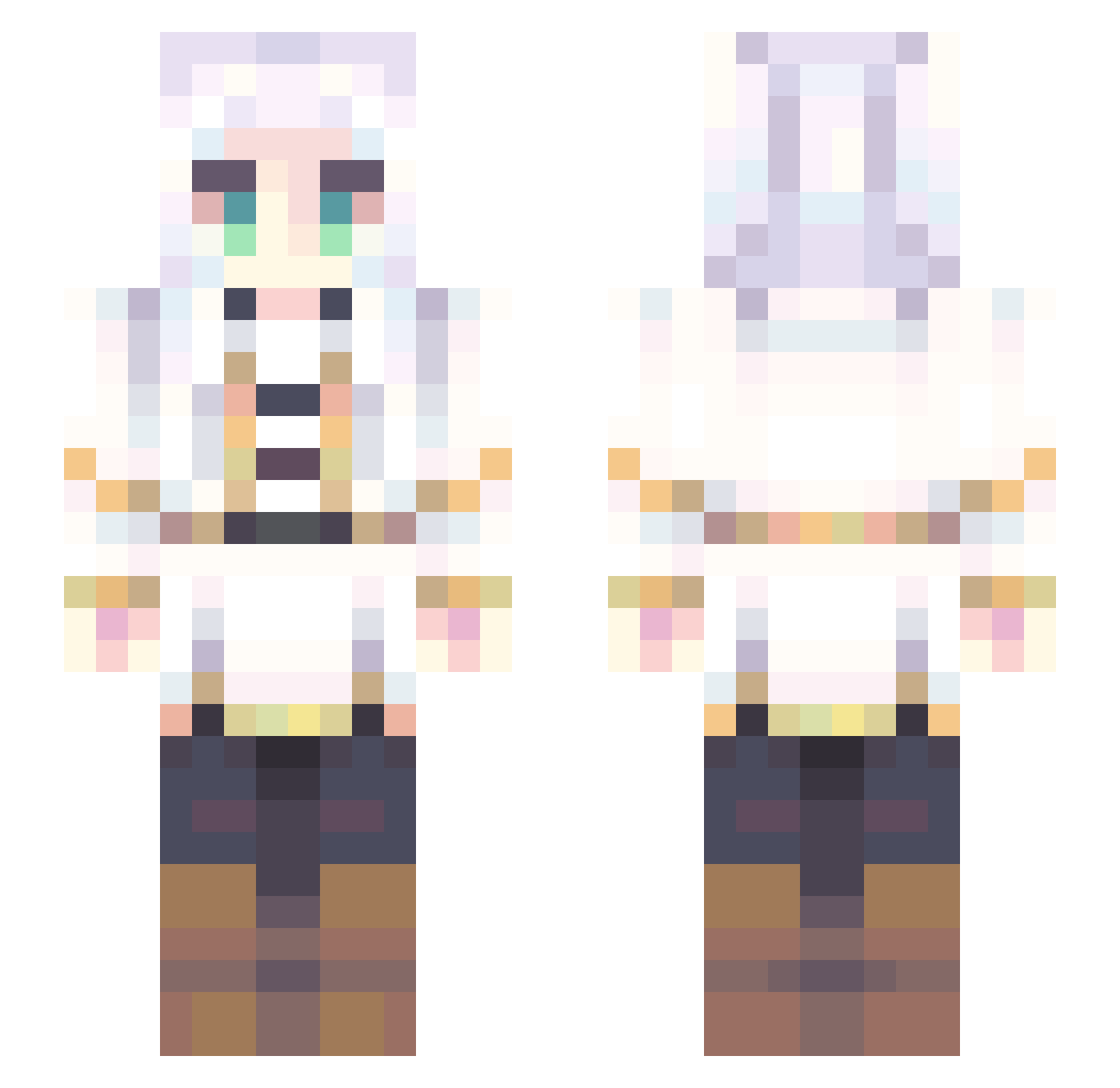
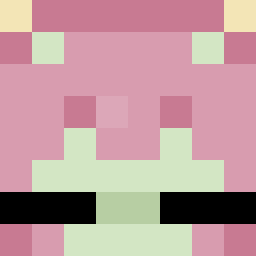
Current Minecraft skin of the player Kitseko, loaded from the official Mojang API. Rotate the 3D model with your mouse or finger, then download the skin as a PNG file and use it in Minecraft: Bedrock Edition or Java Edition for free. When Kitseko changes their skin, this page updates automatically and the old skin stays in the history below.
Other players with this skin (707)
Kitseko was the 58th player we have seen with this skin, first spotted on 01.08.2026. The same skin was seen on these players. Open a nickname to see their current skin and skin history.
 applesaucetem kabichaM Kurlep JebyCorneas ing_SG linksamnesia
 1o_L39ek Alexeitor89 VioLeQwQ Pan_Prezes Pollonauta2000 Bakedwalrus Taffy72 Pupu_Hsuan SrJessica Bikinii_ Nezu70 akira6666 Zty97 PhallusDarbre frebern_ ZergelMC water_bird23 Yubinex Asmoshii zong0209 RealNorthway lumiri S291 YuuuuKiiiii1 zhaohangsb anty011
 SpeckButter whisky0917 UncleTex Toadally_Mari MrPorkin StumbledGolem1 Frierenas bibizt AkumaKuraichi Usagisann_AI JoRaRii sasa0306 _TeacHFeeLing onefinger SheepZhi Lycan505 LucindaTheReaper Ham900214
 Aiinzz Abel_076 Dianaksu Baanni Raul_Giro Hirayukii wadoma_05 SecretLolicon Psyy21
 lSolel
More Fantasy Minecraft skins
How to install the Kitseko skin
- Press the Download button above to save the skin as a PNG file.
- Minecraft: Bedrock Edition (PE): open the Dressing Room from the main menu (or tap your character → Edit Character), go to Classic Skins → Owned, press the + (new skin) button, choose the downloaded PNG and pick the Slim (Alex) model. Works on PC and mobile; consoles cannot import custom skins.
- Minecraft: Java Edition: open the Minecraft Launcher, go to the Skins tab, click New Skin, load the PNG, pick the Slim (Alex) model and press Save & Use. You can also upload it at minecraft.net → Profile → Change Skin.
The skin does not show up after import - what should I do?
Restart Minecraft and open the Dressing Room again - imported skins sometimes appear only after a restart. Also make sure you selected the imported skin and picked the Slim (Alex) model.
Which model should I choose, Classic or Slim?
This skin is designed for the Slim (Alex) model. If you pick the wrong model, the arms of the skin will look stretched or squeezed.
Is the skin of Kitseko free to download?
Yes. Press Download, save the PNG file and use it in Minecraft: Bedrock Edition or Java Edition - no payment or registration needed. The skin also works on multiplayer servers and Realms.
More skins
Looking for more? Go back to all Minecraft skins and check the top skins of the week, month and all time, or find any player's skin by nickname.