
KingSync - Minecraft Skins & Skin History
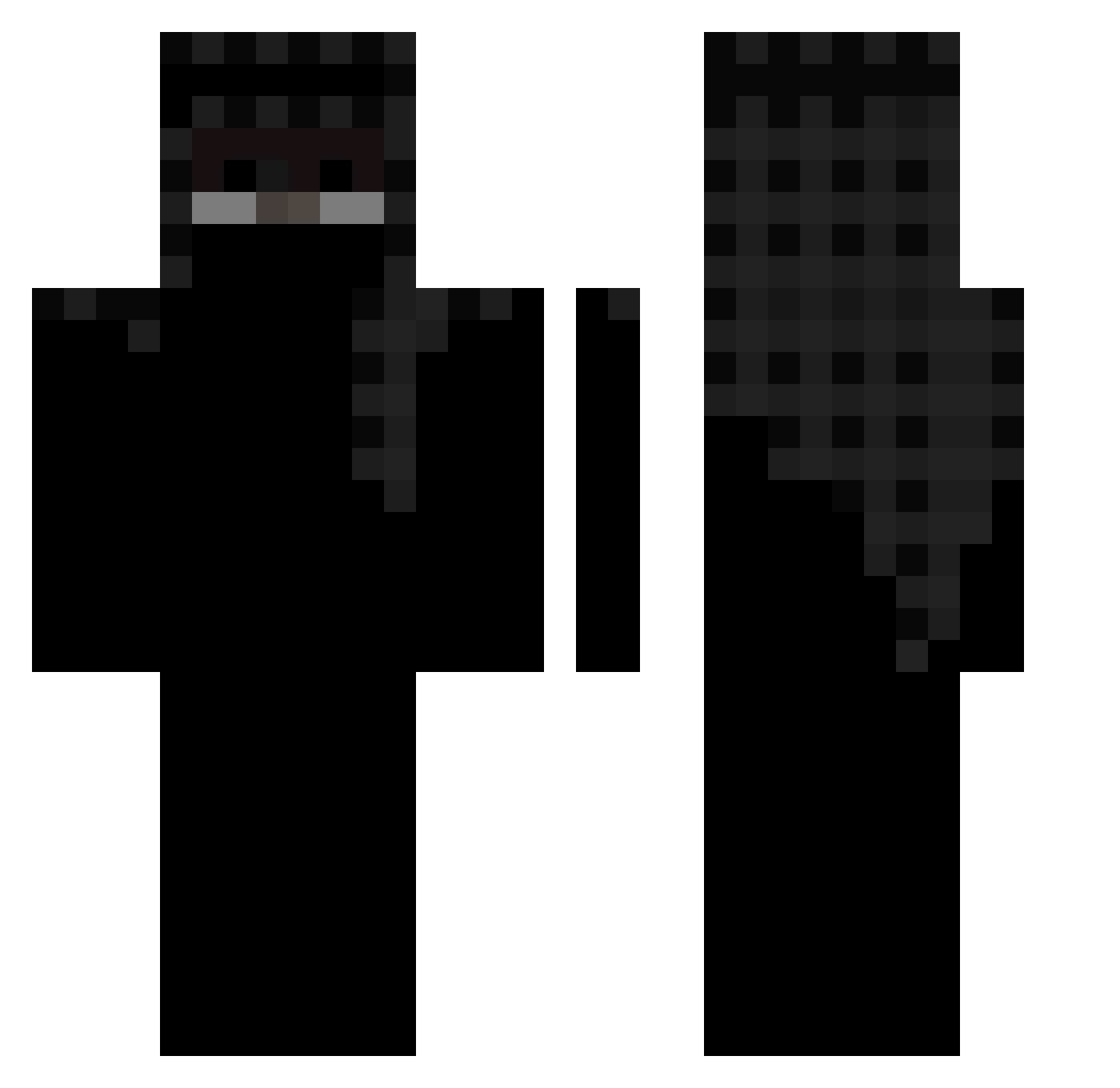
Current Minecraft skin of the player KingSync, loaded from the official Mojang API. Rotate the 3D model with your mouse or finger, then download the skin as a PNG file and use it in Minecraft: Bedrock Edition or Java Edition for free. When KingSync changes their skin, this page updates automatically and the old skin stays in the history below.
Other players with this skin (163)
KingSync was the 138th player we have seen with this skin, first spotted on 22.10.2026. The same skin was seen on these players. Open a nickname to see their current skin and skin history.
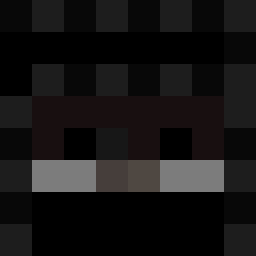 KMN07 R_O_P_S _kwl MPS_by_ME hazeschaden149 sequestrate gzngoldenknight Yeeky CLANKYYYYYYYYYYY pestouille007 abcubee rzxmi Barright 801_shaggy SimplyyAce3458 30sc luxx_01 R0nzo zF4c av1xxxx oMEndess PhanterZak Foxyvp owe2 stagnative Kubhi_GG JustNightMare qNikolai xMqrt vmtr Aliche3 REX335 i47_ cavesigns prevoq Fazqion BihSWO mplnks rafakoxz OrnEmreTR ljght NotJqson acqu4d TurkeyBarber Rurdey dot_dark Glock18Alko xTruskawa NiclFive Kwischi luquita188 RustyShads chrisss1 B1ACKP30P1E ayaxstupidkid holyilyass Ness_7 xAdwidek Craftyologist_ Jxrge77
More Arabian Minecraft skins
How to install the KingSync skin
- Press the Download button above to save the skin as a PNG file.
- Minecraft: Bedrock Edition (PE): open the Dressing Room from the main menu (or tap your character → Edit Character), go to Classic Skins → Owned, press the + (new skin) button, choose the downloaded PNG and pick the Classic (Steve) model. Works on PC and mobile; consoles cannot import custom skins.
- Minecraft: Java Edition: open the Minecraft Launcher, go to the Skins tab, click New Skin, load the PNG, pick the Classic (Steve) model and press Save & Use. You can also upload it at minecraft.net → Profile → Change Skin.
The skin does not show up after import - what should I do?
Restart Minecraft and open the Dressing Room again - imported skins sometimes appear only after a restart. Also make sure you selected the imported skin and picked the Classic (Steve) model.
Which model should I choose, Classic or Slim?
This skin is designed for the Classic (Steve) model. If you pick the wrong model, the arms of the skin will look stretched or squeezed.
Is the skin of KingSync free to download?
Yes. Press Download, save the PNG file and use it in Minecraft: Bedrock Edition or Java Edition - no payment or registration needed. The skin also works on multiplayer servers and Realms.
More skins
Looking for more? Go back to all Minecraft skins and check the top skins of the week, month and all time, or find any player's skin by nickname.