
Kindwine - Minecraft Skins & Skin History
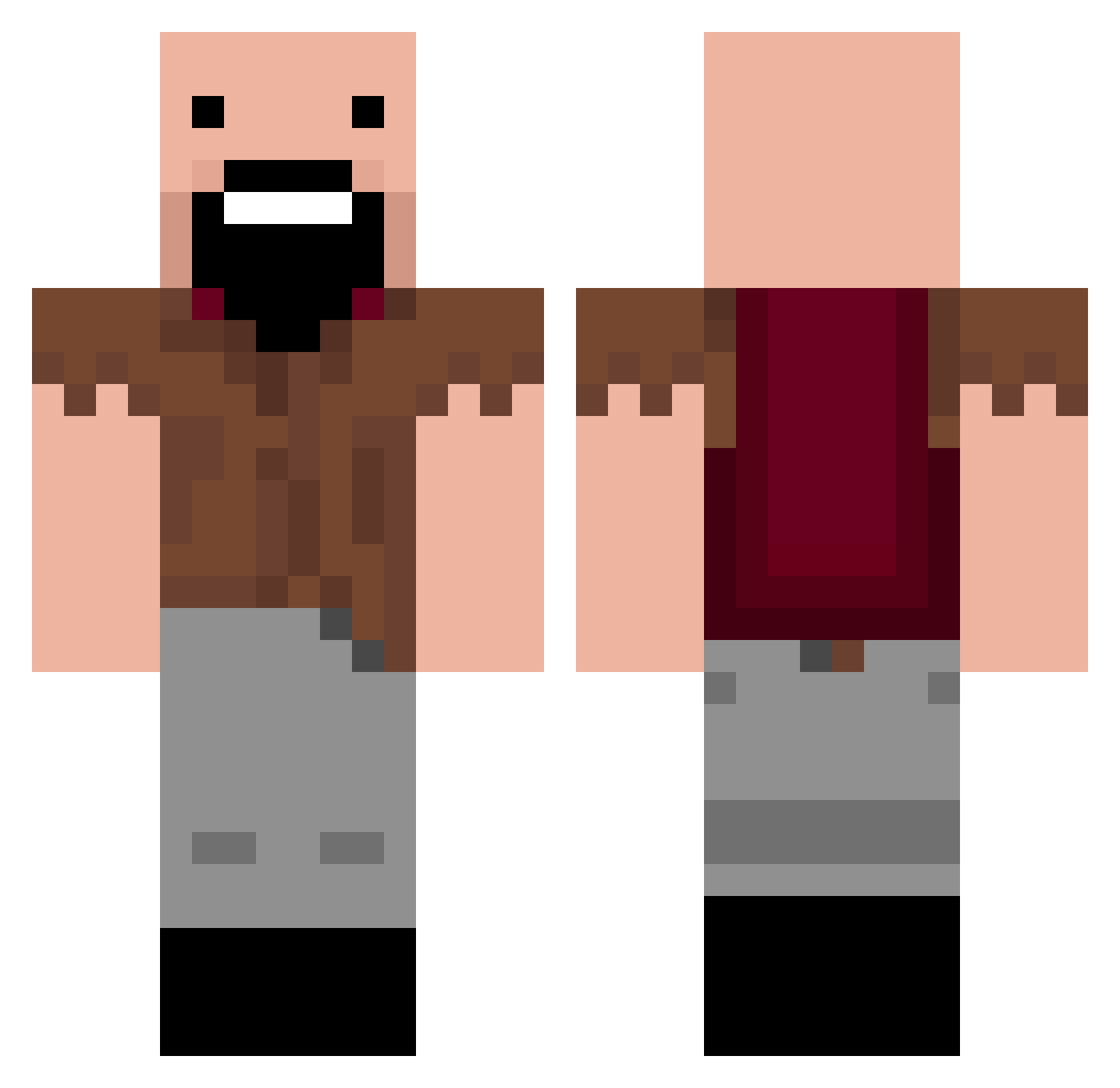
Current Minecraft skin of the player Kindwine, loaded from the official Mojang API. Rotate the 3D model with your mouse or finger, then download the skin as a PNG file and use it in Minecraft: Bedrock Edition or Java Edition for free. When Kindwine changes their skin, this page updates automatically and the old skin stays in the history below.
Other players with this skin (245)
Kindwine was the 168th player we have seen with this skin, first spotted on 05.10.2026. The same skin was seen on these players. Open a nickname to see their current skin and skin history.
 ROID_MAN Chy6an oChills Nizzotch1997 Anemocules 7vrc AllTheWayMan TheGloriousBash newyorklemons VvU373 Geo019 NaloxFanboi GodsBeanPot Zeqhyr_X Bloodytoes YourMomsObese DabLine Julesio jestemkolanem CROFTY1234 ElijahVera Marius_an0 FacuD8 gokufan121 zhx_142323 sk0202j DooDooHerobrine Cupcake_Brainz maktas4453 N0TCH Luck_y1 PezzyItHurts Zowie13 hacoquaovo henta1vsfurries Stormyy11 kulka_krk boeing360 Nightwrade lobstercuck NiKoX4U julien5908 Mattiestat ehyad YaserDeLorean wh_001 Timofey888 Gsusu20 Litay5_ Haxxisgood Fbias monian777 TChen070207 N_tch A1_minecraft Zhl2ck robbo1205 Kristan231_ R3TAK J_bossLei
More Notch Minecraft skins
How to install the Kindwine skin
- Press the Download button above to save the skin as a PNG file.
- Minecraft: Bedrock Edition (PE): open the Dressing Room from the main menu (or tap your character → Edit Character), go to Classic Skins → Owned, press the + (new skin) button, choose the downloaded PNG and pick the Classic (Steve) model. Works on PC and mobile; consoles cannot import custom skins.
- Minecraft: Java Edition: open the Minecraft Launcher, go to the Skins tab, click New Skin, load the PNG, pick the Classic (Steve) model and press Save & Use. You can also upload it at minecraft.net → Profile → Change Skin.
The skin does not show up after import - what should I do?
Restart Minecraft and open the Dressing Room again - imported skins sometimes appear only after a restart. Also make sure you selected the imported skin and picked the Classic (Steve) model.
Which model should I choose, Classic or Slim?
This skin is designed for the Classic (Steve) model. If you pick the wrong model, the arms of the skin will look stretched or squeezed.
Is the skin of Kindwine free to download?
Yes. Press Download, save the PNG file and use it in Minecraft: Bedrock Edition or Java Edition - no payment or registration needed. The skin also works on multiplayer servers and Realms.
More skins
Looking for more? Go back to all Minecraft skins and check the top skins of the week, month and all time, or find any player's skin by nickname.