
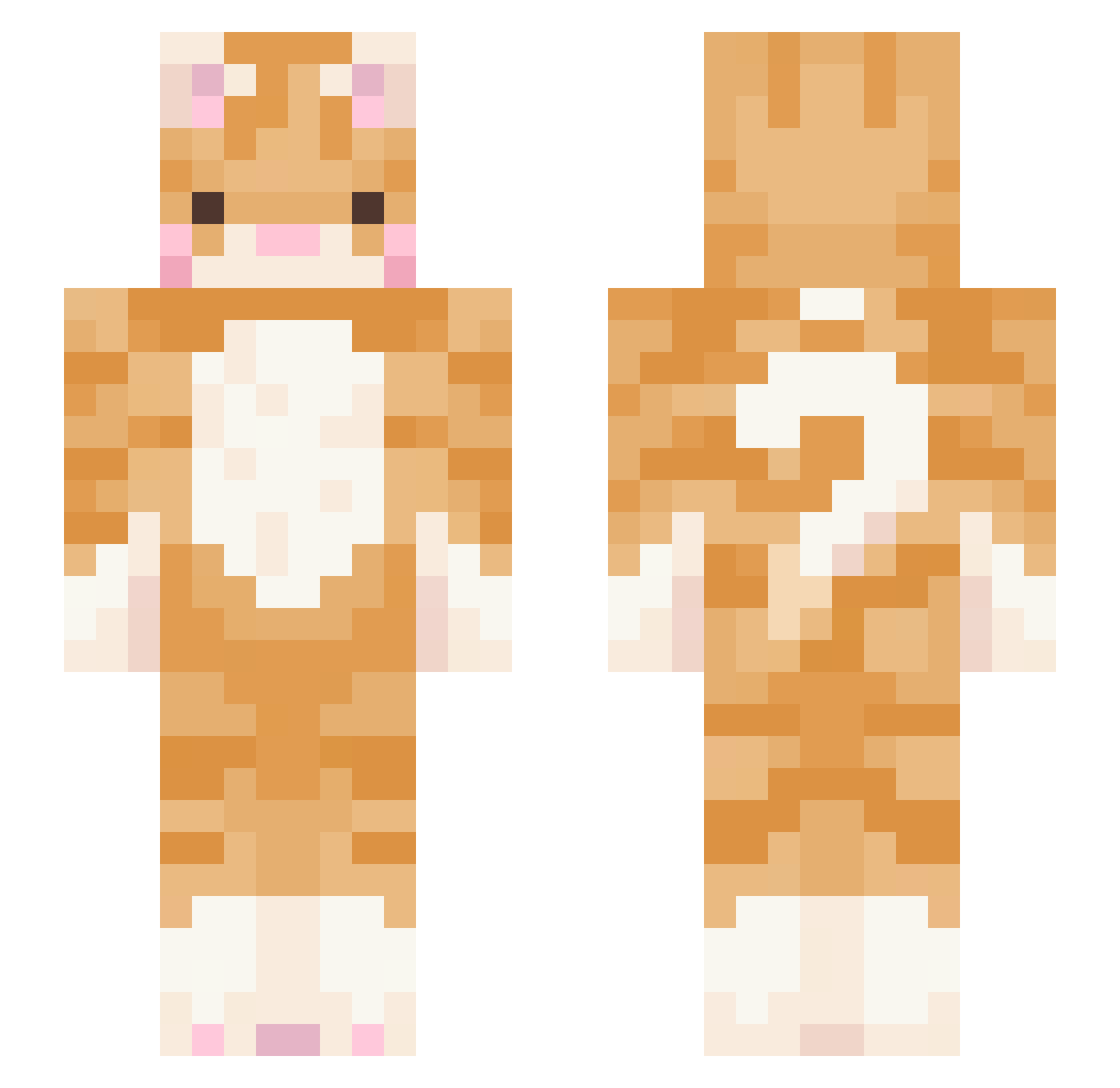
Current Minecraft skin of the player Kim_Lima, loaded from the official Mojang API. Rotate the 3D model with your mouse or finger, then download the skin as a PNG file and use it in Minecraft: Bedrock Edition or Java Edition for free. When Kim_Lima changes their skin, this page updates automatically and the old skin stays in the history below.
Other players with this skin (412)
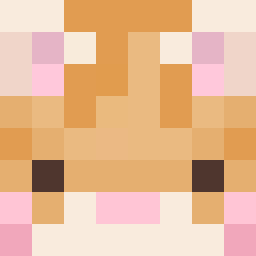
Kim_Lima was the 368th player we have seen with this skin, first spotted on 07.10.2026. The same skin was seen on these players. Open a nickname to see their current skin and skin history.
 youngmin102 cherrychebby pondabear42 stephmunday Jeetty potatatato0 r1ek0 sternsloan sidy1212 Tara_Shakti ZiZONEZrO LizardBattalion PtitBrugnon hirazf MiraKuru00001 victoriapork2370 Andy3568879 Zavzyn holycat0812 BubblesZombie mopimbo dksdudwo gabdotantan ramjiii liltasso ccheeeeze articIess Fusachan DraconicMaster0 NekoMocchi liaaar lakidu14 Nyuuuui ouchuii Melaneigh aghr14711 ibibi01 ursu0 Gudisesecek xiao_jgg dahuieo jamezord Bluecrayon05 Fanciara MUNZiZZi kt_double Neeviv larilari69 nnuggett_ FinnIsDumbb Kachiru seoyeon429 NatuXqX wiskiwi atticusgrey Yalikejazz010 orangecat9001 ribela minimeow7777 catsgom3ow
More Ginger Cat Minecraft skins
How to install the Kim_Lima skin
- Press the Download button above to save the skin as a PNG file.
- Minecraft: Bedrock Edition (PE): open the Dressing Room from the main menu (or tap your character → Edit Character), go to Classic Skins → Owned, press the + (new skin) button, choose the downloaded PNG and pick the Slim (Alex) model. Works on PC and mobile; consoles cannot import custom skins.
- Minecraft: Java Edition: open the Minecraft Launcher, go to the Skins tab, click New Skin, load the PNG, pick the Slim (Alex) model and press Save & Use. You can also upload it at minecraft.net → Profile → Change Skin.
The skin does not show up after import - what should I do?
Restart Minecraft and open the Dressing Room again - imported skins sometimes appear only after a restart. Also make sure you selected the imported skin and picked the Slim (Alex) model.
Which model should I choose, Classic or Slim?
This skin is designed for the Slim (Alex) model. If you pick the wrong model, the arms of the skin will look stretched or squeezed.
Is the skin of Kim_Lima free to download?
Yes. Press Download, save the PNG file and use it in Minecraft: Bedrock Edition or Java Edition - no payment or registration needed. The skin also works on multiplayer servers and Realms.
More skins
Looking for more? Go back to all Minecraft skins and check the top skins of the week, month and all time, or find any player's skin by nickname.