
Khanosss - Minecraft Skins & Skin History
Current Minecraft skin of the player Khanosss, loaded from the official Mojang API. Rotate the 3D model with your mouse or finger, then download the skin as a PNG file and use it in Minecraft: Bedrock Edition or Java Edition for free. When Khanosss changes their skin, this page updates automatically and the old skin stays in the history below.
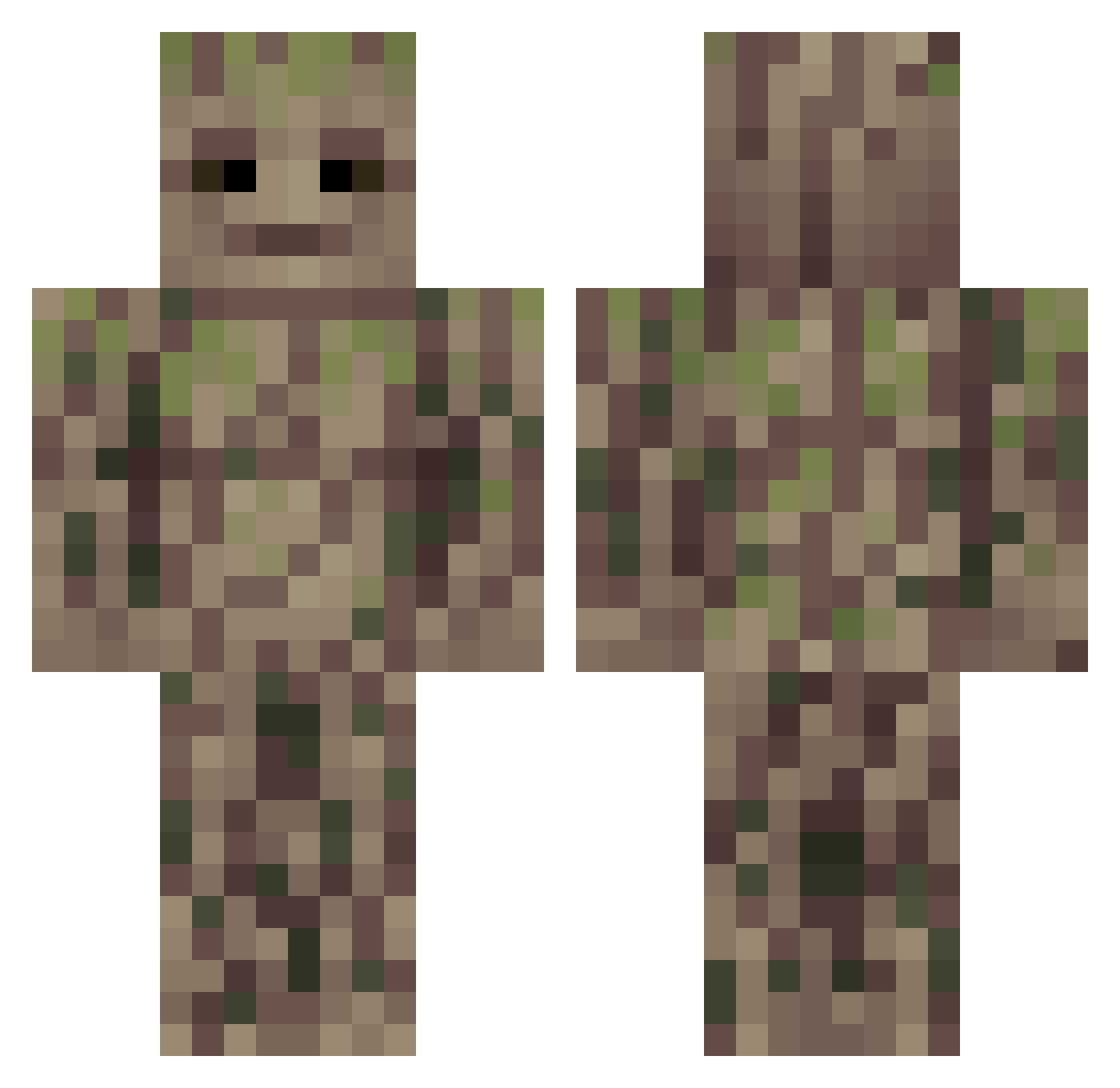
Other players with this skin (53)
Khanosss was the 15th player we have seen with this skin, first spotted on 29.08.2026. The same skin was seen on these players. Open a nickname to see their current skin and skin history.
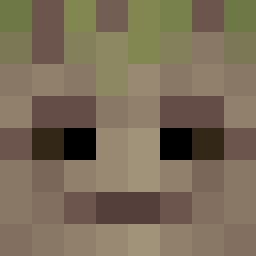 IAMGROOOOOTTT gR0yal SLTNITA toiletplumger Coln_G Gowtthy itsPaaloo MaksMaksMaksMaks Gilvate Newpie_ Marcoo3D kinokonoyama2 Kcfanboy
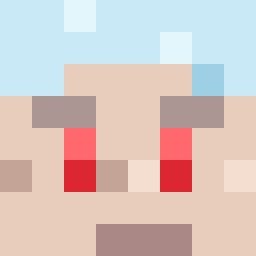 bO_Oa Vwild0174 jojora2 Cartman8 DorrKane FkaFka0217 TheMikeCTv CharlesJHunter Nalya_ Bauto08_ Zuverus __John_Smith__ Revie _SilentEcho yeahun Aviles
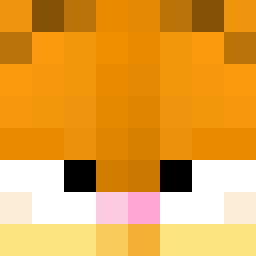 AloneCheeroky Mr_Daro Arkenst0nes Namoojjang Steein59 Brunonthug Hoon0l JOJO4630 jimduong squigle__ BungoBagginses Vulrys psejij RiZaXExtreme Gpixel20 Glorac BloodySou1 ustedqq Snapje johanxz78 _Kenaj_ Okaa_ Mops2208 ianconnorsrvenge
More Groot Minecraft skins
How to install the Khanosss skin
- Press the Download button above to save the skin as a PNG file.
- Minecraft: Bedrock Edition (PE): open the Dressing Room from the main menu (or tap your character → Edit Character), go to Classic Skins → Owned, press the + (new skin) button, choose the downloaded PNG and pick the Classic (Steve) model. Works on PC and mobile; consoles cannot import custom skins.
- Minecraft: Java Edition: open the Minecraft Launcher, go to the Skins tab, click New Skin, load the PNG, pick the Classic (Steve) model and press Save & Use. You can also upload it at minecraft.net → Profile → Change Skin.
The skin does not show up after import - what should I do?
Restart Minecraft and open the Dressing Room again - imported skins sometimes appear only after a restart. Also make sure you selected the imported skin and picked the Classic (Steve) model.
Which model should I choose, Classic or Slim?
This skin is designed for the Classic (Steve) model. If you pick the wrong model, the arms of the skin will look stretched or squeezed.
Is the skin of Khanosss free to download?
Yes. Press Download, save the PNG file and use it in Minecraft: Bedrock Edition or Java Edition - no payment or registration needed. The skin also works on multiplayer servers and Realms.
More skins
Looking for more? Go back to all Minecraft skins and check the top skins of the week, month and all time, or find any player's skin by nickname.