
KevCua - Minecraft Skins & Skin History
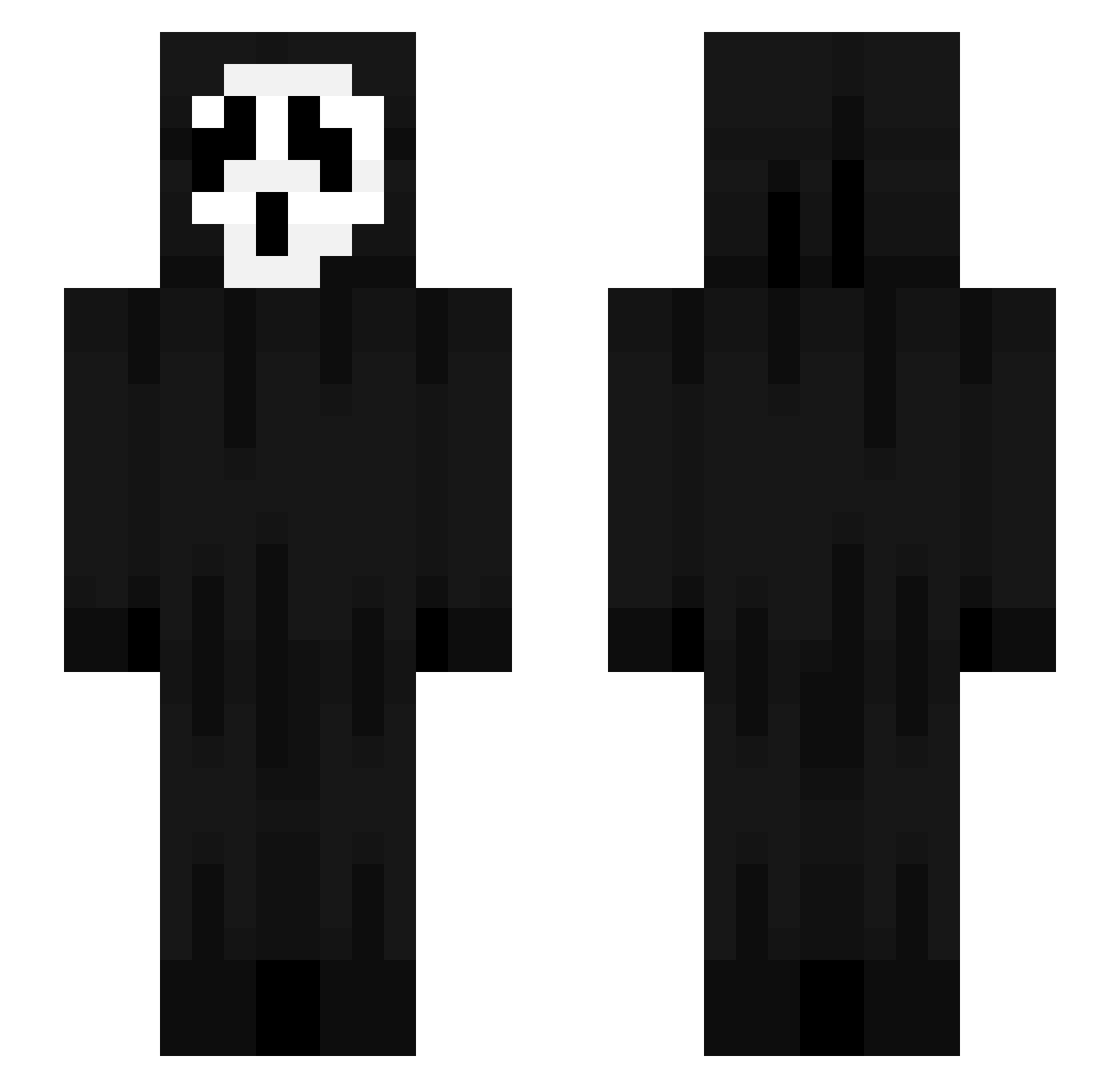
Current Minecraft skin of the player KevCua, loaded from the official Mojang API. Rotate the 3D model with your mouse or finger, then download the skin as a PNG file and use it in Minecraft: Bedrock Edition or Java Edition for free. When KevCua changes their skin, this page updates automatically and the old skin stays in the history below.
Other players with this skin (43)
KevCua was the 22nd player we have seen with this skin, first spotted on 22.10.2026. The same skin was seen on these players. Open a nickname to see their current skin and skin history.
 vcardisexpired marmota_2 KingTutu03 balafini VICMORTEL Minnete lucasx232 Birdings sebzz09 Elsloo skaffatar 18ct Recruta69 szymxrx CPSI1 Kacperski2011 KIlaJonas Dxniel_xLx NicolasYcyy R4mzess snookyy PMJumper yaudanny Jegor222 Harissj Dou_UwU JettSilver Nikytoo AntonioK15 Kanter_pro2 Nafazowanyy zflinx husseinii BINCI122 SalchiWatas DroppedByYoktum gloryjitt2 Kjutz ant0s132 Hummeler2026 Novelkarma124 OtakuSenpie 67CW
More Scream Minecraft skins
How to install the KevCua skin
- Press the Download button above to save the skin as a PNG file.
- Minecraft: Bedrock Edition (PE): open the Dressing Room from the main menu (or tap your character → Edit Character), go to Classic Skins → Owned, press the + (new skin) button, choose the downloaded PNG and pick the Slim (Alex) model. Works on PC and mobile; consoles cannot import custom skins.
- Minecraft: Java Edition: open the Minecraft Launcher, go to the Skins tab, click New Skin, load the PNG, pick the Slim (Alex) model and press Save & Use. You can also upload it at minecraft.net → Profile → Change Skin.
The skin does not show up after import - what should I do?
Restart Minecraft and open the Dressing Room again - imported skins sometimes appear only after a restart. Also make sure you selected the imported skin and picked the Slim (Alex) model.
Which model should I choose, Classic or Slim?
This skin is designed for the Slim (Alex) model. If you pick the wrong model, the arms of the skin will look stretched or squeezed.
Is the skin of KevCua free to download?
Yes. Press Download, save the PNG file and use it in Minecraft: Bedrock Edition or Java Edition - no payment or registration needed. The skin also works on multiplayer servers and Realms.
More skins
Looking for more? Go back to all Minecraft skins and check the top skins of the week, month and all time, or find any player's skin by nickname.