
Kenzify - Minecraft Skins & Skin History
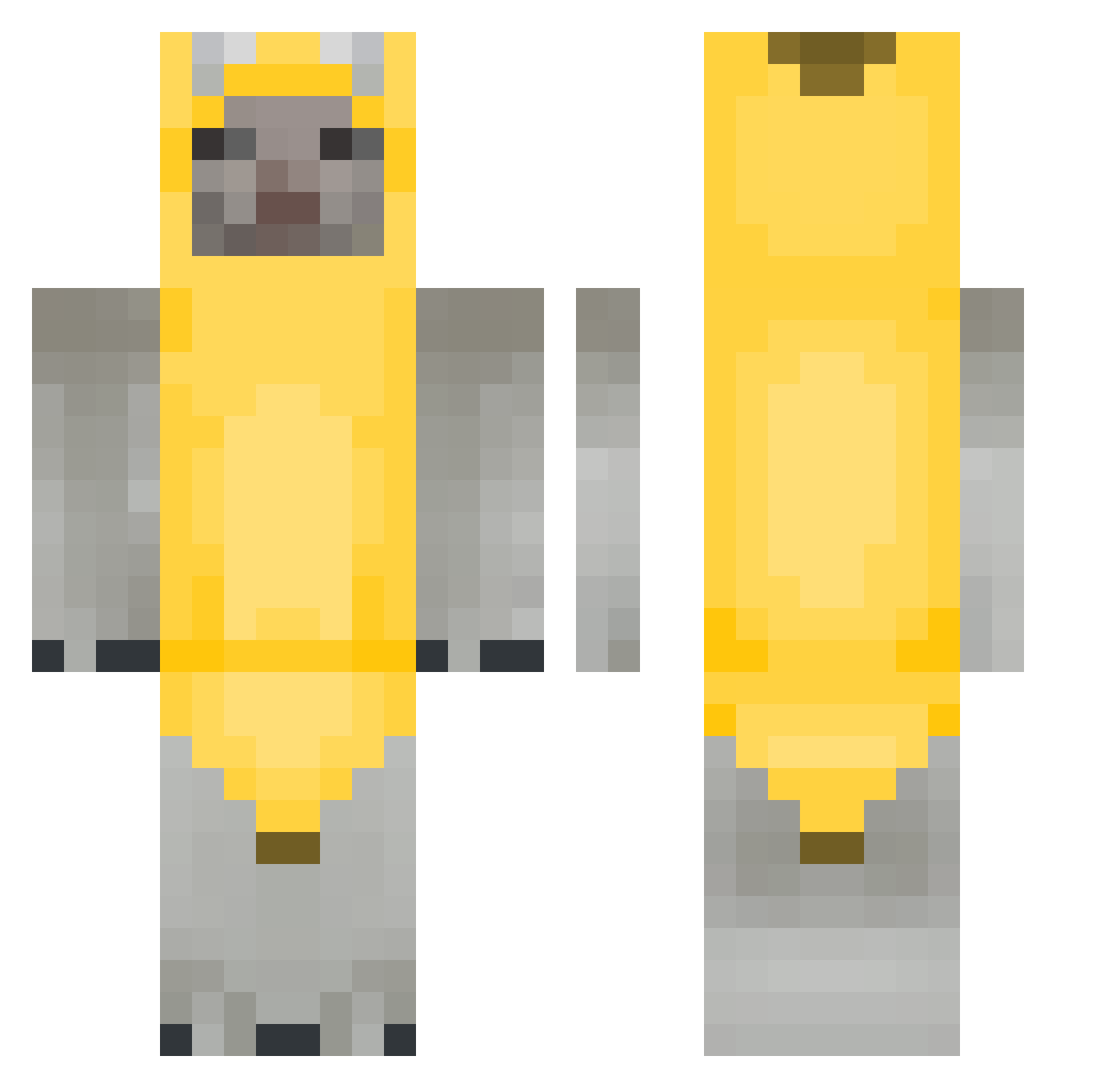
Current Minecraft skin of the player Kenzify, loaded from the official Mojang API. Rotate the 3D model with your mouse or finger, then download the skin as a PNG file and use it in Minecraft: Bedrock Edition or Java Edition for free. When Kenzify changes their skin, this page updates automatically and the old skin stays in the history below.
Other players with this skin (322)
Kenzify was the 303rd player we have seen with this skin, first spotted on 11.11.2026. The same skin was seen on these players. Open a nickname to see their current skin and skin history.
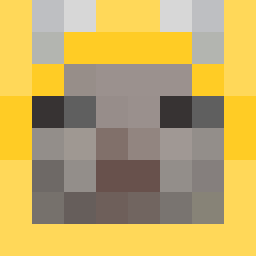 Herminiosanti Th0ner Fenoska0 6ape madeincreeper yotusi OverDeath_99 gibananana lemoneicetea Wisps pll6 jo_wa styleme2417 hen5h1n Sodd1 TDeas Shulis Maiwenn87 NorrkeN Lewynson Omakaboy ChordsJensen_ JoboPoggers Facunnunez Gagoolee0_0 PotoFlof YetaIII fvsh_ Aluk76 Moss_Maurice gay1972 hping ZZAZZANG59 SunnyDaysOnly schm0lx Znebbe atinysannie MekkQ Ucannine astroue xStiii v4mp3 maxio0181 xdwojtus plipsqueak DabboyWAR ykzya KAANkarol Zjors StupidCactus PixelFuchs narkovrag ProductID 3xxy1 Glumshankz CookieNot lllliililil Noob1052easy Koriix_ young_juuzou
More Banana Costume Minecraft skins
See all 59 Banana Costume skins
How to install the Kenzify skin
- Press the Download button above to save the skin as a PNG file.
- Minecraft: Bedrock Edition (PE): open the Dressing Room from the main menu (or tap your character → Edit Character), go to Classic Skins → Owned, press the + (new skin) button, choose the downloaded PNG and pick the Classic (Steve) model. Works on PC and mobile; consoles cannot import custom skins.
- Minecraft: Java Edition: open the Minecraft Launcher, go to the Skins tab, click New Skin, load the PNG, pick the Classic (Steve) model and press Save & Use. You can also upload it at minecraft.net → Profile → Change Skin.
The skin does not show up after import - what should I do?
Restart Minecraft and open the Dressing Room again - imported skins sometimes appear only after a restart. Also make sure you selected the imported skin and picked the Classic (Steve) model.
Which model should I choose, Classic or Slim?
This skin is designed for the Classic (Steve) model. If you pick the wrong model, the arms of the skin will look stretched or squeezed.
Is the skin of Kenzify free to download?
Yes. Press Download, save the PNG file and use it in Minecraft: Bedrock Edition or Java Edition - no payment or registration needed. The skin also works on multiplayer servers and Realms.
More skins
Looking for more? Go back to all Minecraft skins and check the top skins of the week, month and all time, or find any player's skin by nickname.