
Keeperofthedoge - Minecraft Skins & Skin History
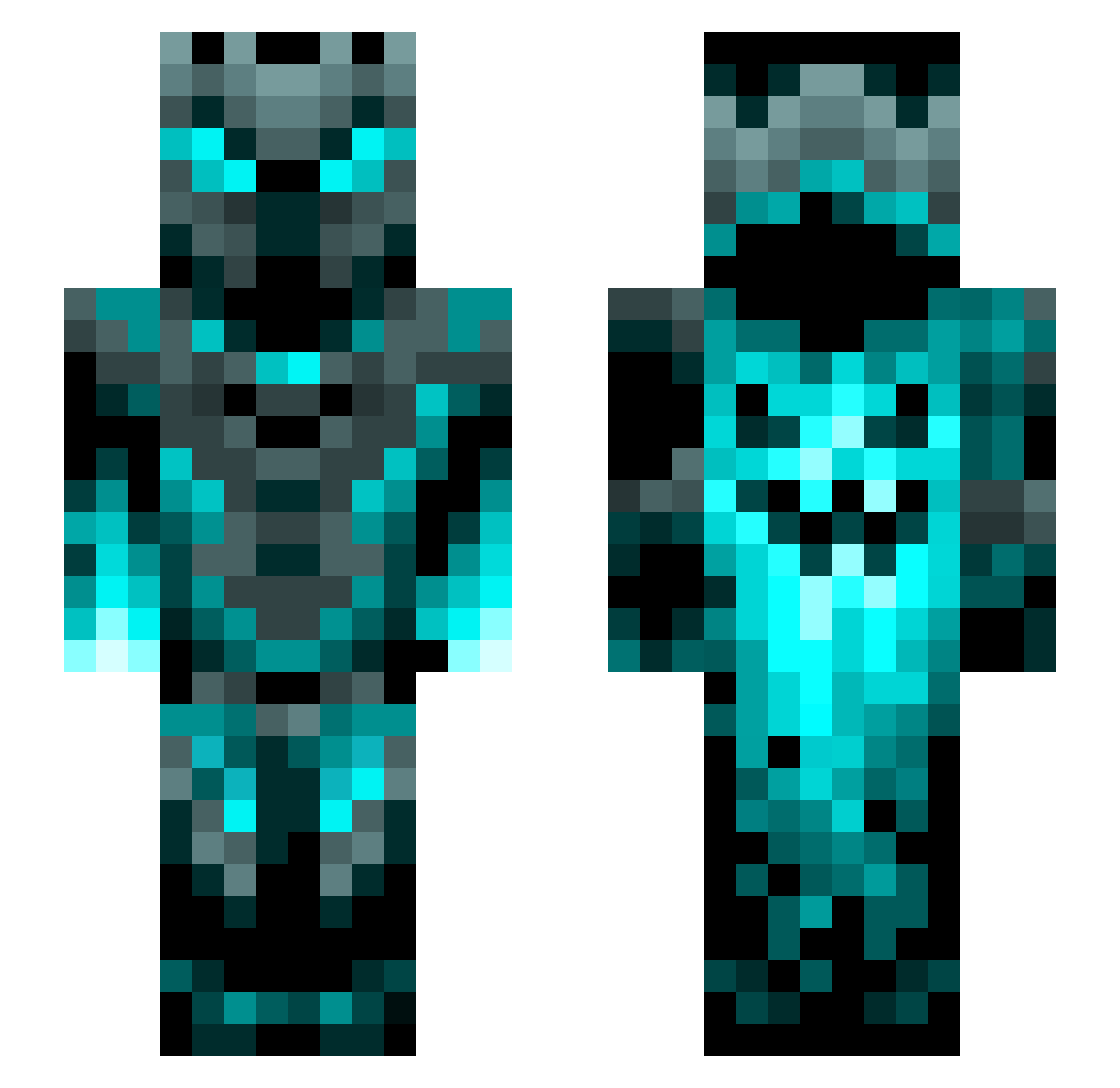
Current Minecraft skin of the player Keeperofthedoge, loaded from the official Mojang API. Rotate the 3D model with your mouse or finger, then download the skin as a PNG file and use it in Minecraft: Bedrock Edition or Java Edition for free. When Keeperofthedoge changes their skin, this page updates automatically and the old skin stays in the history below.
Other players with this skin (1452)
Keeperofthedoge was the 1401st player we have seen with this skin, first spotted on 14.11.2026. The same skin was seen on these players. Open a nickname to see their current skin and skin history.
 Pooping_P3anut Perojuroslav Heopeo112 xXAnime_ThighsXx Thiago2015 eggaster Simlovet pangkt18 LaDeli GSKJACKE23 Thor530 LastAmgel andjron88 Arthur2007G RobotNinjaUK volvo22 voidchicken123 Jordan27147 ArielGato2107 wtt7m Julianstik Lisa1226 Brolylord Legendary12345 MINECRAFT_HAN xXTurboBabkaXx Breaker264 Freschlol202 Adviser1989 LargeAllhG8r466 Gekowen Rade22 Hydra22 Sup0405 SelimT8 HenioWoz Alexandrek63 bobzy16 fayyadhea RapierYoghurt carlos_guapo 0k0lala Maukku1 BingBangBlip BUBBAxBUCK highspace_333 GamerJimBob Moonal_ Take4behus Zomvyx Allebasi215 _metalher0_ IronWarrior115 PhoenixGamer1121 ChaosXCrystal TheNalen Lexkozd AceSlayer505 Miitsuha BlackWolf82
More Phantom Minecraft skins
How to install the Keeperofthedoge skin
- Press the Download button above to save the skin as a PNG file.
- Minecraft: Bedrock Edition (PE): open the Dressing Room from the main menu (or tap your character → Edit Character), go to Classic Skins → Owned, press the + (new skin) button, choose the downloaded PNG and pick the Slim (Alex) model. Works on PC and mobile; consoles cannot import custom skins.
- Minecraft: Java Edition: open the Minecraft Launcher, go to the Skins tab, click New Skin, load the PNG, pick the Slim (Alex) model and press Save & Use. You can also upload it at minecraft.net → Profile → Change Skin.
The skin does not show up after import - what should I do?
Restart Minecraft and open the Dressing Room again - imported skins sometimes appear only after a restart. Also make sure you selected the imported skin and picked the Slim (Alex) model.
Which model should I choose, Classic or Slim?
This skin is designed for the Slim (Alex) model. If you pick the wrong model, the arms of the skin will look stretched or squeezed.
Is the skin of Keeperofthedoge free to download?
Yes. Press Download, save the PNG file and use it in Minecraft: Bedrock Edition or Java Edition - no payment or registration needed. The skin also works on multiplayer servers and Realms.
More skins
Looking for more? Go back to all Minecraft skins and check the top skins of the week, month and all time, or find any player's skin by nickname.