
Katana881 - Minecraft Skins & Skin History
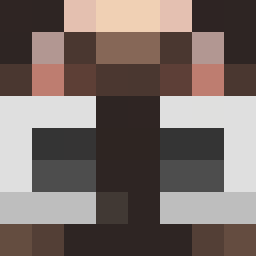
Current Minecraft skin of the player Katana881, loaded from the official Mojang API. Rotate the 3D model with your mouse or finger, then download the skin as a PNG file and use it in Minecraft: Bedrock Edition or Java Edition for free. When Katana881 changes their skin, this page updates automatically and the old skin stays in the history below.
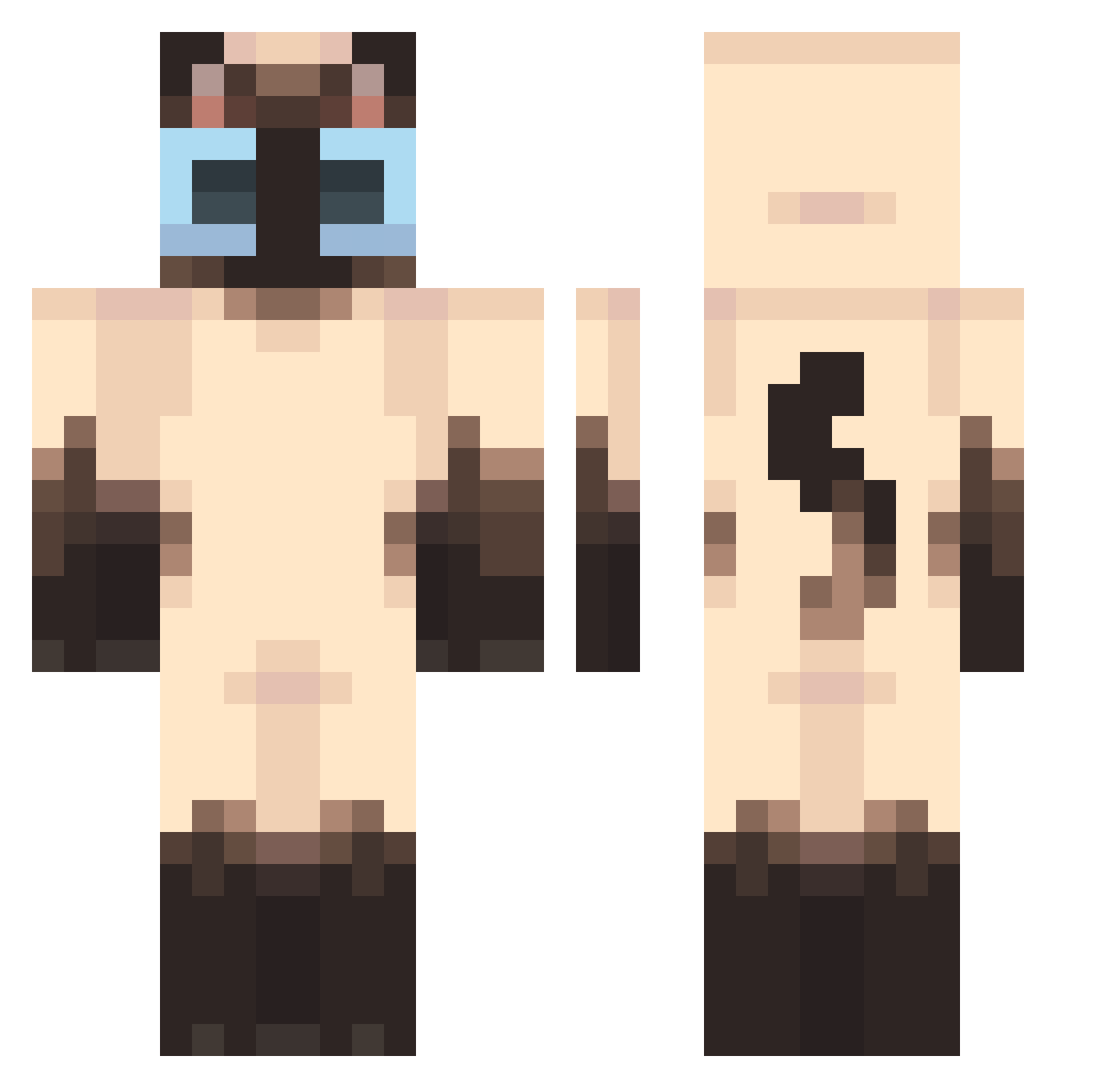
Other players with this skin (440)
Katana881 was the 70th player we have seen with this skin, first spotted on 12.08.2026. The same skin was seen on these players. Open a nickname to see their current skin and skin history.
 NetherwartMC kotek5224 FluffyBallGamer 3s_legend Sogemaji DJ_LilBoi blackshad22 KonekoTosuto Slythuum astanuncapolo bblegumbabiee DedoGraham _Grxnt Va1kyrie1 Louikiki
 Nikit0_0 mxfuyyu PedroAC226 mer1lvv shadowzz2112 babychuchumumu sipstilpane
 Le_Goo AofSmiley Baardaap2 mitskq li1iu alana_c393 iAndree_ Mugimaya rdanik komicul media241 darkseas213
 Charlycat13 macyg545 Q445 blackdemon11111 KOZE_2 mrrpmrrp can_len AMO_AS_PLUSSIZE ceumcainks AkioFloof FriedMonkee
 akayoungmvtii ReVuerta idaruisonyeo POLO_333 pimpg Frannnnnn Lisuxx
 Dojyyannnnnn Cyber1_
 Kingly3011 eternallyselly PinnedBy iiwuvu poyuu718 CKRISPIS
More Siamese Cat Minecraft skins
How to install the Katana881 skin
- Press the Download button above to save the skin as a PNG file.
- Minecraft: Bedrock Edition (PE): open the Dressing Room from the main menu (or tap your character → Edit Character), go to Classic Skins → Owned, press the + (new skin) button, choose the downloaded PNG and pick the Classic (Steve) model. Works on PC and mobile; consoles cannot import custom skins.
- Minecraft: Java Edition: open the Minecraft Launcher, go to the Skins tab, click New Skin, load the PNG, pick the Classic (Steve) model and press Save & Use. You can also upload it at minecraft.net → Profile → Change Skin.
The skin does not show up after import - what should I do?
Restart Minecraft and open the Dressing Room again - imported skins sometimes appear only after a restart. Also make sure you selected the imported skin and picked the Classic (Steve) model.
Which model should I choose, Classic or Slim?
This skin is designed for the Classic (Steve) model. If you pick the wrong model, the arms of the skin will look stretched or squeezed.
Is the skin of Katana881 free to download?
Yes. Press Download, save the PNG file and use it in Minecraft: Bedrock Edition or Java Edition - no payment or registration needed. The skin also works on multiplayer servers and Realms.
More skins
Looking for more? Go back to all Minecraft skins and check the top skins of the week, month and all time, or find any player's skin by nickname.