
Kartky - Minecraft Skins & Skin History
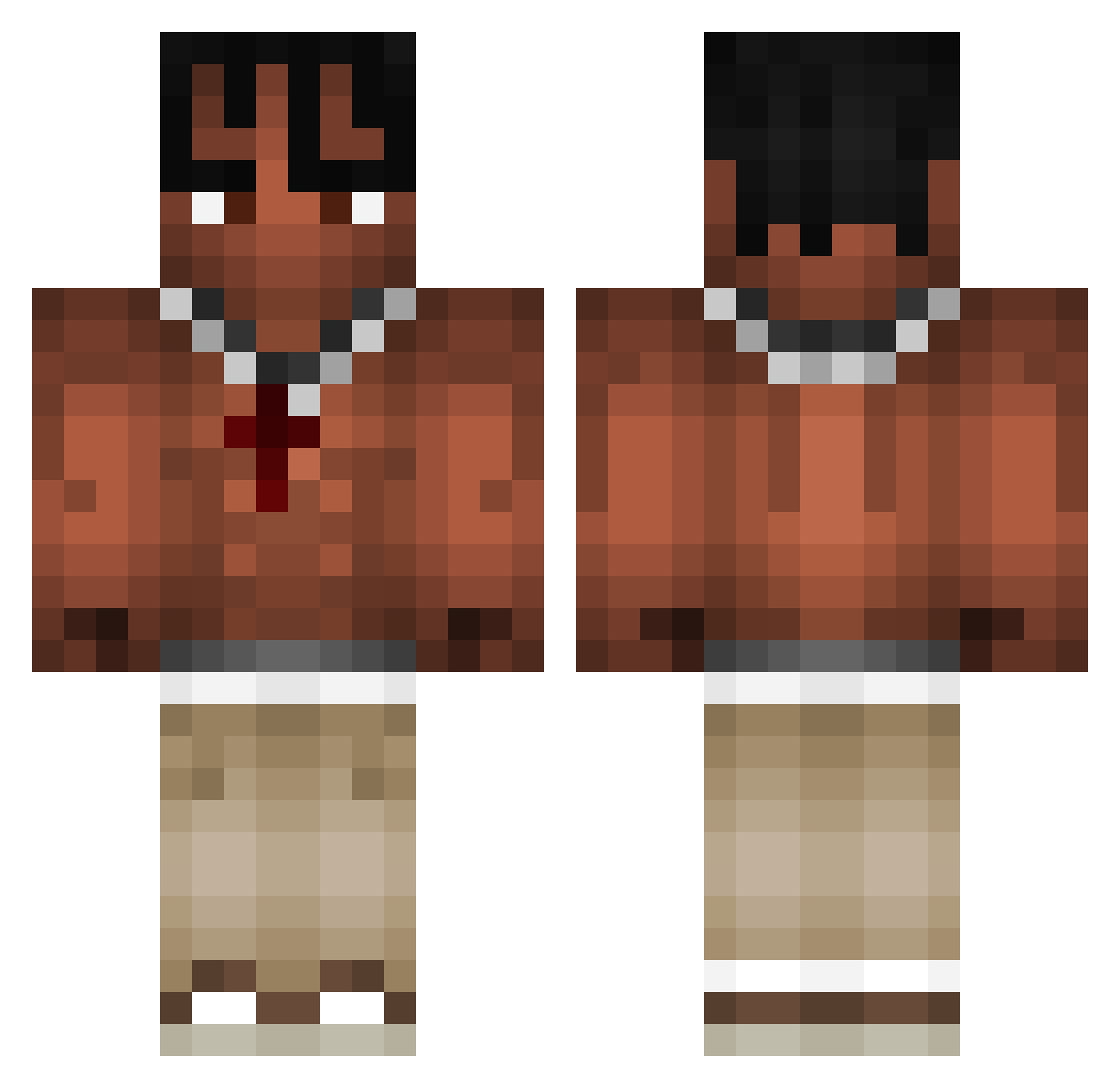
Current Minecraft skin of the player Kartky, loaded from the official Mojang API. Rotate the 3D model with your mouse or finger, then download the skin as a PNG file and use it in Minecraft: Bedrock Edition or Java Edition for free. When Kartky changes their skin, this page updates automatically and the old skin stays in the history below.
Other players with this skin (973)
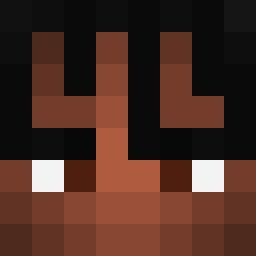
Kartky was the 183rd player we have seen with this skin, first spotted on 12.08.2026. The same skin was seen on these players. Open a nickname to see their current skin and skin history.
 saimon99990 YSPZN Batmatt2012 yornestor onfirenick Elegancik69 Onuuri Speeck98 Jay_Jello LilRosa333 Pranavsejwal Q_xolek_Q St0rmzy0 BigSosa17 marcrac easterica FlaVa420ELO price_industry _THD ilrizzi08 meduxssa BuzinX Maluku2009 LeRoiBambi xStipis Pblin7 tudorelcucdefier Alfio456 pacoeldelgas KURTZZZZZZZZZZ Synthrax142 ELTURITO ycisrage DeadHunt3rZ Chrchel08 ZAZAhiszpan spoconymikus yung_saph smithie13 Telefonoplader TACHIX2009 Diegoxcx18 mmissspelled Yasook farmer884 xJoako23 Its_Lit_69 chocot0rta kingoffun RasmusJP20 KRZ13 1312_L Lukas_qRAy benjaggod matoslevu NotNavyJustPlay Tjarki_Dbk Pedroavds Repal0801 1918ludiq
More Xxxtentacion Minecraft skins
See all 409 Xxxtentacion skins
How to install the Kartky skin
- Press the Download button above to save the skin as a PNG file.
- Minecraft: Bedrock Edition (PE): open the Dressing Room from the main menu (or tap your character → Edit Character), go to Classic Skins → Owned, press the + (new skin) button, choose the downloaded PNG and pick the Classic (Steve) model. Works on PC and mobile; consoles cannot import custom skins.
- Minecraft: Java Edition: open the Minecraft Launcher, go to the Skins tab, click New Skin, load the PNG, pick the Classic (Steve) model and press Save & Use. You can also upload it at minecraft.net → Profile → Change Skin.
The skin does not show up after import - what should I do?
Restart Minecraft and open the Dressing Room again - imported skins sometimes appear only after a restart. Also make sure you selected the imported skin and picked the Classic (Steve) model.
Which model should I choose, Classic or Slim?
This skin is designed for the Classic (Steve) model. If you pick the wrong model, the arms of the skin will look stretched or squeezed.
Is the skin of Kartky free to download?
Yes. Press Download, save the PNG file and use it in Minecraft: Bedrock Edition or Java Edition - no payment or registration needed. The skin also works on multiplayer servers and Realms.
More skins
Looking for more? Go back to all Minecraft skins and check the top skins of the week, month and all time, or find any player's skin by nickname.