
Karmas_Shadow - Minecraft Skins & Skin History
Current Minecraft skin of the player Karmas_Shadow, loaded from the official Mojang API. Rotate the 3D model with your mouse or finger, then download the skin as a PNG file and use it in Minecraft: Bedrock Edition or Java Edition for free. When Karmas_Shadow changes their skin, this page updates automatically and the old skin stays in the history below.
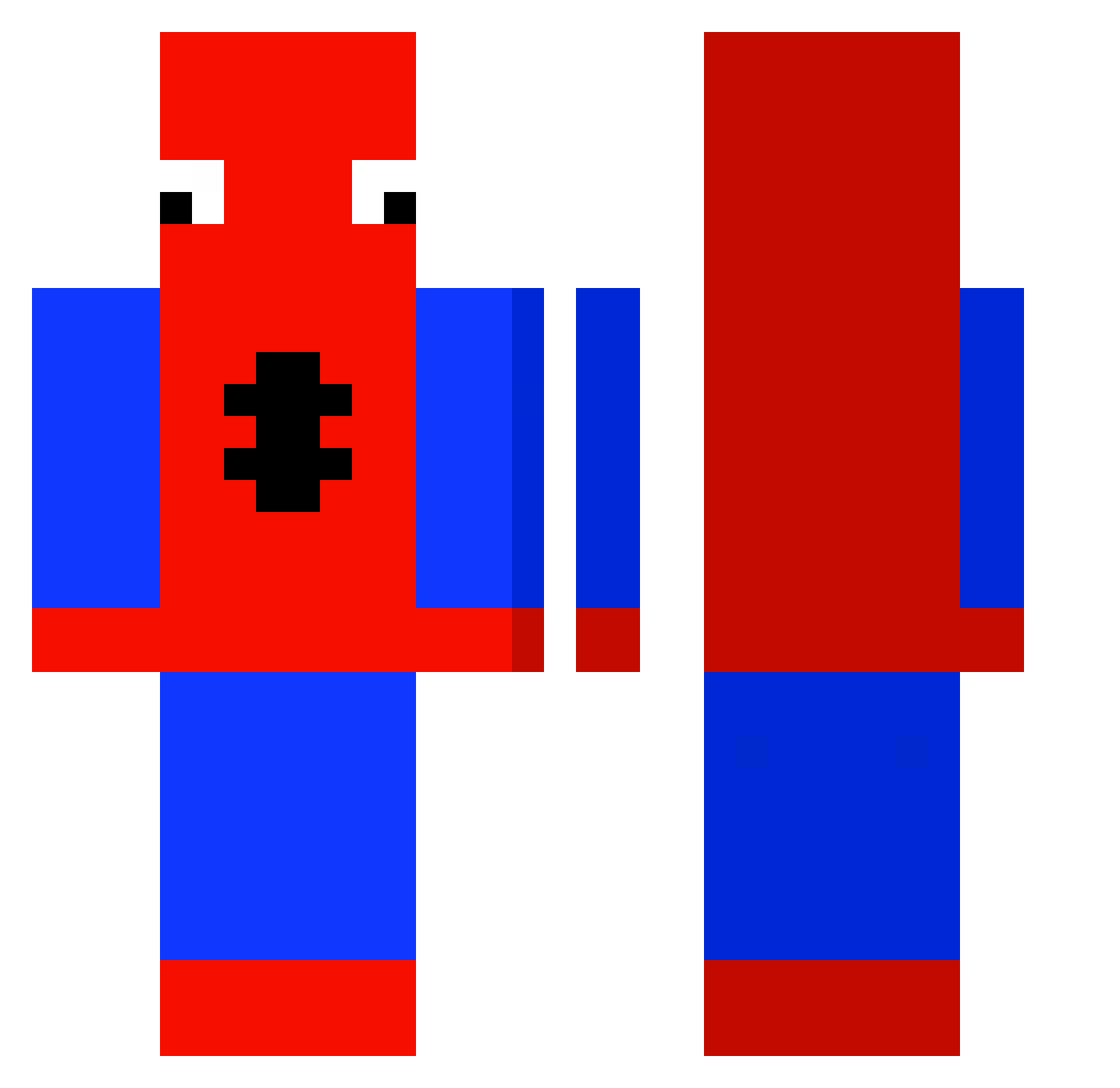
Other players with this skin (429)
Karmas_Shadow was the 50th player we have seen with this skin, first spotted on 05.08.2026. The same skin was seen on these players. Open a nickname to see their current skin and skin history.
 OrchidPavilion Flexyu ItsCowboy7 ToastedWafleee Diegoxxd7 AB0MJ nubstah
 Kira10k jc839 Doughboyslimss GrosKave007 Rinksuio ItsSwah Ijekis KylinWeber Chriscocha awexx__ Poopzzzz youbee2 Vampzeh Stompp_ Fe4ver baljeetsdad96 Makinori lookism_t shyzao DailyStone1 Max2251 Rokistan jguizz CrazyMatty Gabychi Harkig n0oDlE_slayz logic_Szn xRenPL Thanatossik _fernanduski_ Godapp1e13 BigBoyBlaise GhOsTaY5487 Tomek_pop2 SoACabecinha2 SkyQuell Looster_12 frepee ervikhunk RgLmongoose SonicKing_ Glizzy_Gobbling Outlaw931 shadowboylord1 Bean_enjoyer_22 smartyPants448 NguyP ButtersUWU Jula13 QuantumRealm01 Dieghino18 poolverineseojun
More Spider-Man Minecraft skins
How to install the Karmas_Shadow skin
- Press the Download button above to save the skin as a PNG file.
- Minecraft: Bedrock Edition (PE): open the Dressing Room from the main menu (or tap your character → Edit Character), go to Classic Skins → Owned, press the + (new skin) button, choose the downloaded PNG and pick the Classic (Steve) model. Works on PC and mobile; consoles cannot import custom skins.
- Minecraft: Java Edition: open the Minecraft Launcher, go to the Skins tab, click New Skin, load the PNG, pick the Classic (Steve) model and press Save & Use. You can also upload it at minecraft.net → Profile → Change Skin.
The skin does not show up after import - what should I do?
Restart Minecraft and open the Dressing Room again - imported skins sometimes appear only after a restart. Also make sure you selected the imported skin and picked the Classic (Steve) model.
Which model should I choose, Classic or Slim?
This skin is designed for the Classic (Steve) model. If you pick the wrong model, the arms of the skin will look stretched or squeezed.
Is the skin of Karmas_Shadow free to download?
Yes. Press Download, save the PNG file and use it in Minecraft: Bedrock Edition or Java Edition - no payment or registration needed. The skin also works on multiplayer servers and Realms.
More skins
Looking for more? Go back to all Minecraft skins and check the top skins of the week, month and all time, or find any player's skin by nickname.